Ditch the "Enterprise Tax." 🚀Experience 3x Faster PDF Workflows with UPDF & AI.

UPDF AI logoUPDF AI

Free Online AI Invoice Data Extraction Tool

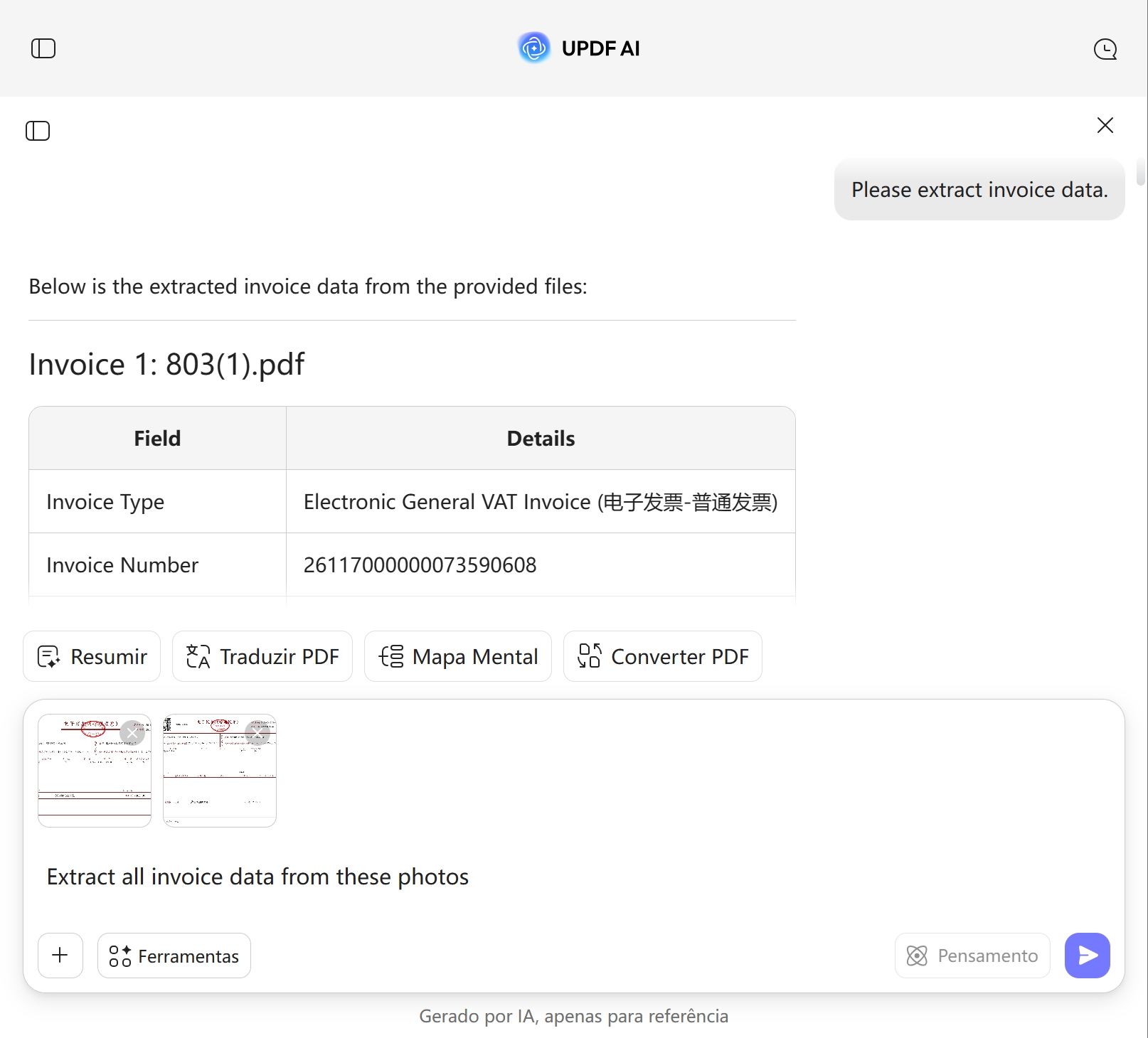
Powered by ChatGPT-5 and DeepSeek R1, UPDF AI helps you extract invoice data quickly and accurately. Upload your invoices or documents, and UPDF AI automatically captures key details such as invoice numbers, dates, totals, and vendor information in seconds.

{{aiInputIframe}}

Powered by

UPDF AI powered by GPT-5 GPT-5 | UPDF AI powered by Deepseek R1 DeepSeek R1

5000+ Reviews

UPDF AI star level 4.8

UPDF AI available on

UPDF ai win icon UPDF AI mac icon UPDF AI ios icon UPDF android icon UPDF AI web icon

2M+ Users, 1M+ Invoices Extracted, Trusted by Leading Media:

UPDF AI 9T5mac UPDF how to geek UPDF AI aiappleinsider UPDF AI pcworld UPDF AI techvdvi UPDF AI macrumors

How to Use UPDF AI Invoice Data Extraction Online for Free?

  • Upload invoices or enter data
    PDF: Upload PDF invoices, receipts, or billing documents and enter a prompt like "Please extract invoice data." UPDF AI will automatically identify key info such as invoice number, date, amount, and vendor.
    Text/Images: You can also upload images or paste text and use prompts like “Extract invoice data from these photos.”

  • Select AI model
    ChatGPT-5 is default. Switch to DeepSeek R1 for more detailed structured results.

  • Extract invoice data
    Click “Send” to extract and organize invoice info into a clear table, including invoice number, date, total amount, and line items.

  • Review, refine, and export
    Check the AI-extracted invoice data, regenerate or edit if needed, then copy to a blank UPDF document for reporting or processing.

Use it NowUPDF AI index span icon
 UPDF AI Invoice Data Extraction

Why Choose UPDF AI Invoice Data Extraction?

Efficient, Paperless Workflow

UPDF AI makes invoice processing fully digital, eliminating the need for printing or manual entry. This not only saves time and paper, but also makes your office workflow more efficient and stress-free.

Efficient, Paperless Workflow

Turn Routine Tasks into Insights

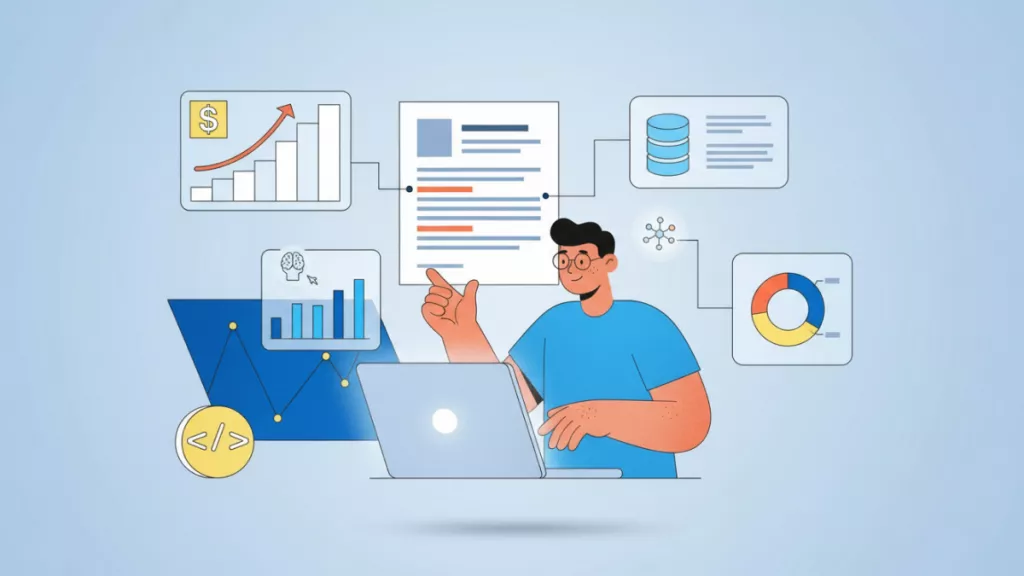
UPDF AI doesn’t just extract invoice data—it organizes it into clear tables so you can quickly see spending patterns, track vendor performance, and easily spot opportunities to save costs or optimize processes.

Turn Routine Tasks into Insights

Your Data, Fully Protected

Your documents remain entirely under your control and will never be shared for any reason. UPDF AI encrypts all documents during transfer and storage, rigorously protecting your information in compliance with the highest security standards.

Your Data, Fully Protected
Try Now

UPDF AI Invoice Data Extraction vs. Other AI Tools

UPDF AI

Other AI Tools

Extraction Quality

Clear, structured, and accurate invoice data

Often text-heavy, may require manual edits

Table parsing accuracy

Good (built-in OCR)

High (configurable)

Input Formats

PDF, text, images

Limited formats

Invoice field recognition

Auto common fields (amount, tax, invoice no., date)

Strong enterprise integration

Free to Try

 , 100 prompts

User level

Very user-friendly

Enterprise setup required

Data Security

AI Model Options

ChatGPT-5 & DeepSeek R1

Limited to one AI model

AI Model Options

ChatGPT-5 & DeepSeek R1

Limited to one AI model

Language Supported

100+

Only in English

Platform Supported

Online, Windows, Mac, Android, iOS

Online Only

FAQs About Using UPDF AI Invoice Data Extraction

Q1. Can UPDF AI handle professional or complex invoices?

Yes. UPDF AI can extract and structure data from various invoices, including commercial invoices, multi-page invoices, and those with complex line items. It accurately captures key fields, amounts, taxes, and payment terms, providing clear, structured output for easy processing. The free version supports up to 100 operations, and upgrading to the full version allows handling larger batches or more complex invoices.

Q2. What invoice information can UPDF AI extract?

UPDF AI can extract complete invoice details, including invoice number, supplier/vendor name, invoice date, itemized products or services, quantity, unit price, line totals, tax amounts, subtotal, discounts, payment terms, and total amount. It also supports multiple currencies, taxes, and VAT recognition, ensuring every key piece of information is accurately captured for accounting, auditing, or automated workflows.

Q3. Who is UPDF AI Invoice Data Extraction suitable for?

UPDF AI is ideal for accountants, finance teams, small business owners, and anyone who needs to manage invoices. It quickly extracts structured data, reviews invoice details, reconciles payments, and automates bookkeeping, while also helping auditors or consultants efficiently analyze invoices. By reducing repetitive tasks, UPDF AI not only lowers labor costs but also allows staff to focus on higher-value work.

Q4. Where can I learn more or try UPDF AI Invoice Parser?

Visit the official page: UPDF AI Invoice Parser to learn about all supported invoice formats, access step-by-step guides, and see how UPDF AI can help you efficiently extract and organize invoice data for faster accounting, auditing, and workflow automation.

Other Popular UPDF AI Tools

Limit Reached

Cancel
Upgrade Now

Get Started with UPDF AI Now

Download for Windows Download for macOS Download for App Store
alt-btn-ios-img-bg

Scan to Download

GET IT ON Google Play
alt-btn-android-img-bg

Scan to Download

Start in your Web Browser
🤩 Unlock 50%
OFF

We use cookies to ensure you get the best experience on our website. Continued use of this website indicates your acceptance of our privacy policy.