 UPDF
UPDF
 UPDF for Windows
 UPDF for Mac
 UPDF for iPhone/iPad
 UPDF for Android
 UPDF AI Online
 UPDF Sign
 Edit PDF
 Annotate PDF
 Create PDF
 PDF Form
 Edit links
 Convert PDF
 OCR
OCR PDF to Word
 PDF to Image
 PDF to Excel
 Organize PDF
 Merge PDF
 Split PDF
 Crop PDF
 Rotate PDF
 Protect PDF
 Sign PDF
 Redact PDF
 Sanitize PDF
 Remove Security
 Read PDF
 UPDF Cloud
 Compress PDF
 Print PDF
 Batch Process
 About UPDF AI
 UPDF AI Solutions
 AI User Guide
 FAQ about UPDF AI
 Summarize PDF
 Translate PDF
 Chat with PDF
 Chat with AI
 Chat with image
 PDF to Mind Map
 Explain PDF
 PDF AI Tools
 Image AI Tools
 AI Chat Tools
 AI Writing Tools
 AI Study Tools
 AI Working Tools
 Other AI Tools
 AI Bookmark Generation
 AI Bookmark Summary
 AI Watermark Generation
 AI Background Generation
 AI Sticker Generation
 AI Stamp Generation
 AI Editing Suite
 UPDF Copilot
 AI Page Management
 AI Semantic Search
 PDF to Word
 PDF to Excel
 PDF to PowerPoint
 Enterprise Solution
 Enterprise Sign
 Enterprise AI
 Enterprise Plan
 Enterprise User Guide
 Enterprise Webinar
 Banking
 Healthcare
 Insurance
 Legal
Legal Manufacturing
 Government
 Education Solution
 Customer Stories
 User Guide
 UPDF Tricks
 FAQs
FAQs UPDF Reviews
 Download Center
 Blog
Blog Newsroom
 Tech Spec
 Updates
 UPDF vs. Adobe Acrobat
 UPDF vs. Foxit
 UPDF vs. PDF Expert

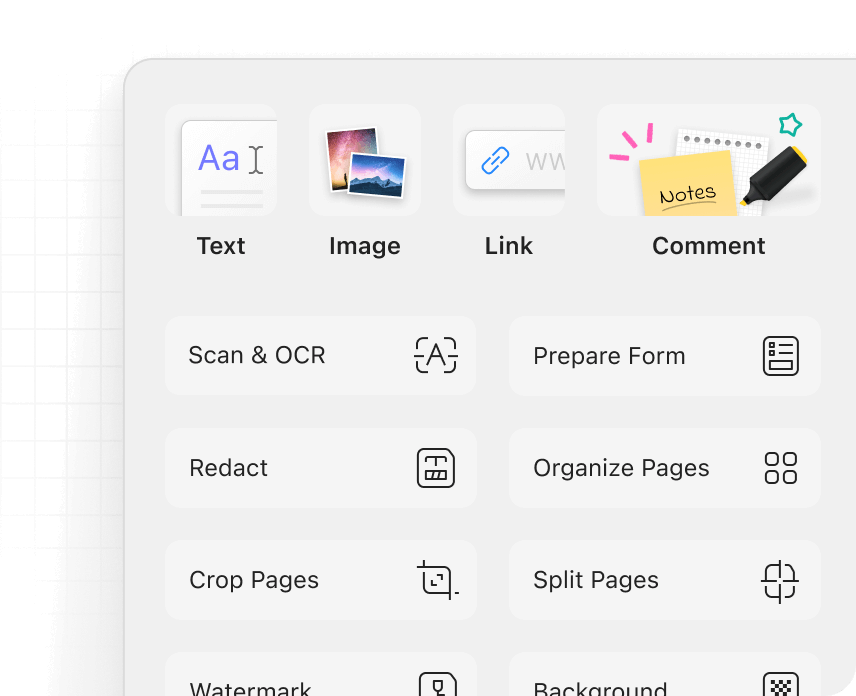
All-in-One Tools Panel
Access every PDF tool—edit, annotate, convert, and more—in one place.
Feedback

Your next-level AI-powered PDF editor.
*UPDF 2.0 now is available for both Windows and Mac. Learn more about What’s New >
UPDF 2.0 introduces a completely redesigned interface, making navigation smoother and interactions more intuitive. Enjoy a cleaner, more modern look with enhanced usability that streamlines your workflow.
UPDF 2.0 brings 18 brand-new features to enhance your productivity. From an advanced annotation reply system to seamless search-and-replace functionality, every update is designed to streamline your workflow and improve efficiency.
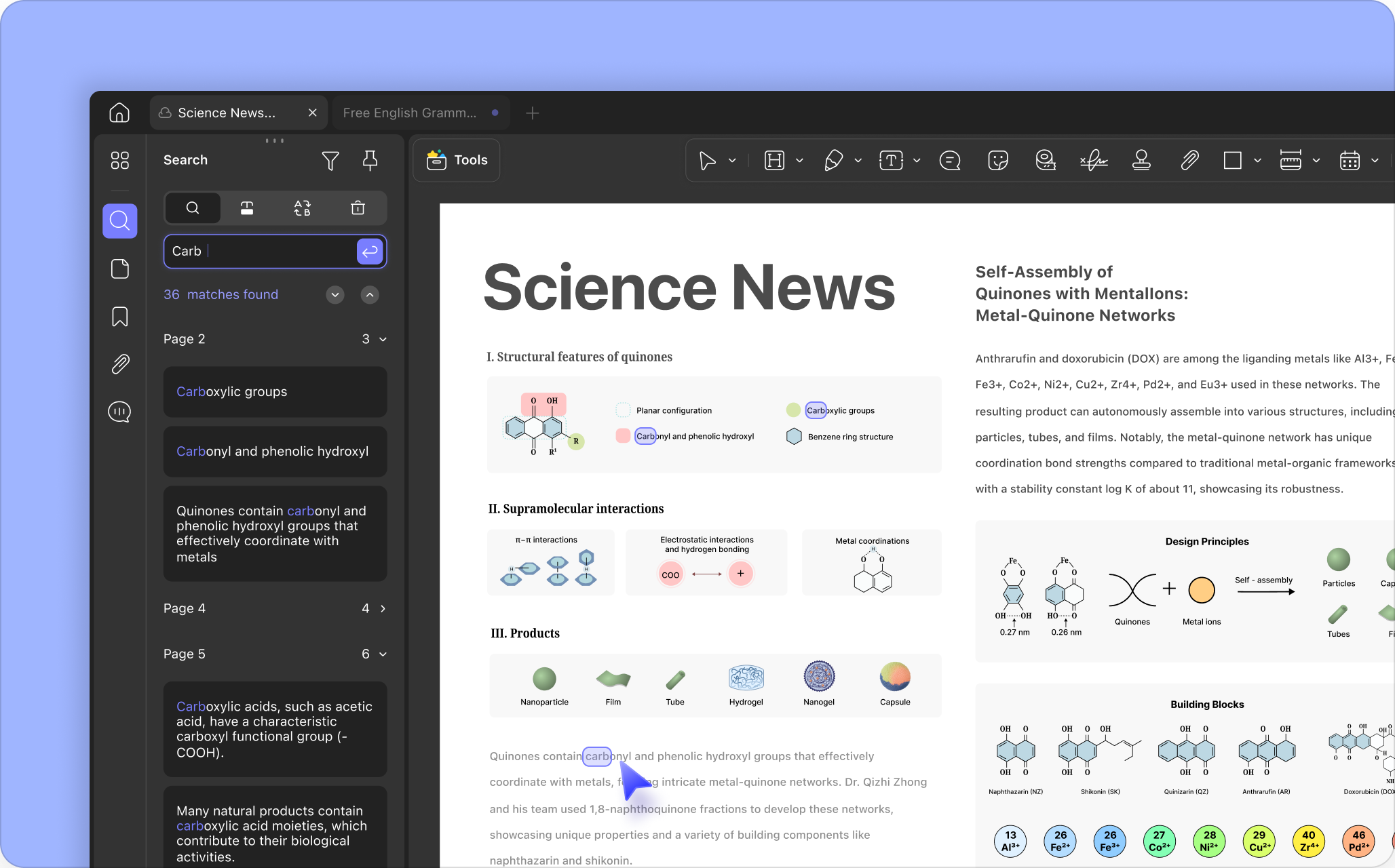
Quickly find specific content in lengthy PDFs and replace it with new text or remove it in one step.
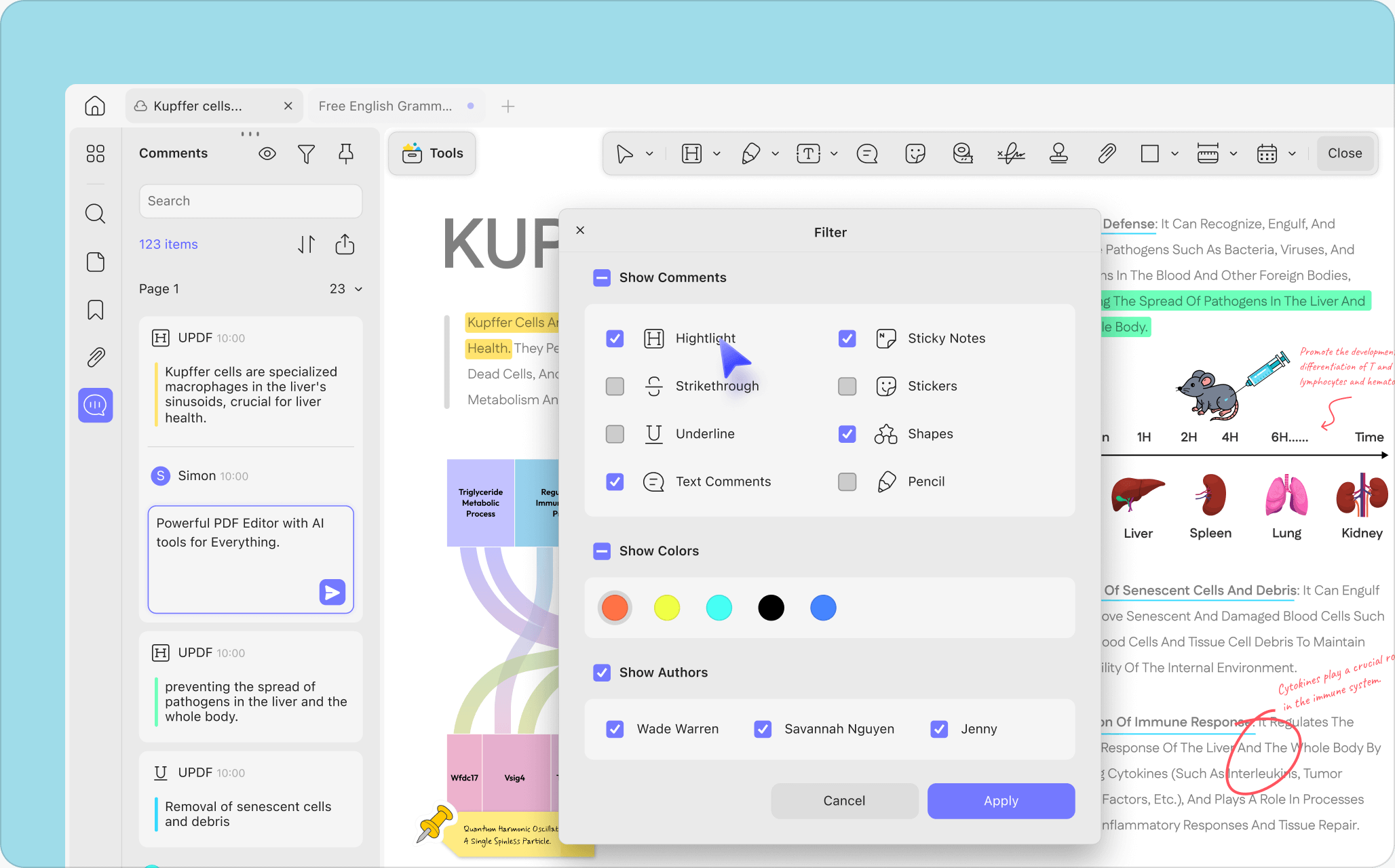
Easily reply to comments, hide all annotations in one click, and filter the list to find or export what you need.
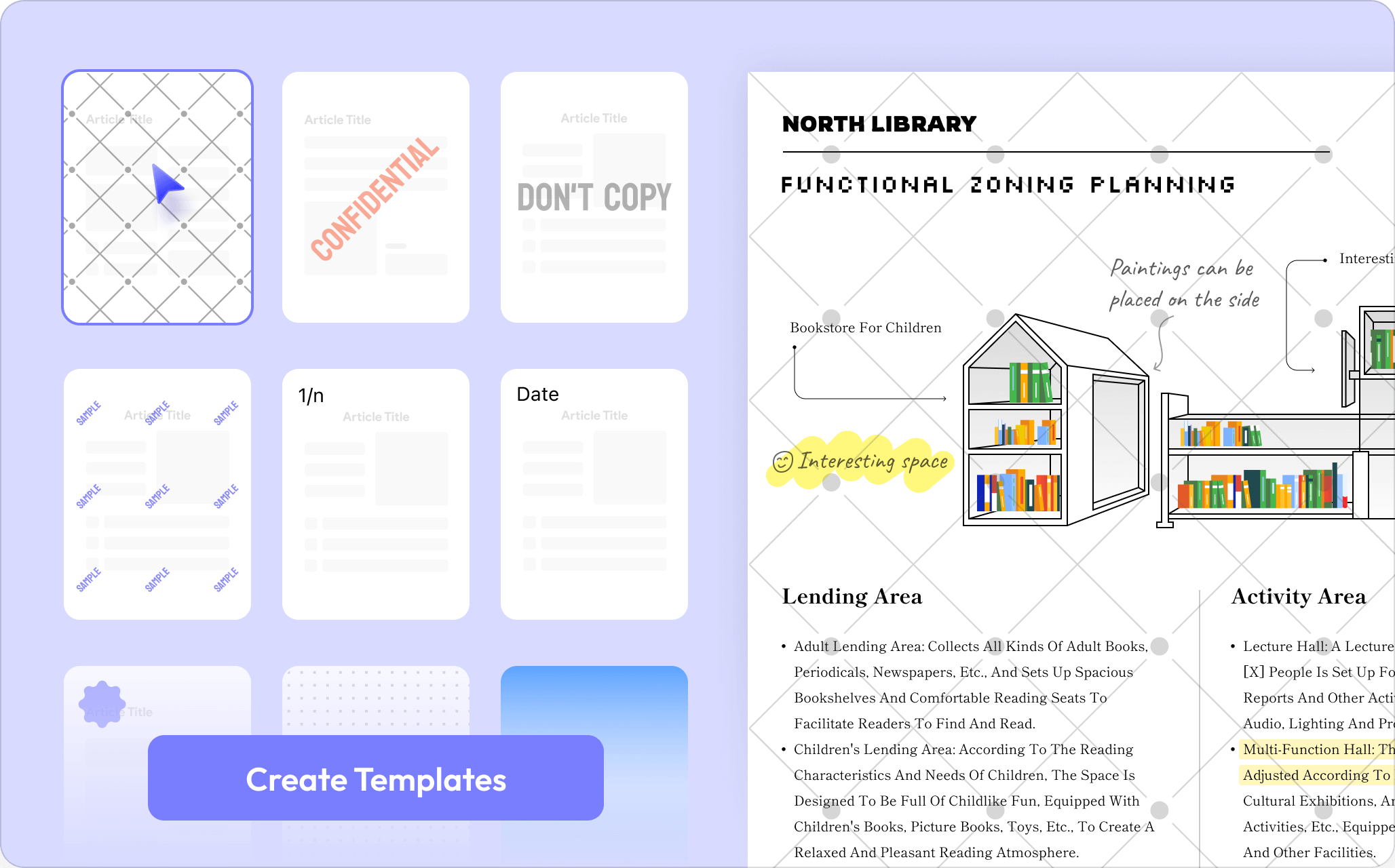
Save time by creating templates for watermarks, backgrounds, and headers & footers. Apply the same settings to multiple PDFs with just a few clicks.

Set Custom Page Size

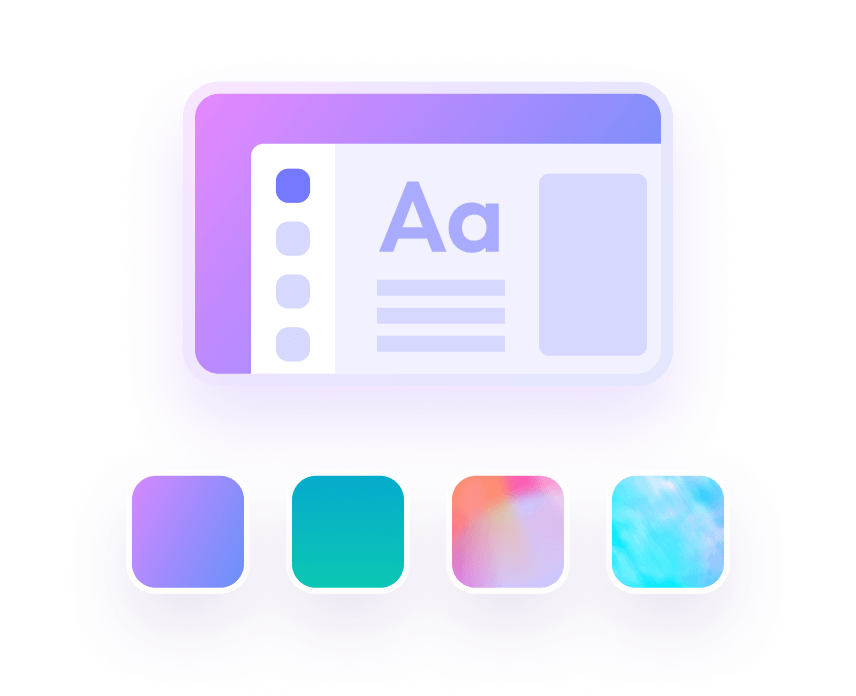
Customizable Theme
Customizable Page Numbering Start

Sanitize Document
Flexible Page Extraction

Insert Multiple PDFs

Create PDF from ID Card
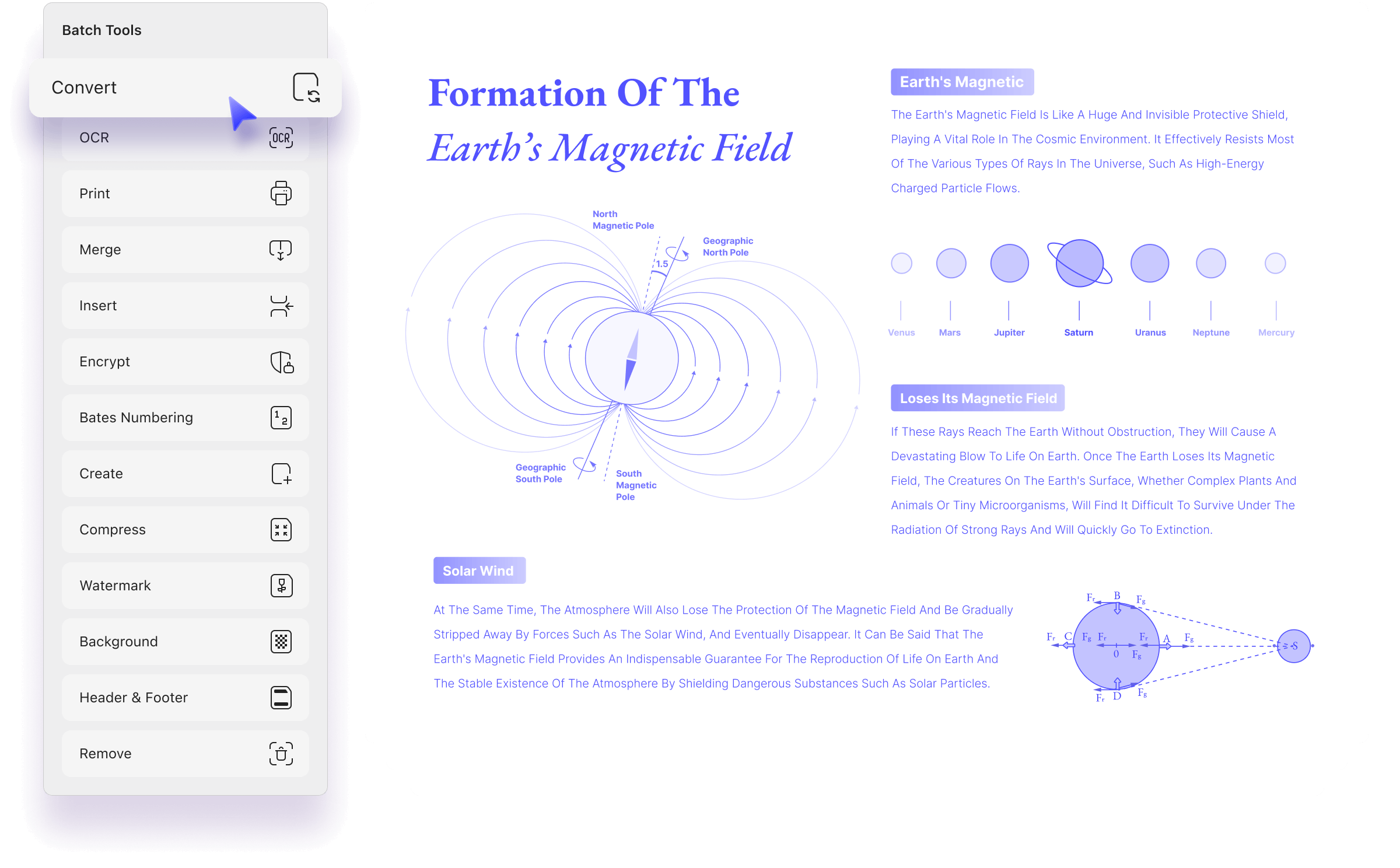
6 New Batch Tools
Say goodbye to repetitive tasks! With UPDF 2.0, you can now batch OCR, compress, add background, add watermark, and more—saving you time and effort on every project. Learn more
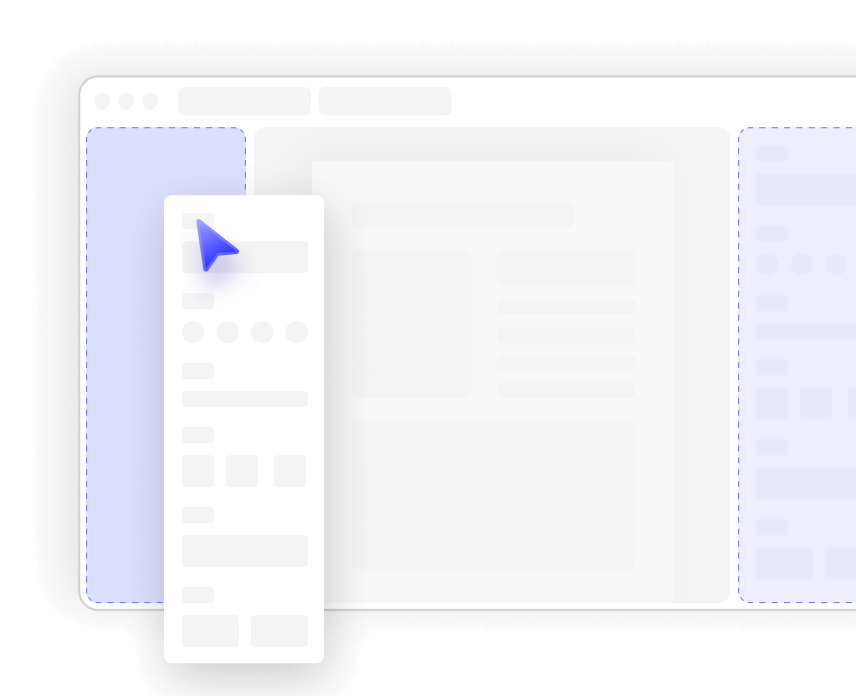
UPDF 2.0 helps you quickly find the features you need with its all-in-one tool panel, offers a comfortable reading experience with the eye protection mode, and allows you to customize your workflow by resizing and repositioning the sidebar.



We’ve optimized 17+ features for a smoother, faster experience. And the best part? With the Lifetime Plan, you’ll always get the latest and greatest PDF tools—at no extra cost!
The AI features and the tools are very intuitive and functional. They are also quite easy to find which is a big improvement to UPDF 1.0's. The note taking is quite convenient as well. I also enjoyed the UI changes, making everything a bit more modern and rounded and having warmer colours/shades. The idea of themes is also quite nice.
Andrea

The ease of use of the application is even better than in the previous 1.0 versions and the application UI design is very visually nice. Ease of use like quickly changing the colour of text from a larger set of colour options, and selecting a specific tool and its specific settings is all very intuitive and faster.
S_adria
UPDF 2.0 shows great improvement in compare with 1.0. I am most satisfied with the change in the user interface. I think it is much friendly and easier to use than 1.0. I spent much less time in searching for the required functions. File conversion also shown significant improvement. I think 2.0 runs much faster than 1.0.
Alex


 Or review us on:




UPDF 2.0 introduces a brand-new UI, greater customization options, and 18 new features along with 17 optimizations for a smoother and more efficient PDF experience.
Already a paid user of UPDF Version 1? You can upgrade to UPDF 2.0 Pro at no additional cost—just download UPDF 2.0 directly to use! New to UPDF? Try UPDF 2.0 for free by clicking the link here. If you love it after testing, you can upgrade to the Pro version at the lowest price available!
The UPDF 2.0 update is currently available for the Windows and Mac versions downloaded from our official website. The Mac App Store version will be updated soon. If you’re using the Mac App Store version and want to try the update now, click here to download the official site version to use.
If you already use UPDF on Windows or Mac, you’ll receive an update notification in the program—just click the update button to get UPDF 2.0. If you don’t receive a notification, you can manually check for updates and upgrade to the latest version. If you're Mac App Store user, you can open the App Store, and click Updates in the sidebar. Then click Update next to the UPDF app. New to UPDF? Simply Click here to download UPDF 2.0 now.
 UPDF Pro
  AI Assistant
  UPDF Sign
UPDF Pro
UPDF Sign
UPDF Pro / one-time fee
Number of users
{{ companyUPDFSelectedNumber }} user
{{ companyUPDFSelectedNumber > 30 ? '>30' : companyUPDFSelectedNumber }} users
Access to all PDF tools for editing, converting, annotating PDFs.
Free trial
AI Assistant / Year
Number of users
{{ companyAISelectedNumber }} user
{{ companyAISelectedNumber > 30 ? '>30' : companyAISelectedNumber }} users
Unlimited usage of AI to summarize, translate, convert PDF to mind maps etc.
Free trial
UPDF Sign / Year
Number of users
{{ companySignSelectedNumber }} user
{{ companySignSelectedNumber > 30 ? '>30' : companySignSelectedNumber }} users
unlimited signature requests per year.
Free trial*The pricing and available features are based on the specific plans you decide on.