UPDF
UPDF
 UPDF for Windows
 UPDF for Mac
 UPDF for iPhone/iPad
 UPDF for Android
 UPDF AI Online
 UPDF Sign
 Edit PDF
 Annotate PDF
 Create PDF
 PDF Form
 Edit links
 Convert PDF
 OCR
OCR PDF to Word
 PDF to Image
 PDF to Excel
 Organize PDF
 Merge PDF
 Split PDF
 Crop PDF
 Rotate PDF
 Protect PDF
 Sign PDF
 Redact PDF
 Sanitize PDF
 Remove Security
 Read PDF
 UPDF Cloud
 Compress PDF
 Print PDF
 Batch Process
 About UPDF AI
 UPDF AI Solutions
 AI User Guide
 FAQ about UPDF AI
 Summarize PDF
 Translate PDF
 Chat with PDF
 Chat with AI
 Chat with image
 PDF to Mind Map
 Explain PDF
 PDF AI Tools
 Image AI Tools
 AI Chat Tools
 AI Writing Tools
 AI Study Tools
 AI Working Tools
 Other AI Tools
 AI Bookmark Generation
 AI Bookmark Summary
 AI Watermark Generation
 AI Background Generation
 AI Sticker Generation
 AI Stamp Generation
 AI Editing Suite
 UPDF Copilot
 AI Page Management
 AI Semantic Search
 PDF to Word
 PDF to Excel
 PDF to PowerPoint
 Enterprise Solution
 Enterprise Sign
 Enterprise AI
 Enterprise Plan
 Enterprise User Guide
 Enterprise Webinar
 Banking
 Healthcare
 Insurance
 Legal
Legal Manufacturing
 Government
 Education Solution
 Customer Stories
 User Guide
 UPDF Tricks
 FAQs
FAQs UPDF Reviews
 Download Center
 Blog
Blog Newsroom
 Tech Spec
 Updates
 UPDF vs. Adobe Acrobat
 UPDF vs. Foxit
 UPDF vs. PDF Expert


The Leap from E-Filing to E-Briefing in the Legal Industry
The Evolution of Courts and Judicial Systems from E-Filing to E-Briefing in a Legal Setting
How a Law Firm Can Conform to E-Briefing Requirements in the Legal Industry
More courts and legal jurisdictions around the world require lawyers to file their briefs electronically. The process of e-briefing can be simplified with the right tools. This whitepaper discusses these tools and how to use them. In it, you will learn:
· The Evolution from E-Filing to E-Briefing.
· Recommended File Formats for E-Briefs.
· How to Develop an E-Briefing Process and Solutions to Suit the Court.
Download UPDF
Download UPDF to read the full whitepaper more joyfully!
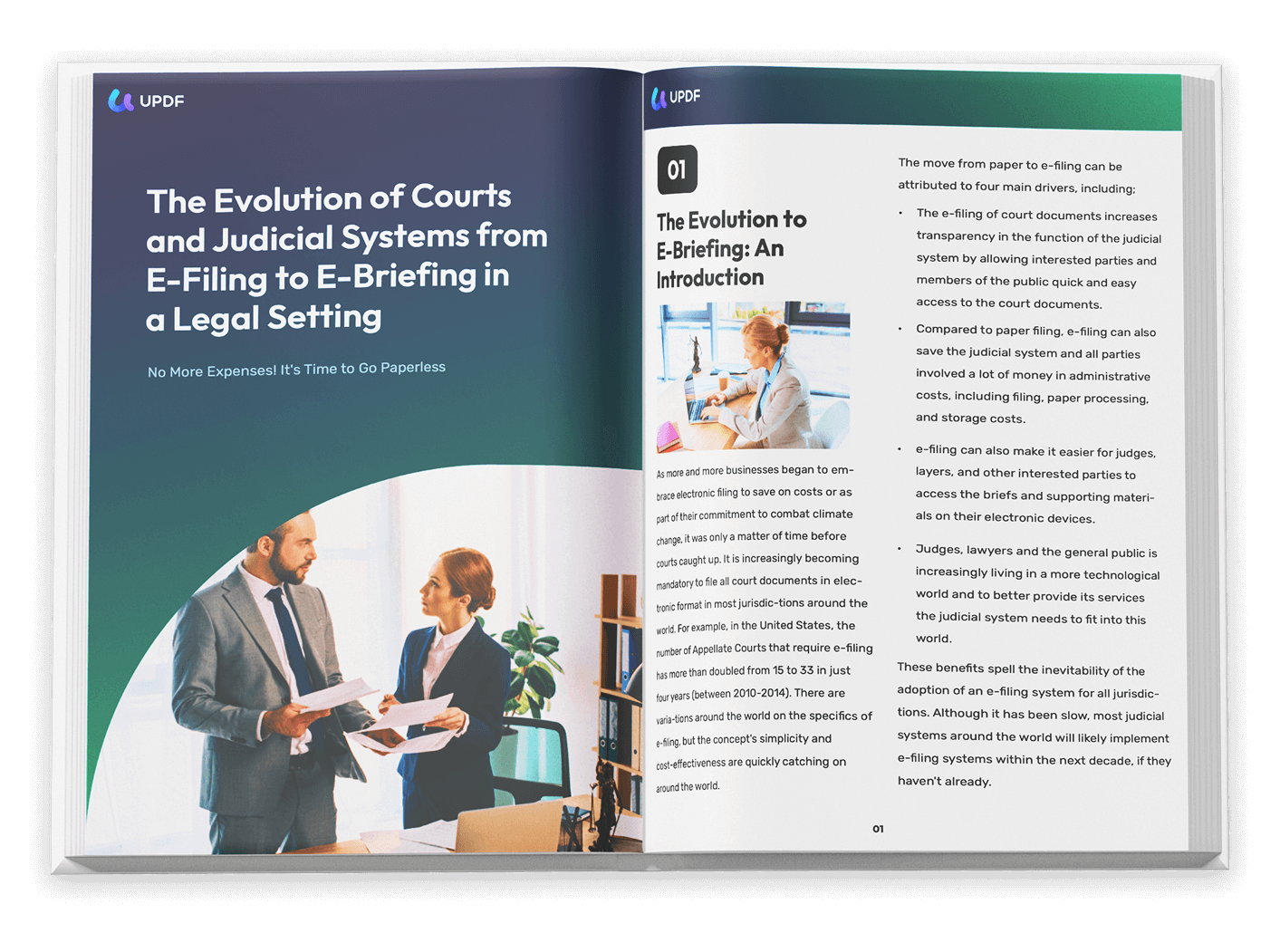
WhitePaper
Command Your Case Files With UPDF -
Annotate Evidence, Collaborate Securely, Win Efficiently
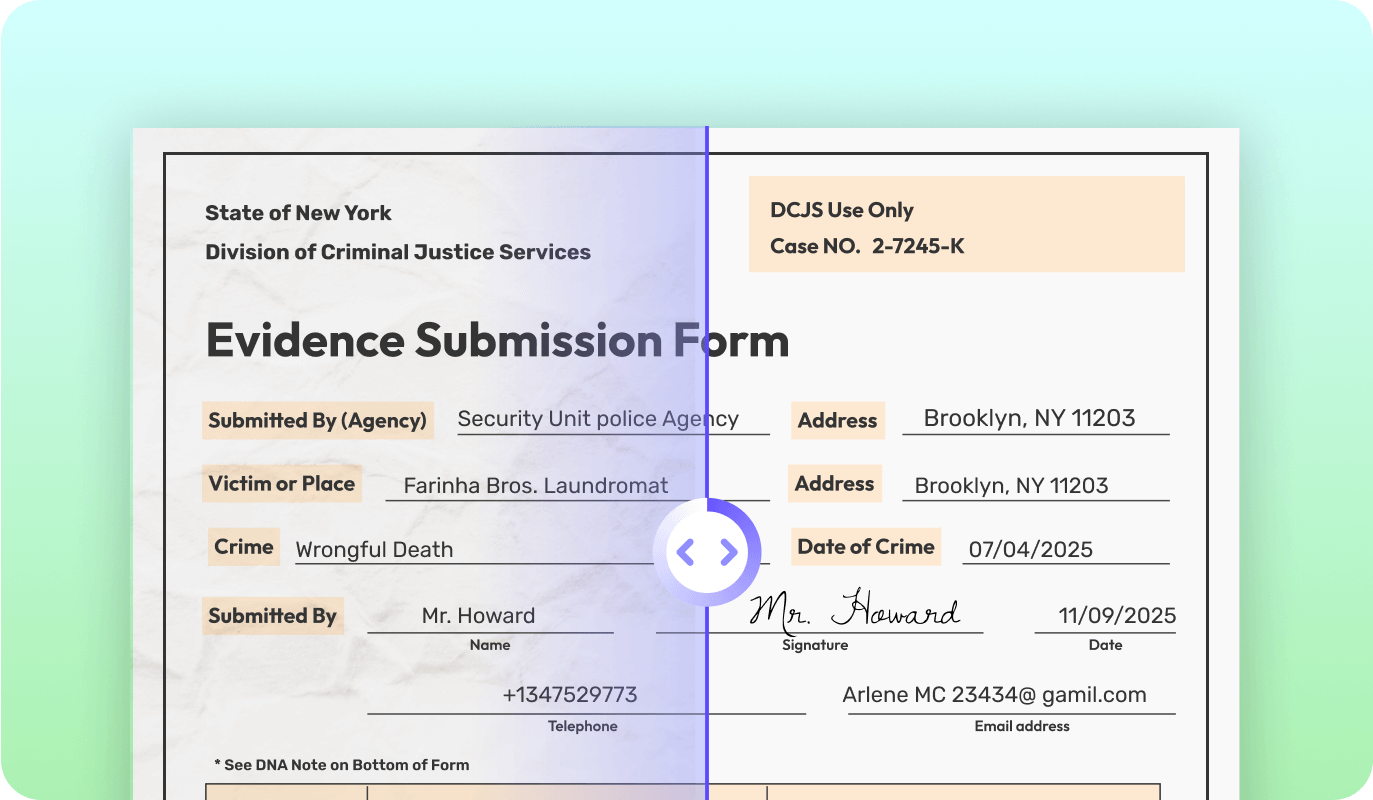
Convert Large Scanned PDFs into Searchable and Editable PDFs with OCR
It is not uncommon for the average law firm to have a large number of scanned documents that are not editable or searchable. UPDF's OCR processing can allow you to convert these files into searchable and editable PDF documents and maximize shareability by compressing them into smaller sizes.
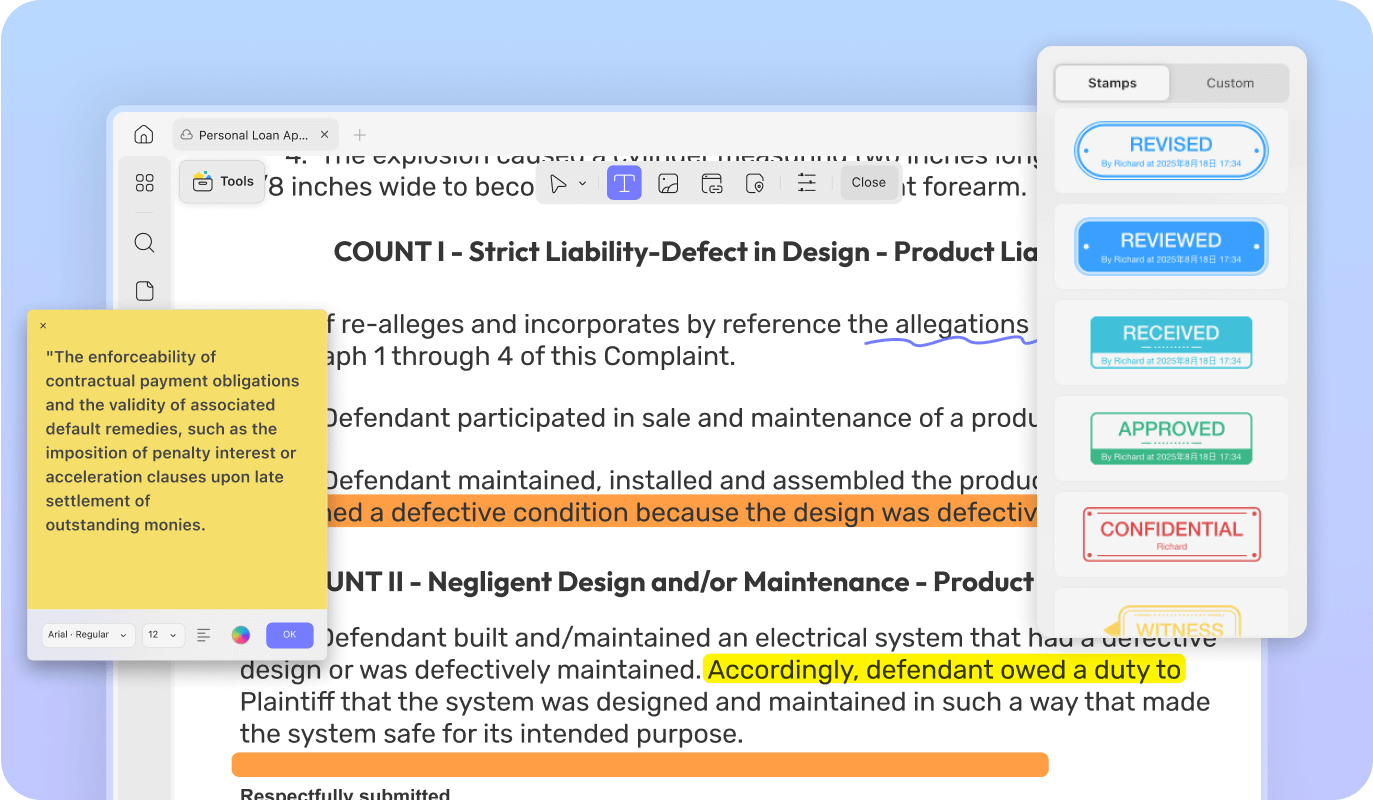
Easily Submit the Correct, Perfectly Formatted Files to the Court
UPDF's annotation tools allow you to add important information using various tools. If you find formatting or content mistakes on the document, UPDF's editing tools can help you make changes to ensure that you are submitting the perfect document to the court.
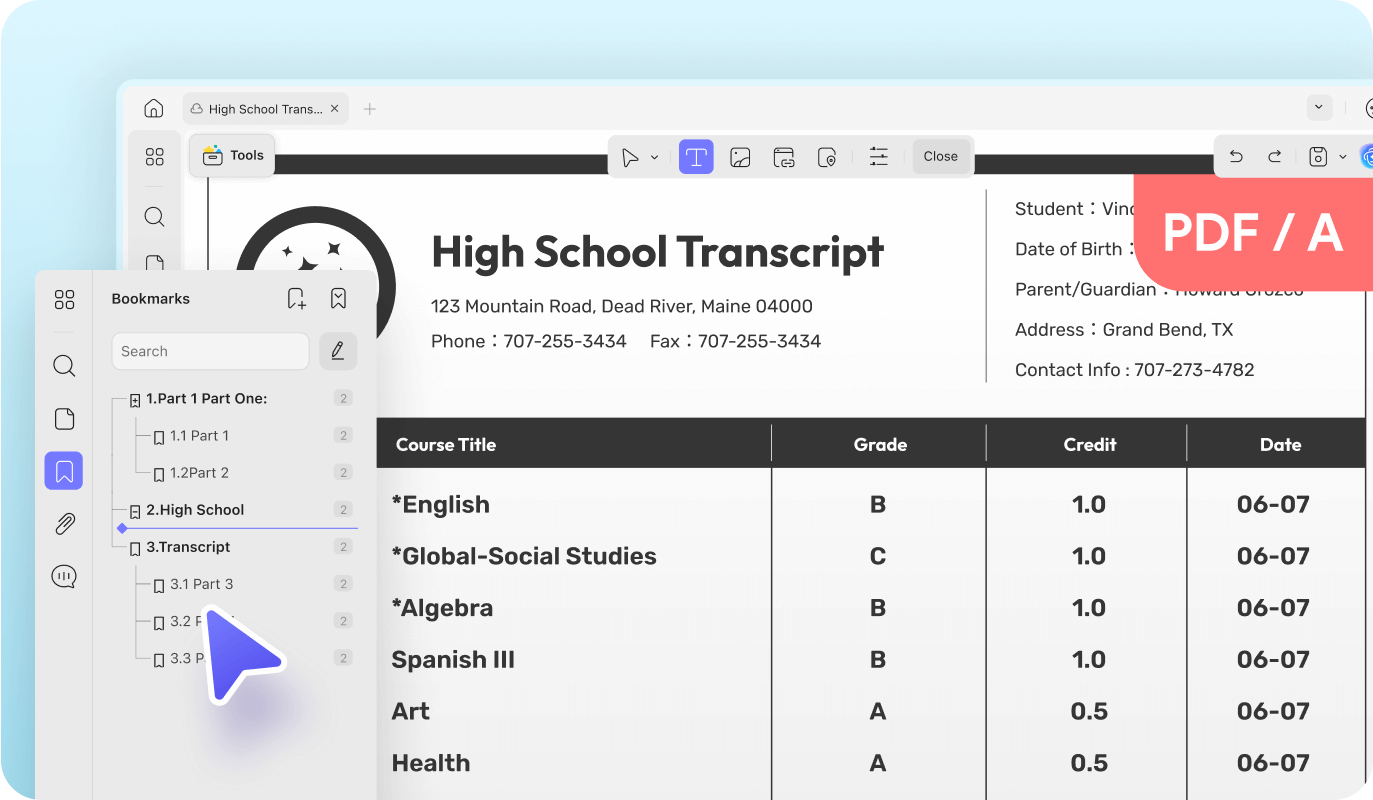
Read Legal Papers with Remarkable Ease
Lawyers, judges, prosecutors, clerks, and notaries have to go through tons of evidence papers in PDF format. UPDF's features including multiple page layouts, dark mode, bookmark tools, and quick navigation are designed to provide the best reading experience.
More Features with UPDF



UPDF works with all Industries

Legal
UPDF is the ultimate solution for any law firm looking to go paperless, increase productivity, or enhance collaboration.

Manufacturing
UPDF helps manufacturing companies digitize various processes, including electronic signatures, invoicing, and creating engineering plans, to streamline business operations and get more done.

Education
UPDF provides students, teachers, and parents with options to highlight, take notes, and share PDFs, making it easier for students to access knowledge anywhere.

Banking
Simplify the process of payroll calculation, cost and profit analysis, and financial statement preparation.

Healthcare
Providing healthcare institutions with the option to accelerate and digitize complete medical forms, health records, and patient reports using UPDF.

Insurance
UPDF offers you a unique opportunity to digitize your insurance procedures by going paperless. Manage and edit contracts and agreements and sign these documents easily.

Government
Provide government departments with solutions to promote digital office with the help of UPDF and accelerate the digital transformation of government services
1 MPeople Trust UPDF

The interface is the first thing to be noticed when a person tries software for the very first time. UPDF offers an intuitive, beautiful, and clear interface with explicit and informative icons.
UPDF is an affordable PDF editor that can go with you anywhere. It allows you to view, annotate, edit, convert, and organize PDFs from one handy app on Windows, macOS, iOS, and Android.
UPDF by Superace Software is one of the market's most comprehensive PDF editors, with dozens of features and hundreds of editing options.
UPDF is a fast, full-featured PDF editing tool that's particularly easy to use because it's designed with a simple and clear user interface that won’t confuse anybody.
UPDF provides consumers with a compelling alternative for reading, annotating, and editing PDF documents while boasting user-friendly features and affordable pricing.