UPDF
UPDF
 UPDF for Windows
 UPDF for Mac
 UPDF for iPhone/iPad
 UPDF for Android
 UPDF AI Online
 UPDF Sign
 IvyCraft
 Edit PDF
 Annotate PDF
 Create PDF
 PDF Form
 Edit links
 Convert PDF
 OCR
OCR PDF to Word
 PDF to Image
 PDF to Excel
 Organize PDF
 Merge PDF
 Split PDF
 Crop PDF
 Rotate PDF
 Protect PDF
 Sign PDF
 Redact PDF
 Sanitize PDF
 Remove Security
 Read PDF
 UPDF Cloud
 Compress PDF
 Print PDF
 Batch Process
 About UPDF AI
 UPDF AI Solutions
 AI User Guide
 FAQ about UPDF AI
 Summarize PDF
 Translate PDF
 Chat with PDF
 Chat with AI
 Chat with image
 PDF to Mind Map
 Explain PDF
 PDF AI Tools
 Image AI Tools
 AI Chat Tools
 AI Writing Tools
 AI Study Tools
 AI Working Tools
 Other AI Tools
 AI Bookmark Generation
 AI Bookmark Summary
 AI Watermark Generation
 AI Background Generation
 AI Sticker Generation
 AI Stamp Generation
 AI Editing Suite
 UPDF Copilot
 AI Page Management
 AI Semantic Search
 PDF to Word
 PDF to Excel
 PDF to PowerPoint
 Enterprise Solution
 Enterprise Sign
 Enterprise AI
 Enterprise Plan
 Enterprise User Guide
 Enterprise Webinar
 Banking
 Healthcare
 Insurance
 Legal
Legal Manufacturing
 Government
 Education Solution
 Customer Stories
 User Guide
 UPDF Tricks
 FAQs
FAQs UPDF Reviews
 Download Center
 Blog
Blog Newsroom
 Tech Spec
 Updates
 UPDF vs. Adobe Acrobat
 UPDF vs. Foxit
 UPDF vs. PDF Expert

 UPDF AI
Free Online AI Proofreader Tool
UPDF AI Proofreader quickly detects errors and offers corrections to make your content clear, professional, and easy to read. Just type “Proofread:” followed by your text, then hit send to get the corrected version.
Powered by
 GPT-5 |
 DeepSeek R1
5000+ Reviews
 4.8
4.8
UPDF AI available on


 Desktop & mobile app

4M+ Users, 215M+ Proofreadings, Trusted by Leading Medias:






How to Proofread Online for free
-
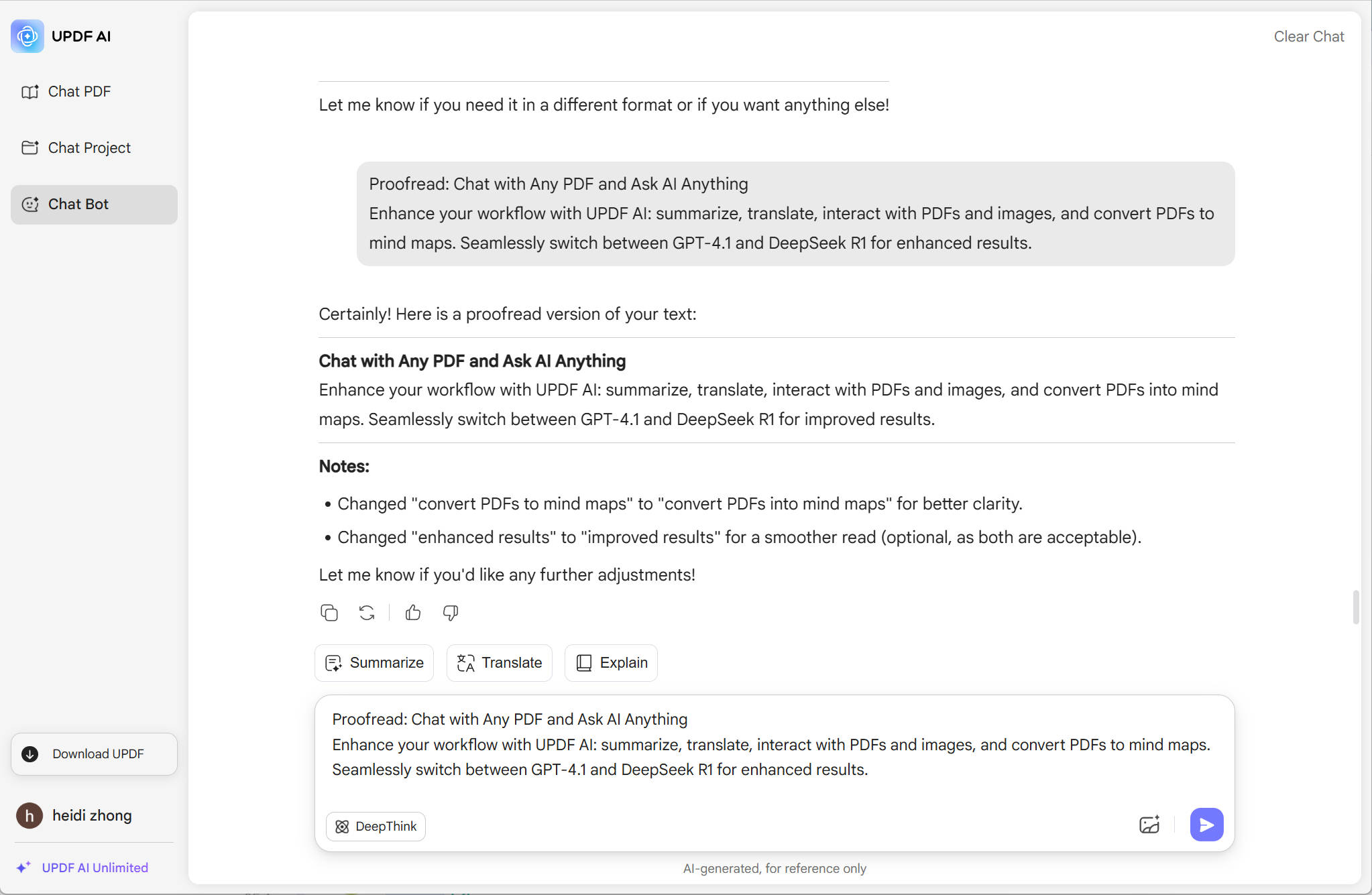
You can enter the prompt like “Proofread:”, then, copy and paste the content after the prompt in the chatbox.
-
Select the AI model. By default, you are using the ChatGPT 5 mode, if you want to use DeepSeek, click on the “DeepThink” to enable it.
-
Now, you can click on the “Send” button. In seconds, you can get the result.

Where UPDF AI Proofreader Makes the Biggest Impact
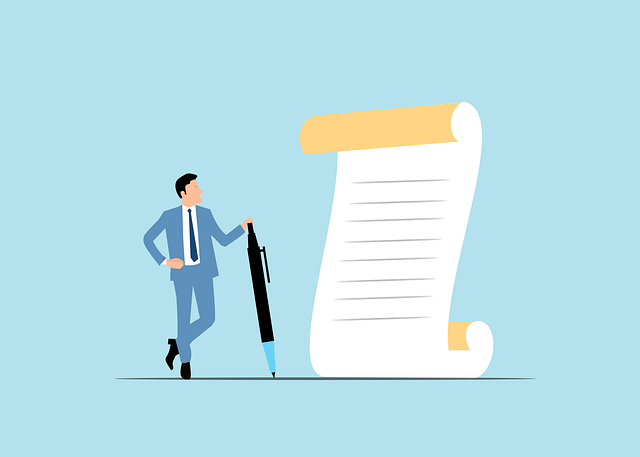
Perfect for Academic Writing
UPDF AI Proofreader is ideal for polishing academic content. It helps reduce errors in spelling, grammar, and formatting while enhancing readability and overall professionalism—making your writing clearer, more credible, and ready for submission or publication.
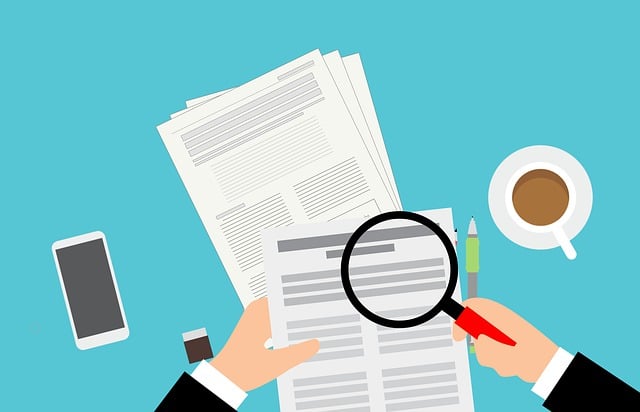
Polish Your Professional Documents
Make your documents more precise and professional to enhance your personal or corporate image. Whether it’s a resume, company profile, or project proposal, UPDF AI Proofreader helps you eliminate grammar mistakes, polish your language, and ensure every sentence reflects a high level of professionalism.
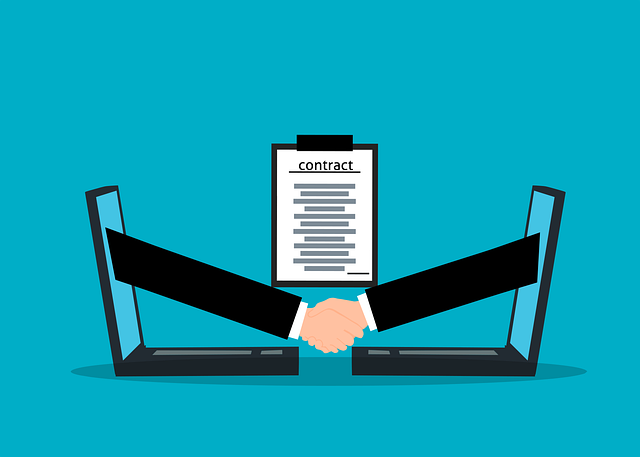
Ensure Clarity in Legal Documents
UPDF AI Proofreader helps you maintain precision and eliminate ambiguity in legal documents. Whether you're drafting contracts, terms of service, or formal statements, it ensures that your language is clear, accurate, and free from misleading expressions—reducing the risk of misunderstandings or legal disputes.
Why Use UPDF AI Proofreader?
Accurate and Reliable Proofreading
With UPDF AI Proofreader, you can enjoy highly accurate and reliable proofreading results, thanks to its integration of cutting-edge AI models—ChatGPT-5 and Full DeepSeek R1—designed to enhance grammar correction, clarity, and overall writing quality.
All Language Support
UPDF AI supports proofreading in nearly all languages, including widely spoken ones like English, Chinese, Spanish, and German, as well as less commonly used languages such as Icelandic, Swahili, Basque, and Maltese—making it a truly global AI proofreading assistant.
More than AI Proofreader
If you regularly work with writing or content, UPDF AI Proofreader is a must-have. It not only proofreads your text but also helps you rewrite, generate ideas, summarize content, translate across languages, and much more—all in one tool.
UPDF AI Proofreader
vs. Other Proofreaders
UPDF AI
Proofreader
Other AIProofreaders
Free

Accuracy
99%
80%
No Word Limits
No Sign Up Required
Chat with PDF

Chat with Image
PDF to Mind Map
Platform Supported
Online, Windows, Mac, Android, iOS
Online
FAQs About Using UPDF AI Proofreader
Q1. Is UPDF AI Proofreader free to use?
Q2. How is UPDF AI different from other proofreading tools?
Q3. Can I proofread entire documents or just small sections?
Q4. Can I customize the proofreading level (e.g., formal, casual)?
Q5.Can I use UPDF AI Proofreader offline?
Other Popular UPDF AI Tools