 UPDF
UPDF
 UPDF for Windows
 UPDF for Mac
 UPDF for iPhone/iPad
 UPDF for Android
 UPDF AI Online
 UPDF Sign
 Edit PDF
 Annotate PDF
 Create PDF
 PDF Form
 Edit links
 Convert PDF
 OCR
OCR PDF to Word
 PDF to Image
 PDF to Excel
 Organize PDF
 Merge PDF
 Split PDF
 Crop PDF
 Rotate PDF
 Protect PDF
 Sign PDF
 Redact PDF
 Sanitize PDF
 Remove Security
 Read PDF
 UPDF Cloud
 Compress PDF
 Print PDF
 Batch Process
 About UPDF AI
 UPDF AI Solutions
 AI User Guide
 FAQ about UPDF AI
 Summarize PDF
 Translate PDF
 Chat with PDF
 Chat with AI
 Chat with image
 PDF to Mind Map
 Explain PDF
 PDF AI Tools
 Image AI Tools
 AI Chat Tools
 AI Writing Tools
 AI Study Tools
 AI Working Tools
 Other AI Tools
 AI Bookmark Generation
 AI Bookmark Summary
 AI Watermark Generation
 AI Background Generation
 AI Sticker Generation
 AI Stamp Generation
 AI Editing Suite
 UPDF Copilot
 AI Page Management
 AI Semantic Search
 PDF to Word
 PDF to Excel
 PDF to PowerPoint
 Enterprise Solution
 Enterprise Sign
 Enterprise AI
 Enterprise Plan
 Enterprise User Guide
 Enterprise Webinar
 Banking
 Healthcare
 Insurance
 Legal
Legal Manufacturing
 Government
 Education Solution
 Customer Stories
 User Guide
 UPDF Tricks
 FAQs
FAQs UPDF Reviews
 Download Center
 Blog
Blog Newsroom
 Tech Spec
 Updates
 UPDF vs. Adobe Acrobat
 UPDF vs. Foxit
 UPDF vs. PDF Expert

 UPDF AI
Free Online Assignment Grader
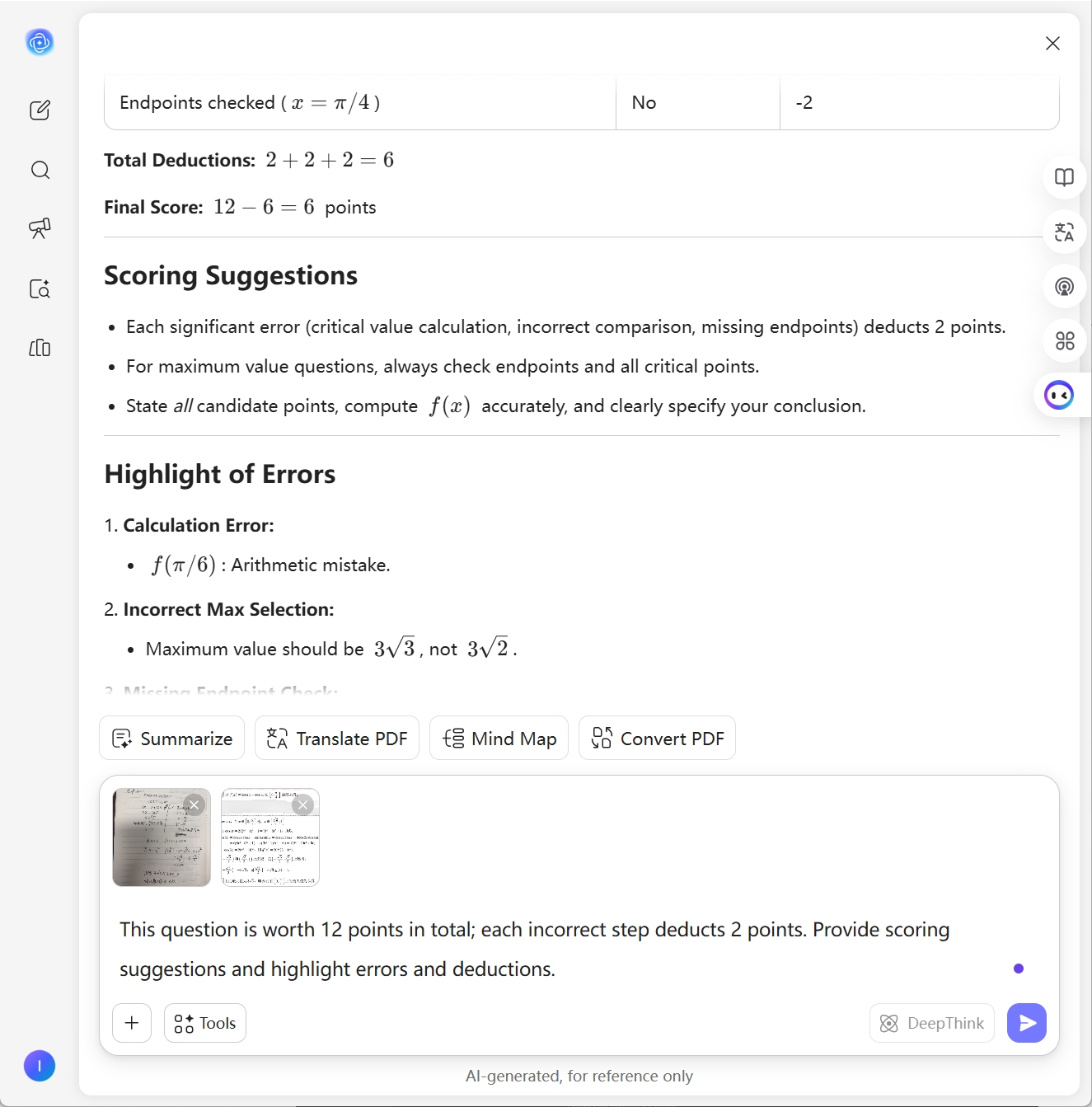
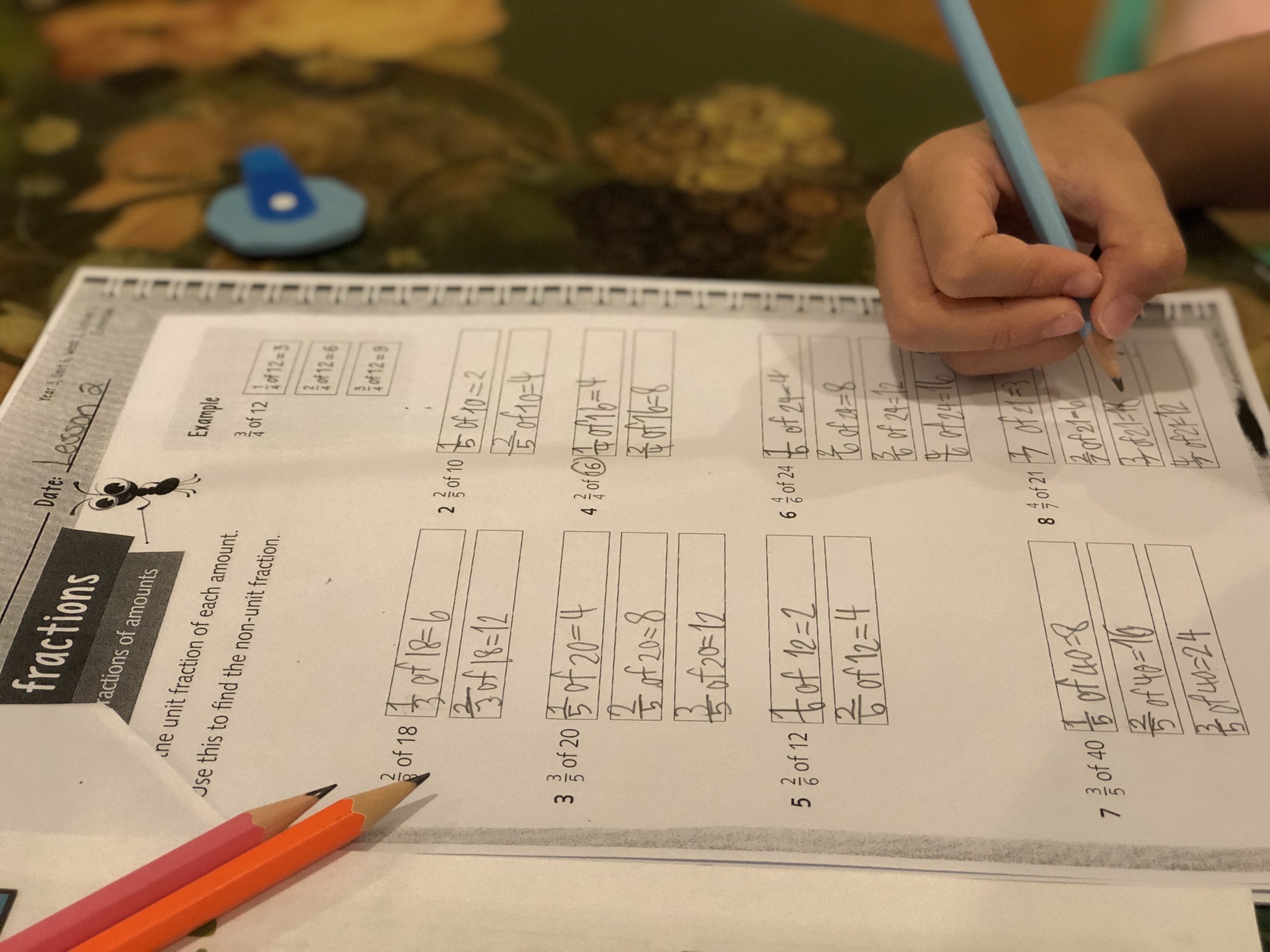
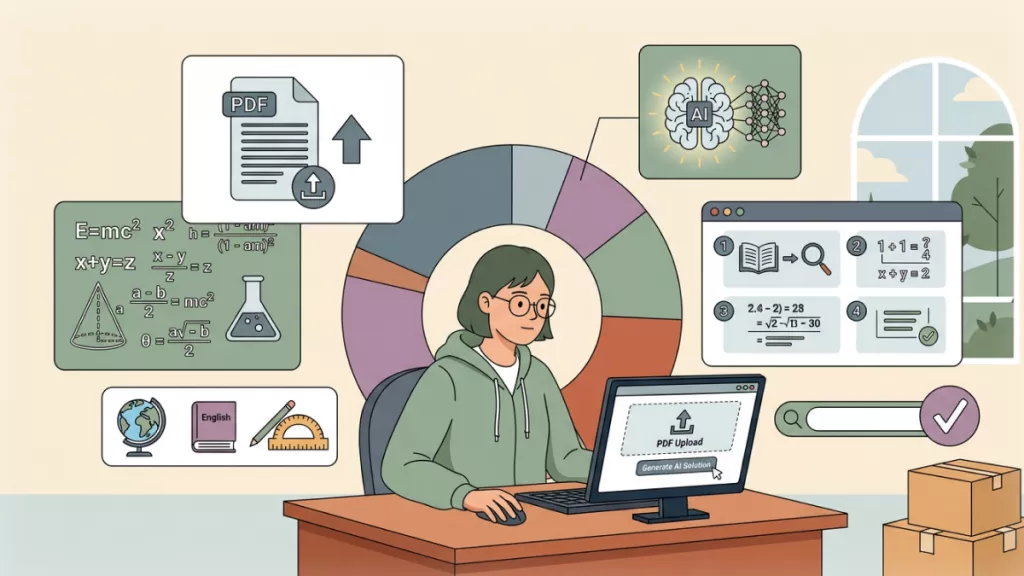
Facing hundreds of PDF assignments? UPDF AI speeds up grading by comparing student work with reference answers. Upload PDFs and let AI provide scoring suggestions and detailed feedback, helping teachers save time and students understand exactly where they lost points.
Powered by
 GPT-5 |
 DeepSeek R1
5000+ Reviews
 4.8
4.8
UPDF AI available on


 Desktop & mobile app

4M+ Users, 5M+ Assignments Graded, Trusted by Leading Media:






How to Use UPDF AI Assignment Grader Online for Free?
-
Upload Student Assignments and Reference PDFs
Upload student assignments and reference answers (PDFs, text or images). UPDF AI auto-recognizes content for grading. Use prompts like “Grade based on reference answers” or “Highlight errors and deductions.” -
Select an AI Model
By default, UPDF AI is used. Switch to an advanced model (e.g., DeepSeek R1) for more detailed grading and suggestions. -
Generate Feedback
Click “Send.” UPDF AI compares the assignment with the reference answer and provides scoring suggestions, error highlights, and improvement feedback. Next, review the results, edit or regenerate them if necessary, and then copy them for students or archiving.

Why Choose UPDF AI Assignment Grader?
Instant, Clear Assignment Grading
UPDF AI quickly analyzes student assignment PDFs/pictures and speeds up the grading process. Teachers can instantly identify mistakes, provide clearer feedback, and handle large volumes of assignments without spending hours reviewing each one manually.

Clear Feedback for Student Improvement
UPDF AI generates structured feedback based on the comparison results, helping students clearly understand where they lost points and how they can improve their answers or writing.

Supports Multiple Languages
UPDF AI can analyze assignments written in multiple languages, making it easier for teachers to review and compare answers in multilingual classrooms or international learning environments.
Secure and Private Document Processing
UPDF AI prioritizes document privacy and security. Your assignment PDFs and reference answers are processed securely and are not used to train AI models, keeping academic materials protected.

UPDF AI Assignment Grader vs. Other AI Tools
UPDF AI
Other AI Tools
Input Formats
Upload PDF, images or texts
Manual answer input
Language & Question Recognition
Auto-detect languages & question types
Manual selection required
Grading Accuracy
Up to 99%
Around 90%
Free to Try
 (100 prompts)
(20 prompts)
No Word Limits
Data Security
AI Model Options
ChatGPT-5 & DeepSeek R1
Model names not disclosed
Language Supported
100+
Only in English
Platform Supported
Online, Windows, Mac, Android, iOS
Online Only
FAQs About Using UPDF AI Assignment Grader
Q1. Can UPDF AI grade complex assignments or long student papers?
Q2: Can UPDF AI generate feedback for students?strong
Q3. Can UPDF AI summarize students’ overall performance?
Q4. What other features does UPDF AI offer besides assignment grading?
Other Popular UPDF AI Tools











 " alt />

