UPDF
UPDF
 UPDF pour Windows
 UPDF pour Mac
 UPDF pour iPhone/iPad
 updf android
 Nomostar
 UPDF AI en ligne
 UPDF Sign
 IvyCraft
 Modifier le PDF
 Annoter le PDF
 Créer un PDF
 Formulaire PDF
 Modifier les liens
 Convertir le PDF
 OCR
OCR PDF en Word
 PDF en Image
 PDF en Excel
 Organiser les pages PDF
 Fusionner les PDF
 Diviser le PDF
 Rogner le PDF
 Pivoter le PDF
 Protéger le PDF
 Signer le PDF
 Rédiger le PDF
 Biffer le PDF
 Supprimer la sécurité
 Lire le PDF
 UPDF Cloud
 Compresser le PDF
 Imprimer le PDF
 Traiter par lots
 À propos de UPDF AI
 Solutions de UPDF AI
 Mode d'emploi d'IA
 FAQ sur UPDF AI
 Résumer le PDF
 Traduire le PDF
 Analyser le PDF
 Discuter avec IA
 Analyser l'image
 PDF vers carte mentale
 Expliquer le PDF
 Outils IA PDF
 Outils IA Image
 Outils de Chat IA
 Outils de Rédaction IA
 Outils d’Étude IA
 Outils Professionnels IA
 Autres Outils IA
 Génération de signets IA
 Résumé de signets IA
 Génération de filigranes IA
 Génération d’arrière-plans IA
 Génération d’autocollants IA
 Génération de tampons IA
 Suite de rédaction IA
 UPDF Copilot
 Gestion des pages IA
 Recherche sémantique IA
 PDF en Word
 PDF en Excel
 PDF en PowerPoint
 UPDF pour les entreprises
 UPDF Sign pour les entreprises
 UPDF AI pour les entreprises
 Plans pour les entreprises
 Mode d'emploi pour les entreprises
 Webinar d'Entreprise
 Informatique
 Éducatives
 Construction
 Services Financiers
 Santé
Santé Assurance
 Juridique
 Fabrication
 Gouvernement
 Chercheurs et doctorants
 Solopreneurs
 Avocats et cabinets
 Professionnels de l’immobilier
 Solution pour l'éducation
 Témoignages de clients
 Mode d'emploi
 Astuces UPDF
 FAQ
FAQ Avis sur UPDF
 Centre de téléchargement
 Blog
Blog Actualités
 Spécifications techniques
 Mises à jour
 UPDF vs. Adobe Acrobat
 UPDF vs. Foxit
 UPDF vs. PDF Expert

 UPDF AI
Extraire des tableaux d'un PDF
Immédiatement. Pas de copie manuelle.
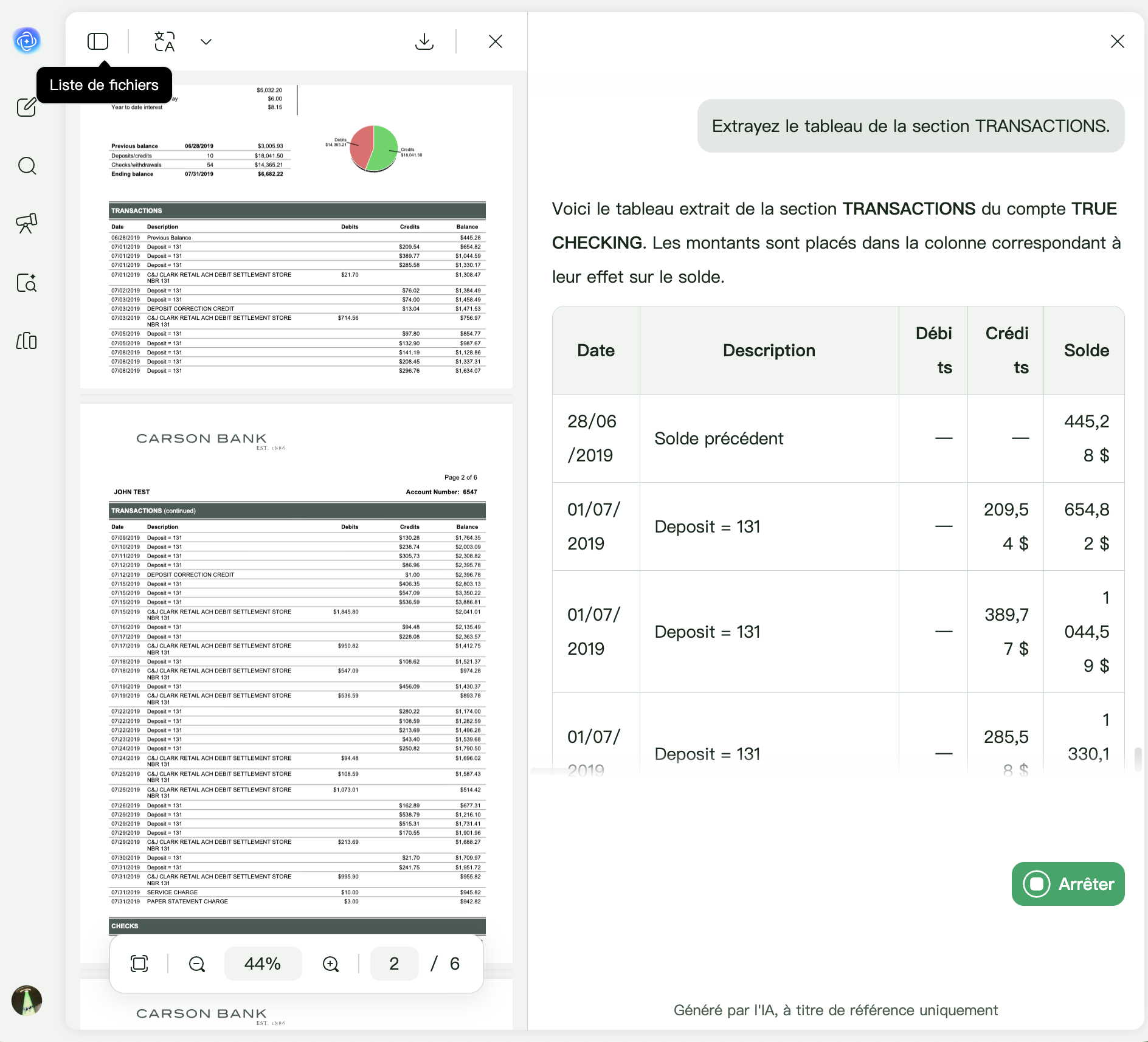
Arrêtez de retaper les chiffres. UPDF AI lit les tableaux de n'importe quel PDF (même les documents numérisés et les mises en page complexes de plusieurs pages) et les génère au format TSV. Copie. Coller. Fait. L'extracteur de tableaux AI PDF vous permet d'arrêter de copier les tableaux cellule par cellule.
Alimenté par
 GPT-5 |
 Recherche profonde R1
Plus de 5 000 avis
 4.8
4.8
UPDF AI disponible sur


 Application de bureau et mobile

4M+ Utilisateurs, 11M+ Tableaux extraits et approuvés par les principaux médias :






Comment extraire des tableaux d'un PDF vers Excel en 3 étapes simples
-
Téléchargez vos PDF avec des tableaux
Faites glisser et déposez votre PDF dans UPDF AI. Fonctionne avec les PDF numériques, les documents numérisés et les fichiers basés sur des images. Une fois téléchargé, UPDF AI traite votre document dans le cloud pour une extraction de tableau rapide et précise. -
Demandez à UPDF AI
Tapez une invite simple telle que : « Extrayez tous les tableaux de ce PDF et affichez-les au format TSV. » Pour des besoins spécifiques : « Extrayez uniquement le tableau de la page 3. » ou « Extrayez uniquement les colonnes « Revenu » et « Taux de croissance ». » Dites simplement à UPDF AI ce dont vous avez besoin. -
Copier et coller dans Excel
UPDF AI renvoie une sortie TSV ou Markdown propre. Copiez-le, ouvrez Excel et collez-le. Excel aligne automatiquement les données dans des colonnes parfaites : pas de formatage manuel, pas de lignes brisées.

Pourquoi choisir UPDF AI pour extraire des tableaux d'un PDF vers Excel ?
Extraire les bénéfices trimestriels des rapports annuels
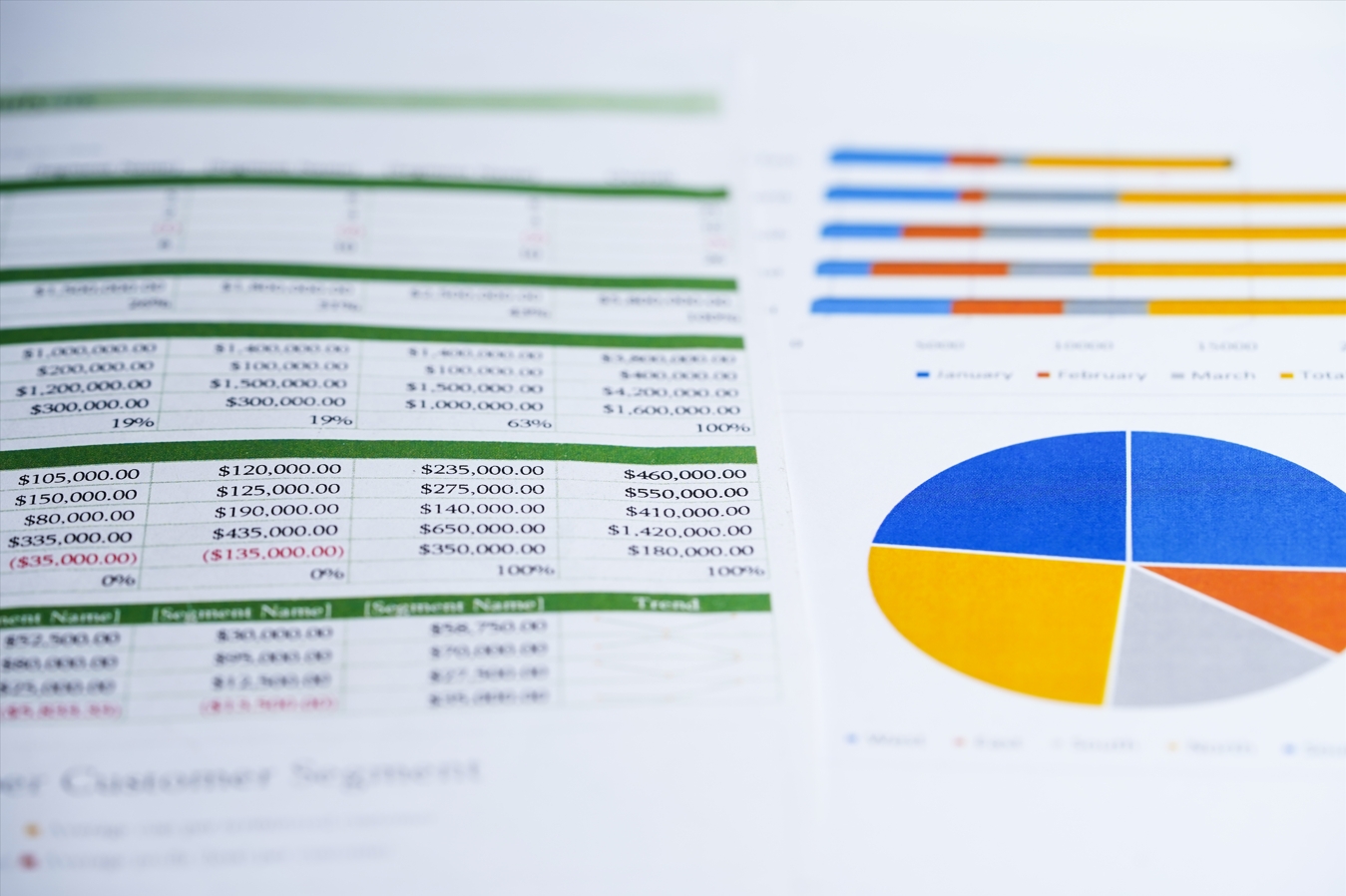
Plus besoin de copier cellule par cellule. UPDF AI extrait des tableaux financiers de rapports annuels denses (même des pages numérisées) et fournit un TSV propre et prêt pour Excel. Parfait pour l'analyse des bénéfices, le suivi des tendances et les rapports pour les investisseurs. Extrayez les tableaux financiers des PDF des rapports annuels.
Extraire les données d'étude à partir d'articles académiques numérisés
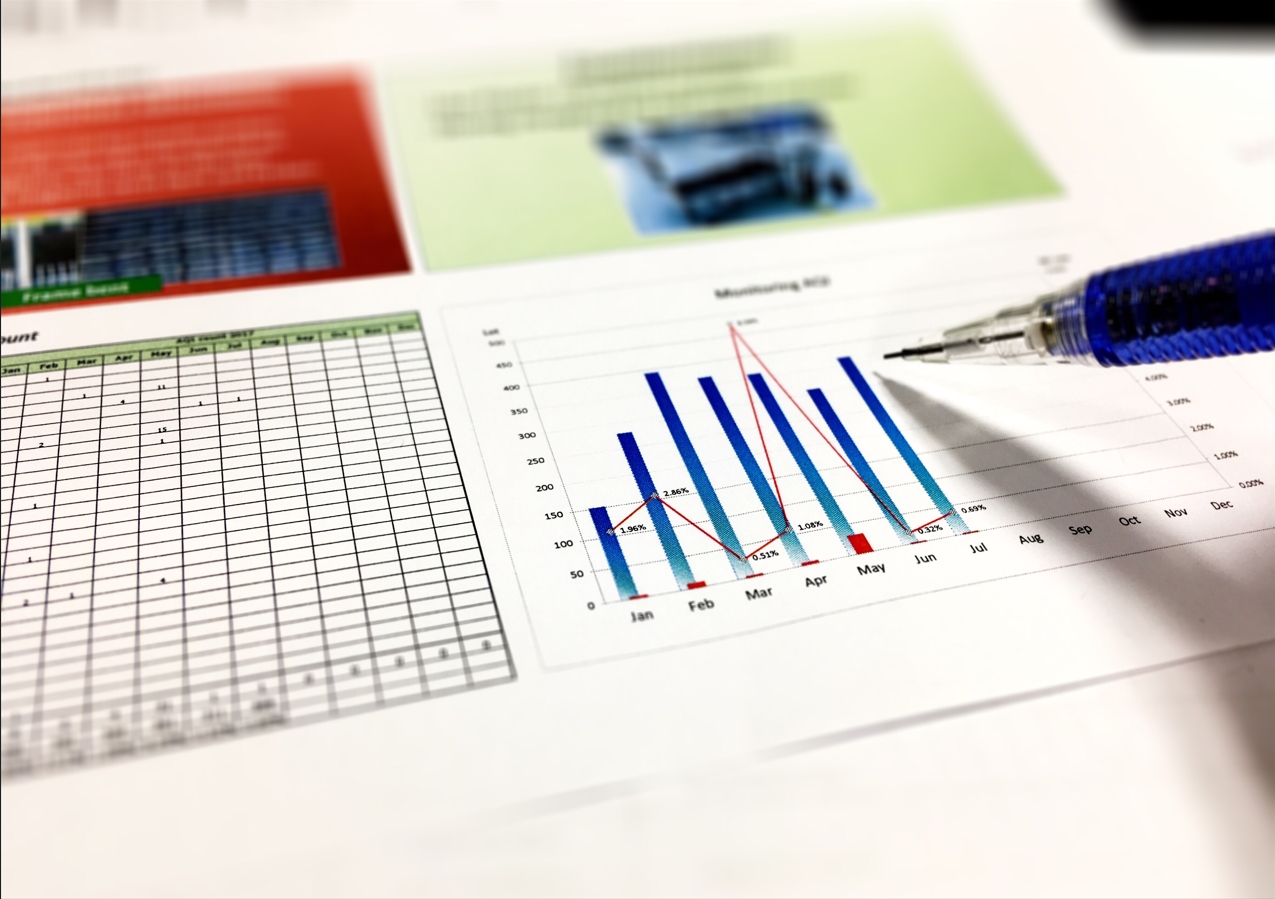
Arrêtez de retaper les chiffres des PDF. UPDF AI lit les documents de recherche numérisés comme un humain – à travers les colonnes, les tableaux imbriqués et les mises en page multipages – et génère des données structurées. Traitez 50 articles plus rapidement que la lecture d'un résumé. Extrayez des tableaux de documents de recherche numérisés.
Extraire les éléments de campagne des factures et des reçus
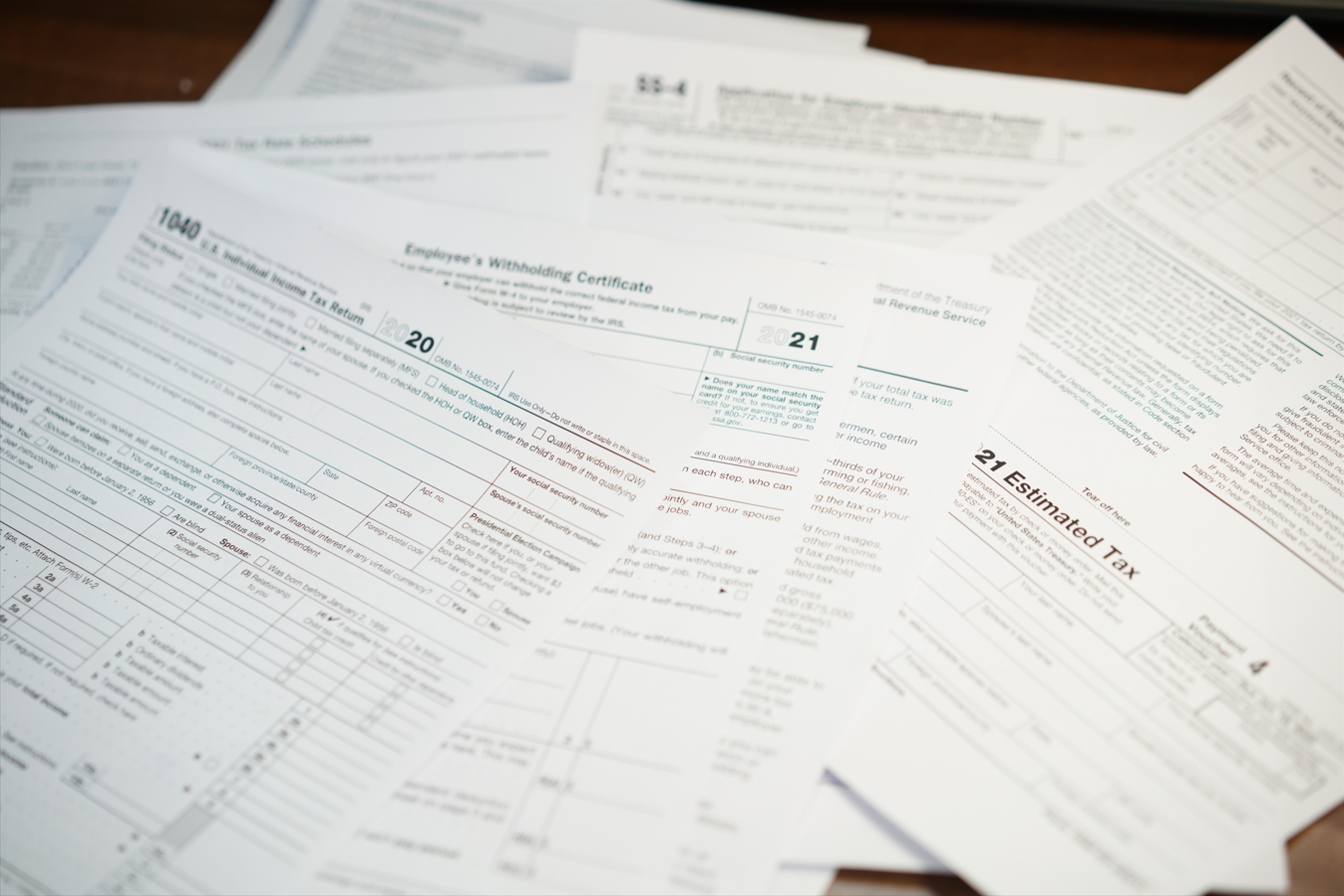
La saisie manuelle des données de facture dans Excel est lente et sujette aux erreurs. UPDF AI extrait les tableaux des factures, reçus et connaissements numérisés avec une précision OCR de 98 %, puis génère le TSV pour un collage Excel direct. Extrayez les tableaux des factures et des reçus.

Extraire par lots des tables d'inventaire à partir de plusieurs PDF de fournisseurs
Vous traitez des dizaines de rapports de fournisseurs ? UPDF AI extrait par lots les tableaux de plusieurs PDF à la fois, en les fusionnant en un seul ensemble de données structurées. Pas de copier-coller répétitif, pas de colonnes manquantes. Extrayez par lots des tableaux à partir de plusieurs PDF.

Extraire les données d'un manuel PDF pour un projet
Les manuels PDF sont souvent basés sur des images avec des mises en page complexes. L'OCR intégré d'UPDF AI extrait les tableaux de n'importe quelle page - numérisée ou numérique - et génère un TSV ou Markdown propre. Copiez, collez dans Excel et terminez votre projet en quelques minutes. Extrayez des tableaux de manuels PDF et de fichiers basés sur des images.
UPDF AI par rapport aux autres extracteurs de tableaux PDF AI
UPDF AI
Autres extracteurs de tableaux PDF AI
Options du modèle d'IA
 ChatGPT-5 et DeepSeek R1
 Modèle d'IA unique
Traitement par lots
Limité à un fichier à la fois
Gestion de tables complexes
Casse les mises en page complexes ou perd des données
Prise en charge des PDF numérisés
Prise en charge linguistique
100+ langues
Moins de 20 langues
Extraction personnalisée
Flexibilité limitée
Confidentialité et sécurité
Transmission cryptée
Politiques de traitement des données peu claires
Accessibilité gratuite
100 réponses IA gratuites, aucune carte de crédit requise
Paywalls immédiats ou plafonds de crédit stricts
FAQ sur l'extracteur de tableaux PDF UPDF AI
1. Qu'est-ce que le format TSV et pourquoi est-il utile pour Excel ?
2. Comment extraire un tableau qui s'étend sur plusieurs pages ?
3. Puis-je extraire des tableaux de plusieurs PDF à la fois ?
4. Quelle est la précision de l'extraction de table d'UPDF AI ?
5. Puis-je extraire des colonnes ou des lignes spécifiques au lieu du tableau entier ?
6. L’utilisation d’UPDF AI est-elle gratuite ?
Autres outils de UPDF IA populaires