UPDF
UPDF
 UPDF para Windows
 UPDF para Mac
 UPDF para iPhone/iPad
 UPDF para Android
 Nomostar
 UPDF AI Online
 UPDF Sign
 IvyCraft
 Editar PDF
 Anotar PDF
 Criar PDF
 Formulário PDF
 Editar links
 Converter PDF
 OCR
OCR PDF para Word
 PDF para Imagem
 PDF para Excel
 Organizar PDF
 Mesclar PDF
 Dividir PDF
 Cortar PDF
 Girar PDF
 Proteger PDF
 Assinar PDF
 Redigir PDF
 Sanitizar PDF
 Remover Segurança
 Ler PDF
 Nuvem UPDF
 Comprimir PDF
 Imprimir PDF
 Processamento em Lote
 Sobre o UPDF AI
 Soluções UPDF AI
 Guia do Usuário de IA
 Perguntas Frequentes
 Resumir PDF
 Traduzir PDF
 Converse com o PDF
 Converse com IA
 Converse com a imagem
 PDF para Mapa Mental
 Explicar PDF
 Ferramentas de IA para PDF
 Ferramentas de IA para Imagem
 Ferramentas de Chat com IA
 Ferramentas de Escrita com IA
 Ferramentas de Estudo com IA
 Ferramentas de Trabalho com IA
 Outras Ferramentas de IA
 Geração de marcadores
 Resumo de marcadores
 Geração de marca d’água
 Geração de fundo
 Geração de adesivos
 Geração de carimbos
 Suite de Redação
 UPDF Copilot
 Gerenciamento de páginas
 Pesquisa Semântica
 PDF para Word
 PDF para Excel
 PDF para PowerPoint
 Solução Empresarial
 Sinal de empresa
 IA empresarial
 Plano Empresarial
 Guia do Usuário Corporativo
 Webinar Empresarial
 TI
TI Educação
 Construção
 Serviços Financeiros
 Saúde
Saúde Seguro
 Jurídico
 Manufatura
 Governo
 Pesquisadores e doutorandos
 Empreendedores individuais
 Advogados e escritórios
 Profissionais do mercado imobiliário
 Solução Educacional
 Histórico de Clientes
 Guia do Usuário
 Truques do UPDF
 Perguntas Frequentes
 Avaliações do UPDF
 Centro de Download
 Blog
Blog Sala de Imprensa
 Especificações Técnicas
 Atualizações
 UPDF vs. Adobe Acrobat
 UPDF vs. Foxit
 UPDF vs. PDF Expert

Com o uso crescente de documentos digitais, a necessidade de um editor e conversor de PDF poderosos também está aumentando. No entanto, muitas empresas não podem arcar com ferramentas PDF de ponta como o Adobe Acrobat devido aos planos de assinatura caros. Para facilitar esses usuários, o MobiPDF entra em ação.
MobiPDF é uma suíte útil de editar PDF que oferece uma ampla variedade de recursos relacionados a PDF em planos acessíveis. Mas será que o MobiPDF é a ferramenta definitiva em que você deve confiar?
Neste guia, avaliaremos detalhadamente as funcionalidades, desempenho, preços e outros aspectos do MobiPDF. Por fim, também falaremos sobre uma alternativa melhor ao MobiPDF - UPDF; usuários interessados podem clicar no botão abaixo para experimentar. Então, vamos começar com a análise detalhada do MobiPDF.
Windows • macOS • iOS • Android Seguro 100%
Parte 1. MobiPDF: Tudo o Que Você Deve Saber Sobre Ele
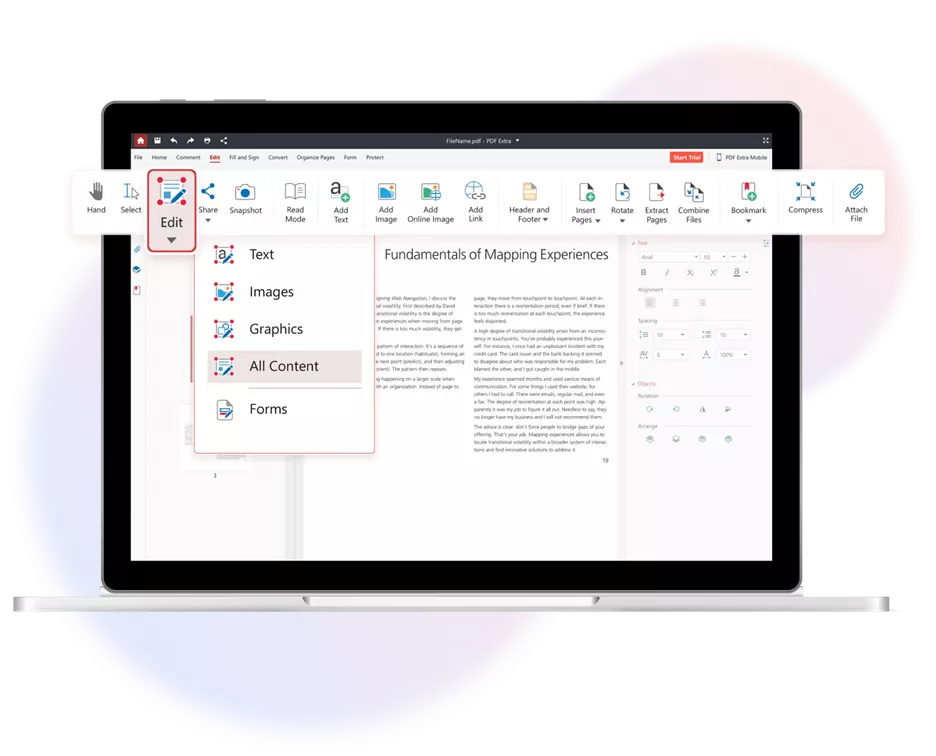
MobiPDF é uma suíte de editar PDF tudo-em-um que permite aos usuários criar, ler e editar PDFs. Ele é acessível no Windows, iOS e Android, e oferece acesso a vários recursos de PDF comumente usados por meio de uma interface amigável e no estilo Microsoft Office.
As Principais Funcionalidades do MobiPDF Incluem:
- Visualizar PDF: Oferece uma experiência de leitura elegante com diferentes opções de rolagem, modo de leitura focada, favoritos, impressão/compartilhamento suave e muito mais.
- Criar PDF: Ele oferece uma interface no estilo Microsoft Office para criar PDFs desde o início ou por meio de digitalizações.
- Editar PDF: Ajuda a editar texto, imagens, fundo e mais.
- Converter PDF: Ele pode converter PDF para e de volta no Word, Excel, PowerPoint, imagem, HTML, ePub, RFT e muito mais.
- Comprimir PDF: Ele pode comprimir PDF para reduzir o tamanho do arquivo.
- PDF OCR: Ele pode transformar documentos escaneados em PDFs pesquisáveis com reconhecimento de texto OCR.
- Anotar PDF: Suas funções de marcação podem ajudar a adicionar comentários, destacar textos, inserir carimbos, desenhar e muito mais.
- Organizar PDF: Ele permite rearranjar, dividir, adicionar, extrair, duplicar, girar e fazer outras organizações de páginas.
- Preencher e Assinar PDF: Ele permite preencher e assinar formulários PDF de forma fluida.
- Proteger PDF: Ajuda a proteger documentos com senhas de abertura e permissão.
Em resumo, o MobiPDF tende a oferecer todos os recursos essenciais que os usuários precisam para lidar com atividades comuns relacionadas a PDF.
Compatibilidade
O MobiPDF oferece aplicativos separados para:
- Windows
- iOS
- Android
Infelizmente, não é compatível com macOS. No entanto, também oferece uma interface web para converter, comprimir e organizar PDFs.
Precificação
O MobiPDF oferece múltiplos planos de preços. Os detalhes são os seguintes:
- Grátis: $0/mês (veja/comentário em PDFs no Windows e 5GB de armazenamento MobiDrive)
- Premium: $4,19/mês – Faturado a $50,28 anualmente (apenas Windows, acesso a recursos PDF e 50GB de armazenamento MobiDrive)
- Final: $6,69/mês – Faturado a $80,28 anualmente (acesso a recursos PDF, 100GB de armazenamento MobiDrive, versões para Windows, Android e iOS, e criar/converter para e dos formatos Office 365)
- Vida útil: $99,99/Única (apenas Windows, acesso a recursos PDF e 5GB de armazenamento MobiDrive)
Avaliações dos Usuários
- "Fácil de usar. Rápido e muito responsivo. Ótimo fazer diferença em qualquer tamanho de escritório."
- "Recentemente usei o Mobi PDF e devo dizer que foi uma ferramenta eficiente e amigável para gerenciar meus arquivos PDF. O que tornou minha experiência ótima foi a simplicidade da plataforma. Isso me permitiu editar, mesclar e converter PDFs sem a necessidade de uma curva de aprendizado íngreme."
- "Durante arquivos PDF de grande porte, a edição e a criação de mudanças são difíceis, pois levam muito tempo e, às vezes, a aplicação trava."
- "Primeiro, isso na verdade não é software gratuito de editar PDF. Você só tem um teste de edição de 14 dias, e depois precisa assinar com dinheiro."
- "Apesar da assinatura da 'Ultimate', fui impedido de editar PDFs, eu nem conseguia imprimir. Minha assinatura parece ter terminado 6 semanas antes da data de validade. O atendimento ao cliente não estava disponível, me deram o número do ticket e me disseram para esperar 3 dias."
Experiência do Usuário
Pelo que os usuários escreveram nas avaliações do MobiPDF e pelo que a empresa anunciou, deve ser uma ferramenta intuitiva de usar e facilitar na maioria das atividades em PDF. Então, decidimos testar e ter uma experiência de usuário para nós mesmos.
Instalamos o MobiPDF no PC com Windows. Quando lançamos o aplicativo, recebemos um painel fácil de usar. Como ele tem muitos recursos para testar, decidimos testar alguns deles, conforme segue:
Editar PDF
Carregamos o PDF de exemplo e tentamos editar o texto, as imagens e outros elementos. A experiência foi tranquila, pois o MobiPDF conseguiu atender aos nossos pedidos de edição.

PDF de Anotação
Com o MobiPDF, conseguimos anotar um PDF de diferentes maneiras. Podíamos destacar, sublinhar, riscar, adicionar notas/carimbos e mais.

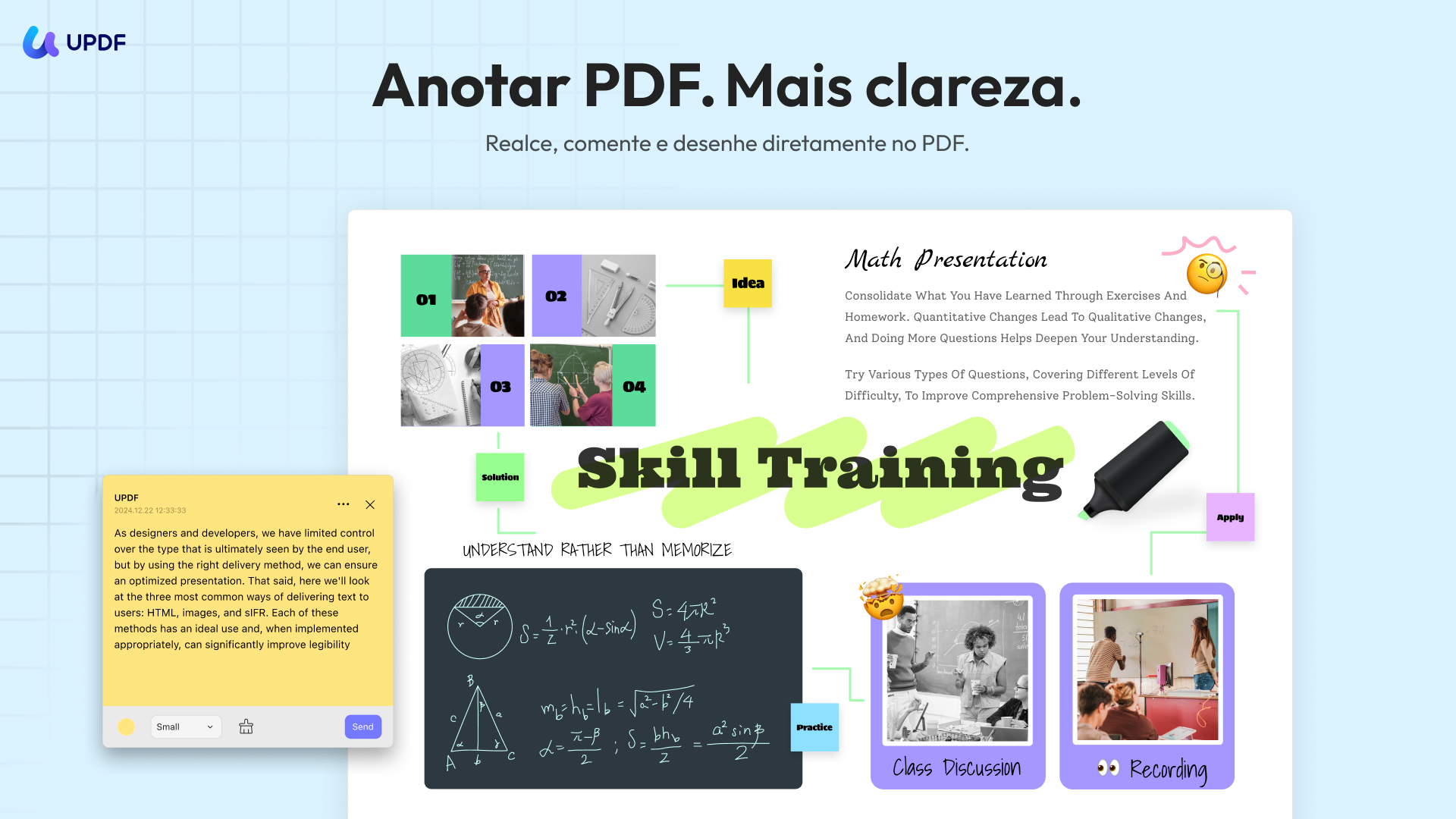
No entanto, sentimos que os recursos de anotação eram limitados em comparação com outras ferramentas. Por exemplo, recursos de anotação PDF do UPDF também permitem adicionar ondulados, adesivos 100+, chamadas de texto e mais.
Por que não experimentar o UPDF e experimentar suas funções aprimoradas de anotação você mesmo?
Windows • macOS • iOS • Android Seguro 100%
OCR
Em seguida, testamos a função OCR do MobiPDF. A ferramenta nos permite realizar OCR em páginas específicas. A varredura OCR estava boa, e ele conseguiu extrair os dados de um PDF escaneado.
O que nos preocupa foi que ele só suporta sete idiomas, incluindo inglês, alemão, francês, italiano, espanhol, japonês e hebraico. Se você digitalizou um PDF em qualquer outro idioma, o MobiPDF não conseguirá realizar OCR. Em contraste, o UPDF é capaz de realizar OCR em 38 idiomas.
Outras Características
O MobiPDF oferece muitos outros recursos, incluindo converter, comprimir, organizar e muito mais. No entanto, ao contrário do UPDF, ele carece de recursos avançados de IA para resumo, tradução e chat em PDF. Portanto, se você quiser tentar um assistente de PDF com IA que possa melhorar seu fluxo de trabalho de documentos, recomenda-se usar o UPDF, pois ele se integra à IA, facilitando resumir PDFs longos, traduzir conteúdo em PDF e fazer mais.
Prós e Contras
Prós:
- Interface fácil de usar
- Acesso a recursos populares relacionados a PDF
- Desempenho confiável
- Preços acessíveis
Contras:
- Teste gratuito por tempo limitado e é necessário assinar para acessá-lo
- Preço caro comparado ao UPDF. Os usuários precisam adquirir o plano Ultimate para usar em várias plataformas
- Compatível apenas com Windows, iOS e Android
- O recurso OCR só suporta PDFs em 7 idiomas, incluindo inglês, alemão, francês, italiano, espanhol, japonês e hebraico
- Funções limitadas de anotação/marcação
- Não há assistente de IA embutido para resumir, traduzir e explicar PDFs
Parte 2. Alternativa ao MobiPDF: Uma Solução Mais Repleta de Recursos e Acessível
Embora o MobiPDF supere o Adobe Acrobat em termos de preço, não é a melhor opção. O UPDF é semelhante ao MobiPDF, mas oferece mais recursos e planos acessíveis.
O UPDF é uma ferramenta de editor, anotador e conversor de PDF com IA. Ele oferece tudo o que você tem com o MobiPDF, como editar, anotar, converter, proteger, OCR e muito mais.
O que torna o UPDF uma alternativa melhor são seus recursos avançados e experiência aprimorada. Alguns dos benefícios adicionais que você pode aproveitar com o UPDF incluem:
- Assistente de IA: Ele oferece um assistente de IA que permite resumir, traduzir, explicar, revisar e fazer mais para uma análise aprimorada em PDF.
- Linguagens OCR: Ele reconhece PDFs em 38 idiomas.
- Anotação: Ele oferece mais opções de anotação, como ondulado, chamadas de texto, adesivos, etc.
- Compatibilidade: Exceto para Windows, iOS e Android, ele também é compatível com macOS.
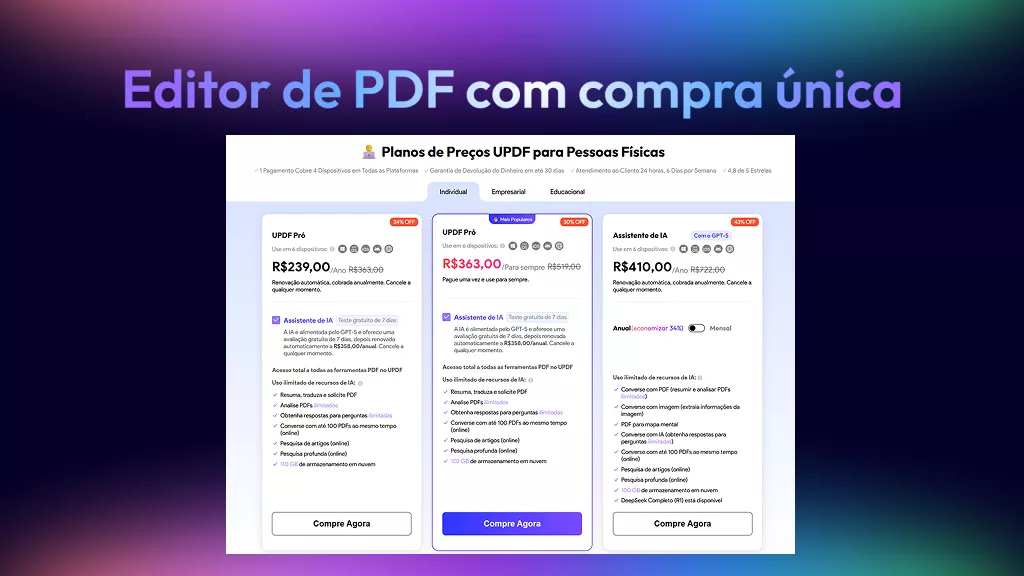
- Acessibilidade: Custa $39,99/ano ou $69,99/uma vez, o que o torna mais barato que o MobiPDF.
- Versão Gratuita: Oferece uma versão gratuita para sempre, com acesso a recursos básicos em PDF.
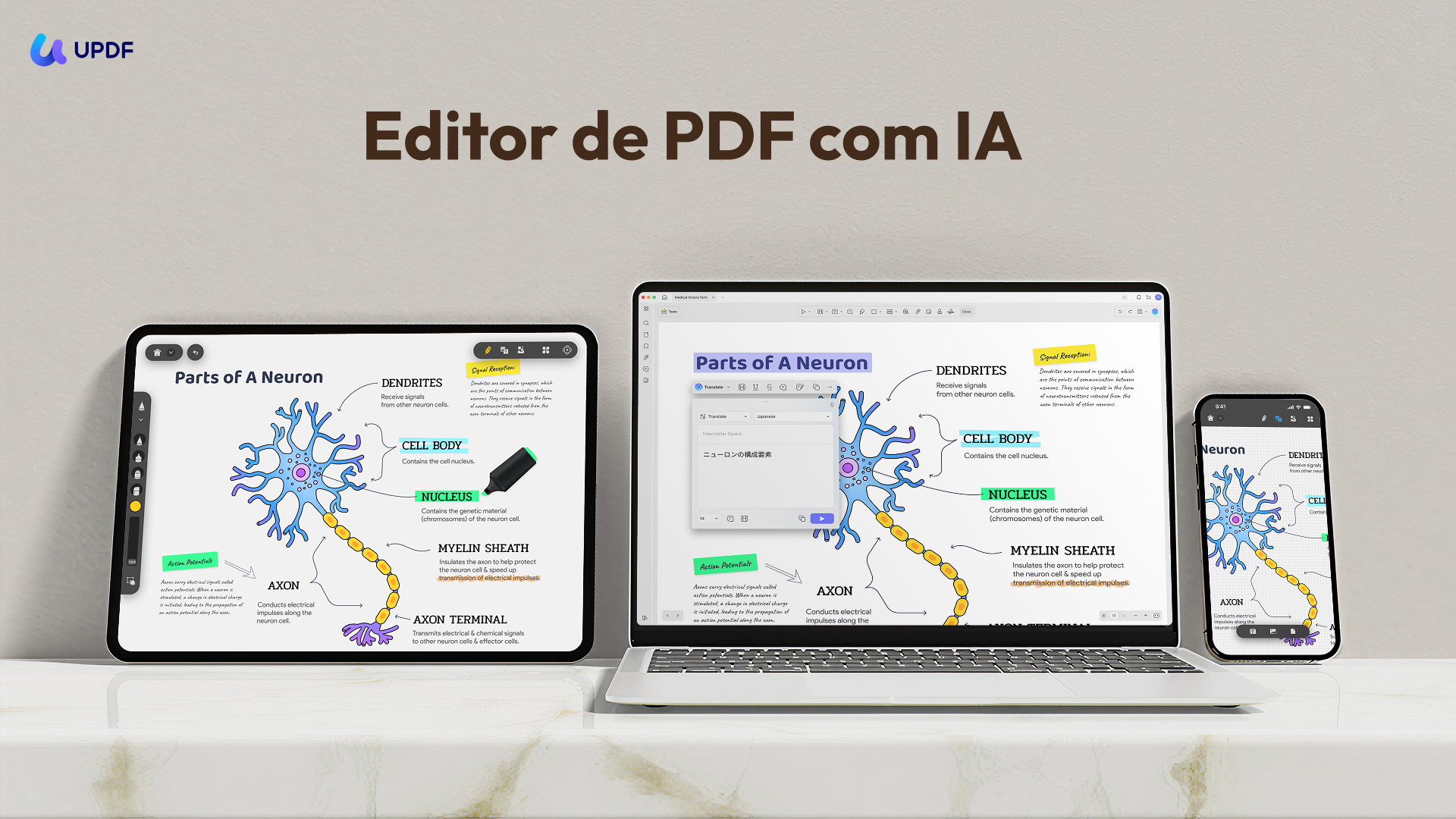
Simplificando, o UPDF é uma alternativa mais avançada ao MobiPDF, que oferece uma experiência mais rica em recursos e custa significativamente menos. Clique no botão de download abaixo para ver o UPDF em ação imediatamente.
Windows • macOS • iOS • Android Seguro 100%
Tabela Comparativa: MobiPDF vs UPDF
| Características | MobiPDF | UPDF |
| Editar PDF | Editar texto, imagens, links, fundos | Editar texto, imagens, links, fundos |
| Criar PDF | Crie PDFs do zero ou escaneie | Crie PDFs do zero ou escaneie |
| Anotar PDF | Destaque, sublinha, risca, notas, carimbos, desenho | Destaque, sublinha, risca, ondulado, referências de texto, 100+ adesivos, bilhetes, carimbos, desenho |
| Organizar PDF | Rearranjar, dividir, adicionar, extrair, duplicar, girar páginas | Rearranjar, dividir, adicionar, extrair, duplicar, girar páginas |
| Assistente de IA | (resumir, traduzir, explicar, revisar, etc.) | |
| OCR | Suporta 7 idiomas (inglês, alemão, francês, italiano, espanhol, japonês, hebraico) | Suporta 38 idiomas |
| Preencher e Assinar Formulários | ||
| Proteger PDF | ||
| Comprimir PDF | ||
| Suporte ao Cliente | Limitado (usuários relatam atrasos na resposta) | Suporte ao cliente responsivo |
| Compatibilidade | Windows, iOS, Android | Windows, macOS, iOS, Android |
| Versão Gratuita | Versão gratuita limitada (apenas visualização/comentário, 5GB de armazenamento MobiDrive) | Versão gratuita para sempre com recursos básicos em PDF |
| Precificação | - Prêmio: $4,19/mês, faturado a $50,28 anualmente; - Final: $6,69/mês, faturado a $80,28 anualmente; - Vida útil: $99,99/única | - UPDF Pro (Anual): $39,99/ano; - UPDF Pro (Vitalício): $69,99/única |
Conclusão
O MobiPDF se destacou como um editor de PDF fácil de usar e acessível para indivíduos e pequenas empresas. Ele tem muitos recursos para editar, converter, proteger e fazer mais com PDFs. No entanto, a análise acima do MobiPDF mostra que ele também tem alguns limites, como falta de suporte ao macOS, ausência de assistente de IA, linguagens OCR limitadas etc. Em contraste, encontramos o UPDF uma alternativa melhor ao MobiPDF devido aos seus recursos avançados e planos mais econômicos. Então, por que se contentar com menos quando o UPDF oferece o melhor kit de ferramentas PDF que você precisa?





 Enrica Taylor