 UPDF
UPDF
 UPDF para Windows
 UPDF para Mac
 UPDF para iPhone/iPad
 UPDF para Android
 Nomostar
 UPDF AI Online
 UPDF Sign
 IvyCraft
 Editar PDF
 Anotar PDF
 Criar PDF
 Formulário PDF
 Editar links
 Converter PDF
 OCR
OCR PDF para Word
 PDF para Imagem
 PDF para Excel
 Organizar PDF
 Mesclar PDF
 Dividir PDF
 Cortar PDF
 Girar PDF
 Proteger PDF
 Assinar PDF
 Redigir PDF
 Sanitizar PDF
 Remover Segurança
 Ler PDF
 Nuvem UPDF
 Comprimir PDF
 Imprimir PDF
 Processamento em Lote
 Sobre o UPDF AI
 Soluções UPDF AI
 Guia do Usuário de IA
 Perguntas Frequentes
 Resumir PDF
 Traduzir PDF
 Converse com o PDF
 Converse com IA
 Converse com a imagem
 PDF para Mapa Mental
 Explicar PDF
 Ferramentas de IA para PDF
 Ferramentas de IA para Imagem
 Ferramentas de Chat com IA
 Ferramentas de Escrita com IA
 Ferramentas de Estudo com IA
 Ferramentas de Trabalho com IA
 Outras Ferramentas de IA
 Geração de marcadores
 Resumo de marcadores
 Geração de marca d’água
 Geração de fundo
 Geração de adesivos
 Geração de carimbos
 Suite de Redação
 UPDF Copilot
 Gerenciamento de páginas
 Pesquisa Semântica
 PDF para Word
 PDF para Excel
 PDF para PowerPoint
 Solução Empresarial
 Sinal de empresa
 IA empresarial
 Plano Empresarial
 Guia do Usuário Corporativo
 Webinar Empresarial
 Bancário
 Saúde
Saúde Seguro
 Jurídico
 Manufatura
 Governo
 Solução Educacional
 Histórico de Clientes
 Guia do Usuário
 Truques do UPDF
 Perguntas Frequentes
 Avaliações do UPDF
 Centro de Download
 Blog
Blog Sala de Imprensa
 Especificações Técnicas
 Atualizações
 UPDF vs. Adobe Acrobat
 UPDF vs. Foxit
 UPDF vs. PDF Expert

 UPDF AI
Verificador de Direitos Autorais Online Gratuito
O verificador de direitos autorais do UPDF AI ajuda você a identificar problemas antes que eles se tornem um risco — seja na publicação de um blog, envio de trabalhos acadêmicos ou upload de conteúdo de marketing. Ele detecta rapidamente possíveis similaridades com fontes existentes, permitindo revisar com confiança e manter-se em conformidade com as regras de direitos autorais. Gratuito, online e sem necessidade de cadastro.
Impulsionado por
 GPT-5 |
 DeepSeek R1
Mais de 5000 avaliações
 4.8
4.8
UPDF AI disponível em


 Aplicativo para desktop e celular

4M+ Usuários, 15M+ Tarefas de direitos autorais verificadas, confiado por grandes mídias:






Como Usar o Verificador de Direitos Autorais do UPDF AI Online Gratuitamente
-
Envie ou Cole o Conteúdo
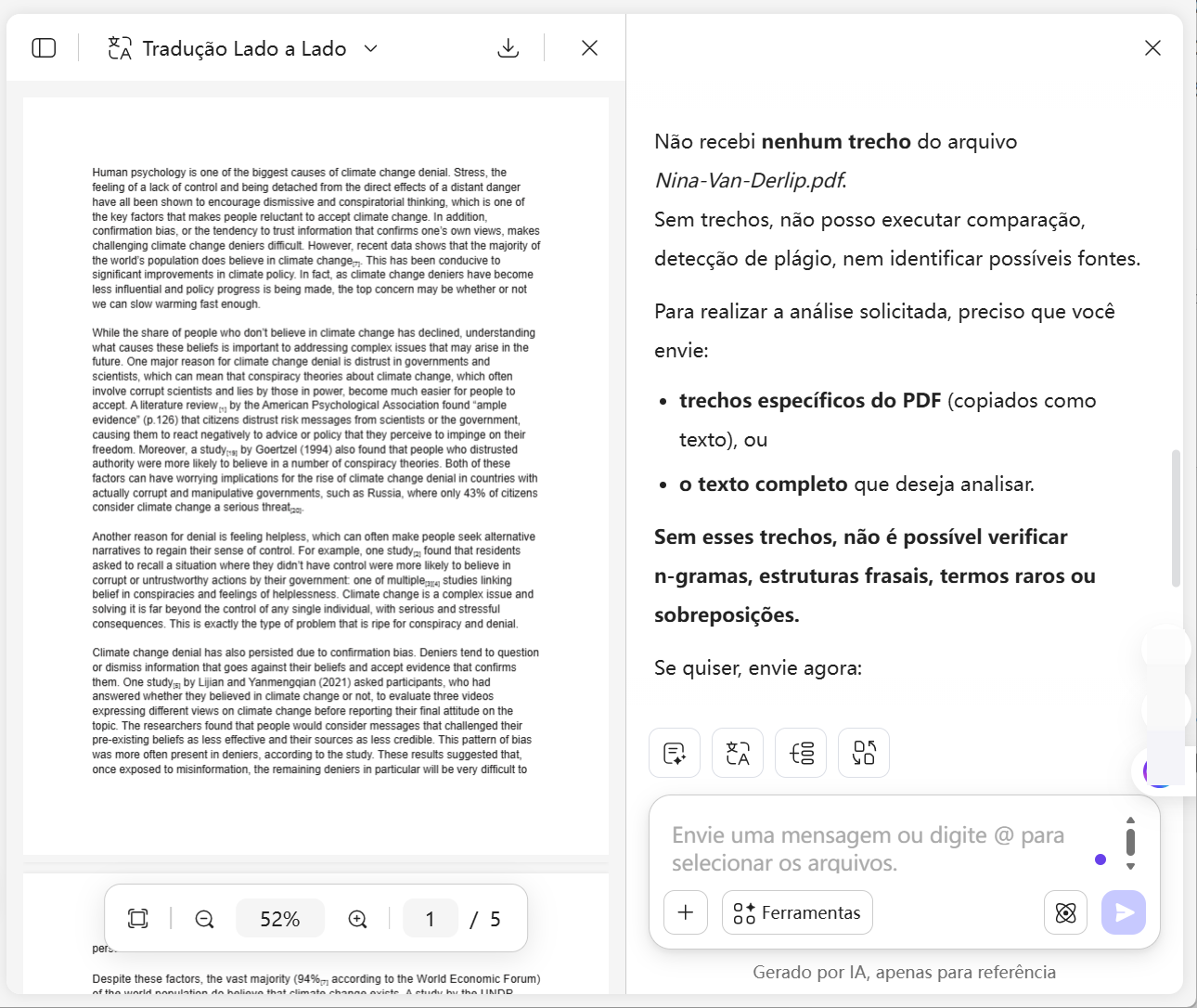
Faça upload do PDF, cole o texto ou forneça capturas de tela do conteúdo que deseja verificar. Se tiver materiais de referência ou possíveis fontes originais, envie-os também. Clique em ‘+’ > ‘Selecionar Arquivos’ para enviar o PDF e, em seguida, insira o seguinte prompt:
Tarefas: Detectar possível plágio ou multi-fontes, identificar fontes originais (se possível), destacar trechos suspeitos, explicar o tipo de reescrita, fornecer pontuação de confiança (0–100%) e indicar “nenhuma fonte verificável detectada” quando aplicável.
Regras: Priorize sobreposição de n-gramas longos e termos raros, foque em similaridade estrutural e padrões incomuns, não invente fontes e baseie-se apenas em evidências observáveis. -
Escolha o Modelo de IA e Gere
Escolha o modo de IA (ChatGPT 5 por padrão) ou ative o DeepThink para uma análise mais profunda e clique em “Enviar” para iniciar.

Por que escolher o Verificador de Direitos Autorais do UPDF AI
Detecção profunda com IA
Desenvolvido com modelos avançados como ChatGPT-5 e DeepSeek R1, ele vai além da simples correspondência de texto. Analisa padrões semânticos e estruturais para identificar plágio e paráfrases em trabalhos acadêmicos, pesquisas e conteúdos de marketing. Quando alta similaridade é detectada, você pode usar o UPDF AI para reescrever ou aprimorar rapidamente as partes destacadas.

Identifica padrões ocultos de reescrita
Detecta substituição de sinônimos, reestruturação de frases, traduções adaptadas e paráfrases geradas por IA. O UPDF AI é ideal para revisar conteúdos de freelancers, redações terceirizadas ou rascunhos editados onde a originalidade precisa ser verificada.
Sem limite de palavras e suporte a múltiplos PDFs
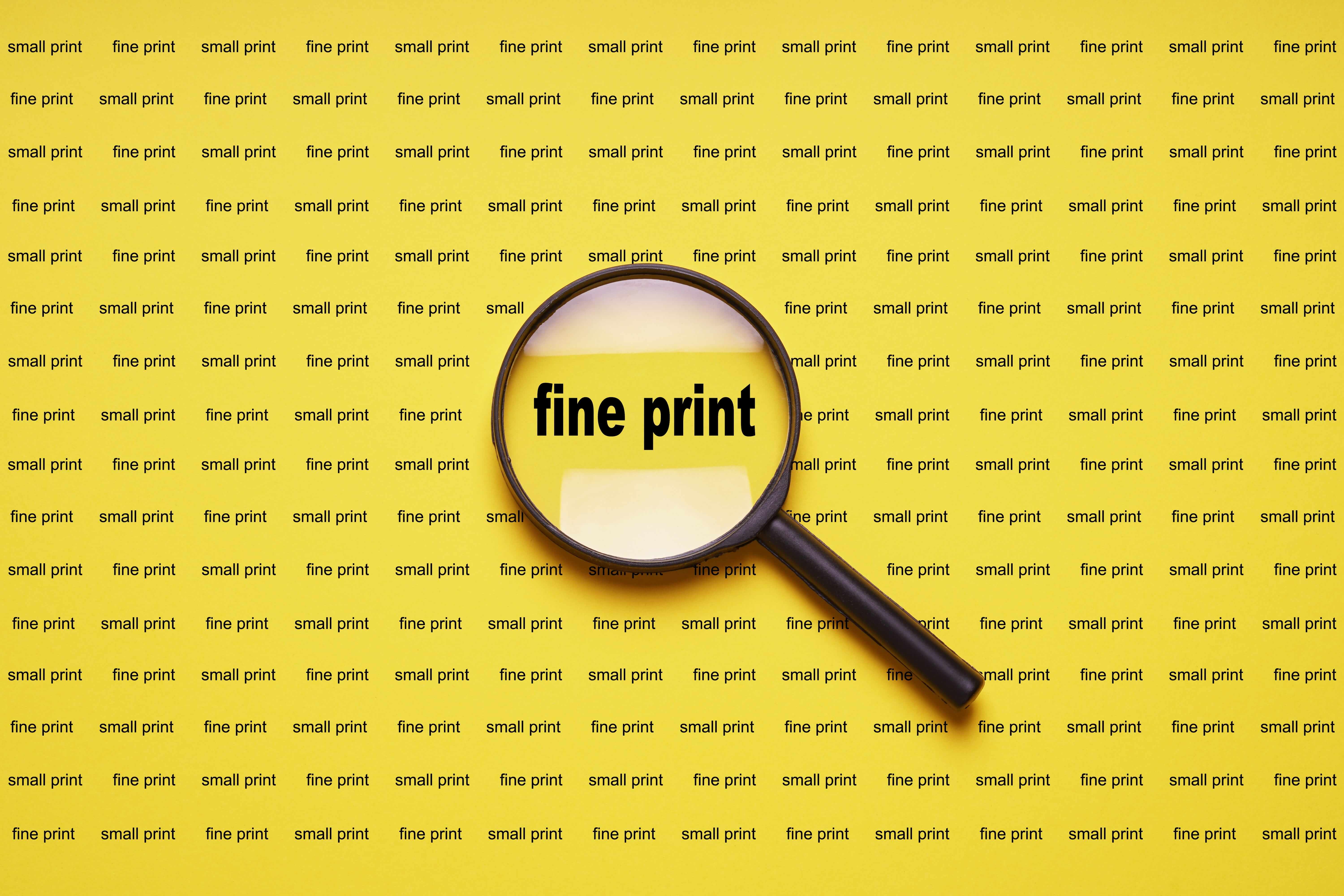
O UPDF AI permite enviar vários PDFs ao mesmo tempo, sem limite de palavras, facilitando a análise de documentos extensos, conjuntos de pesquisas ou arquivos completos de projetos em uma única sessão. Ideal para pesquisadores, editores e equipes de compliance.
Fluxo de trabalho integrado com PDF
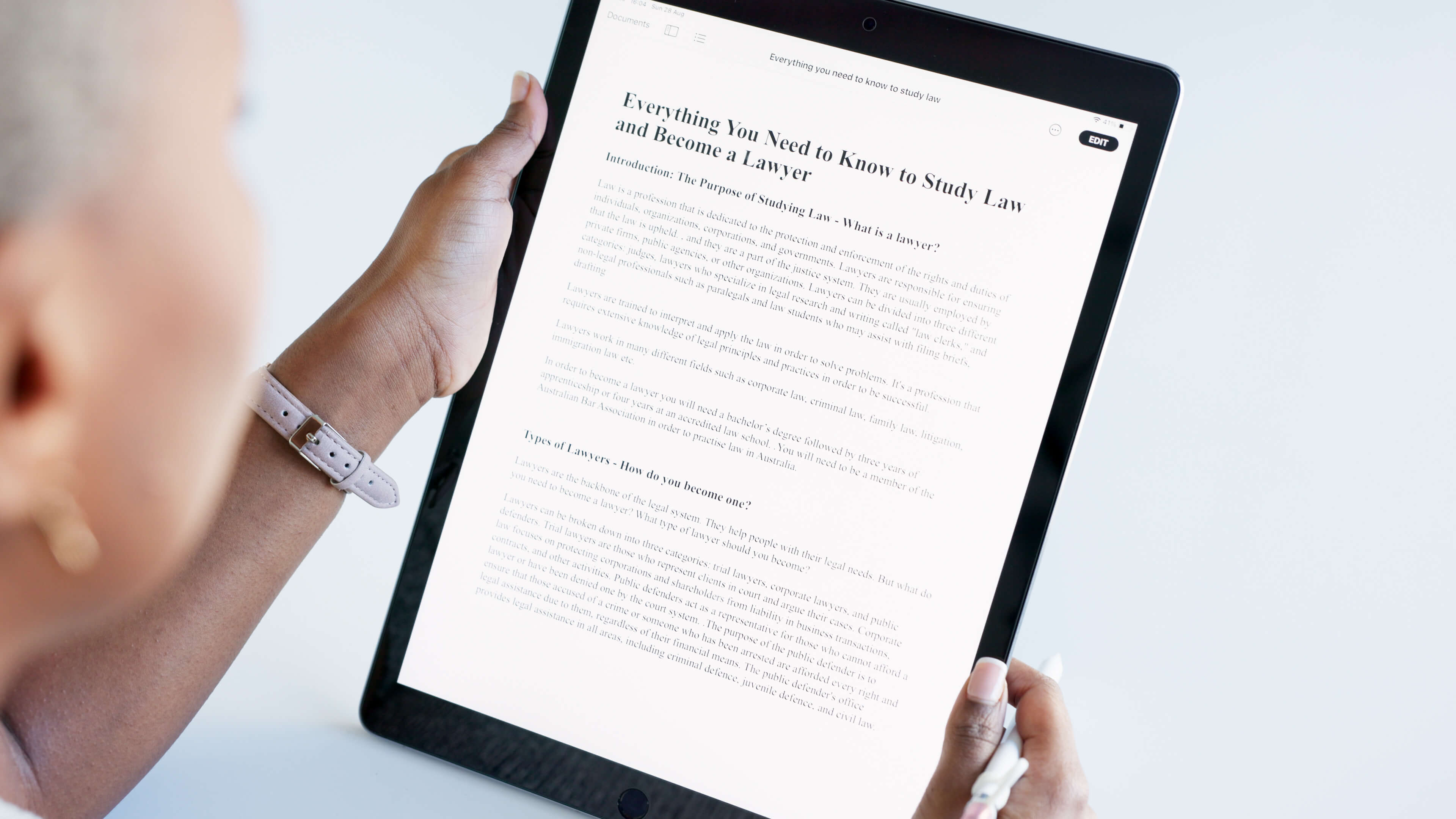
Após identificar possíveis casos de plágio, você pode abrir o UPDF para editar e anotar o PDF, destacar trechos suspeitos e refiná-los até a versão final. É uma solução eficiente para pesquisadores, revisores e editores que trabalham com documentos longos.

UPDF AI vs. Outros verificadores de direitos autorais com IA
UPDF AI
Outras ferramentas de IA
Suporte a múltiplos arquivos


Sem limite de palavras
Teste gratuito
(100 perguntas)
Formatos de entrada
PDF, texto, imagens
Somente texto
Fluxo de trabalho
Detectar + editar + destacar no PDF (requer instalação do UPDF)
Apenas relatório
Modelos de IA
ChatGPT-5 & DeepSeek R1
Modelo único limitado
Idiomas suportados
100+
Apenas inglês
Plataformas disponíveis
Online, Windows, Mac, Android, iOS
Online
Perguntas frequentes sobre o Verificador de Direitos Autorais do UPDF AI
1. O que é violação de direitos autorais?
2. Como posso evitar problemas de direitos autorais na escrita?
3. Posso verificar meu trabalho acadêmico gratuitamente?
4. Meu conteúdo é armazenado ou compartilhado durante a verificação?
Outras Ferramentas Populares de IA







