UPDF
UPDF
 UPDF สำหรับ Windows
 UPDF สำหรับ Mac
 UPDF สำหรับ iPhone/iPad
 UPDF สำหรับ Android
 Nomostar
 UPDF AI Online
 UPDF Sign
 IvyCraft
 แก้ไข PDF
 ใส่คำอธิบาย PDF
 สร้าง PDF
 ฟอร์ม PDF
 แก้ไขลิงก์
 แปลง PDF
 OCR
OCR PDF เป็น Word
 PDF เป็นรูปภาพ
 PDF เป็น Excel
 จัดระเบียบ PDF
 รวม PDF
 แยก PDF
 ครอบตัด PDF
 หมุน PDF
 ป้องกัน PDF
 เซ็น PDF
 ลบข้อความ PDF
 ล้าง PDF
 เอาความปลอดภัยออก
 อ่าน PDF
 UPDF Cloud
 บีบอัด PDF
 พิมพ์ PDF
 ประมวลผลเป็นชุด
 เกี่ยวกับ UPDF AI
 โซลูชั่น UPDF AI
 คู่มือผู้ใช้ AI
 คำถามที่พบบ่อยเกี่ยวกับ UPDF AI
 สรุป PDF
 แปล PDF
 แชทกับ PDF
 สนทนากับ AI
 แชทด้วยรูปภาพ
 PDF เป็นแผนที่ความคิด
 อธิบาย PDF
 เครื่องมือ AI สำหรับ PDF
 เครื่องมือ AI สำหรับรูปภาพ
 เครื่องมือแชท AI
 เครื่องมือเขียน AI
 เครื่องมือการเรียนรู้ AI
 เครื่องมือการทำงาน AI
 เครื่องมือ AI อื่น ๆ
 การสร้างบุ๊กมาร์กด้วย AI
 สรุปบุ๊กมาร์กด้วย AI
 สร้างลายน้ำด้วย AI
 สร้างพื้นหลังด้วย AI
 สร้างสติกเกอร์ด้วย AI
 สร้างตราประทับด้วย AI
 ชุดเครื่องมือเขียนด้วย AI
 UPDF Copilot
 จัดการหน้าด้วย AI
 ค้นหาเชิงความหมายด้วย AI
 แปลง PDF เป็น Word
 แปลง PDF เป็น Excel
 แปลง PDF เป็น PowerPoint
 โซลูชั่นสำหรับองค์กร
 Enterprise Plan
 คู่มือผู้ใช้สำหรับองค์กร
 เวบินาร์สำหรับองค์กร
 ไอที
ไอที การศึกษา
 ก่อสร้าง
 บริการทางการเงิน
 การดูแลสุขภาพ
 ประกันภัย
 กฎหมาย
 การผลิต
 รัฐบาล
 โซลูชันการศึกษา
 เรื่องราวของลูกค้า
 คู่มือการใช้งาน
 เคล็ดลับ UPDF
 คำถามที่พบบ่อย
 รีวิว UPDF
 ศูนย์ดาวน์โหลด
 บล็อก
บล็อก ห้องข่าว
 ข้อมูลจำเพาะทางเทคนิค
 อัปเดต
 UPDF เทียบกับ Adobe Acrobat
 UPDF เทียบกับ Foxit
 UPDF เทียบกับ PDF Expert




 Unlimited Document AI:




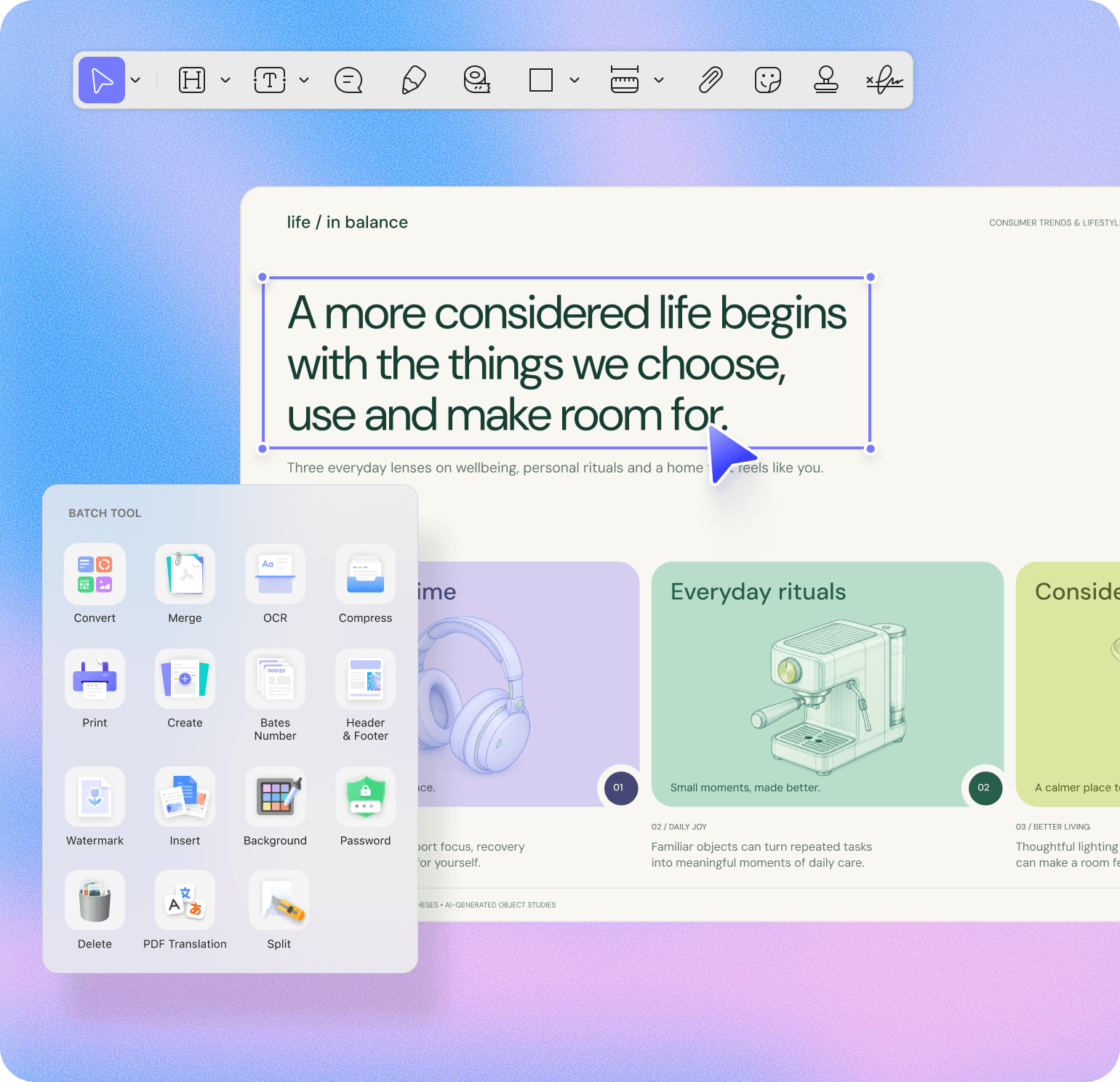


I use it primarily on my pc and mac. I really love this program because it takes away the bloatware of Adobe while presenting us with more editing options of PDFs. I love the header, footer and page background feature that allows me to add or remove all the backgrounds in the page at a single shot. The program is light and the perpetual license is worth it.
Srinivas N, from Google Play

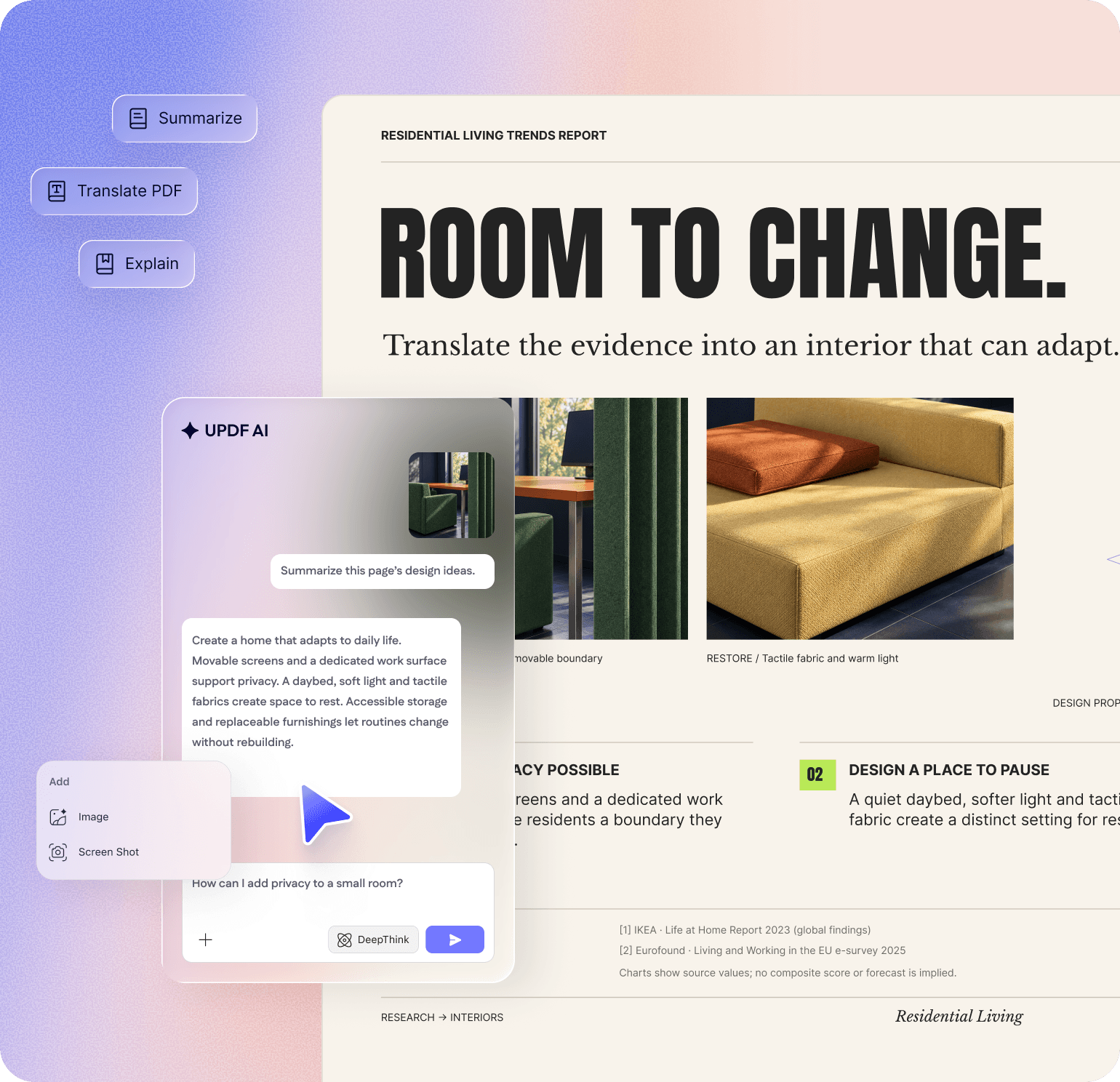
I am a student who also works part-time, primarily studying for exams to become a bureaucrat in my country's administration. I usually use UPDF to take notes while reading my exam resources, making learning more effective. The bookmark feature makes it convenient to mark where I last read. Additionally, the AI assistant has been incredibly useful for my studies.
Student, Ayu Divine
UPDF's OCR feature helps me convert handwritten notes into digital text, which I can then summarize and organize using its AI-powered tools.
Student IT Worker, Giancarlo Romano
UPDF is an all-in-one AI PDF editor that's more versatile, yet more affordable, than the competition. Stop working with PDFs like they're impossible to manipulate and start editing and formatting them as easily as you would a Word document.

There are a ton of different PDF editors out there, but what has kept me coming back is the price-to-performance ratio you get out of UPDF. Whether you’re a student, creative, business user, or tired of clunky software, UPDF offers serious value without cutting corners.

UPDF offers compelling advantages over expensive alternatives like Adobe Acrobat. The software supports major platforms — Mac, iOS, Windows and Android — with one account usable across four devices simultaneously. Users enjoy lifetime free upgrades and pay just one-sixth the price of Adobe’s subscription model.



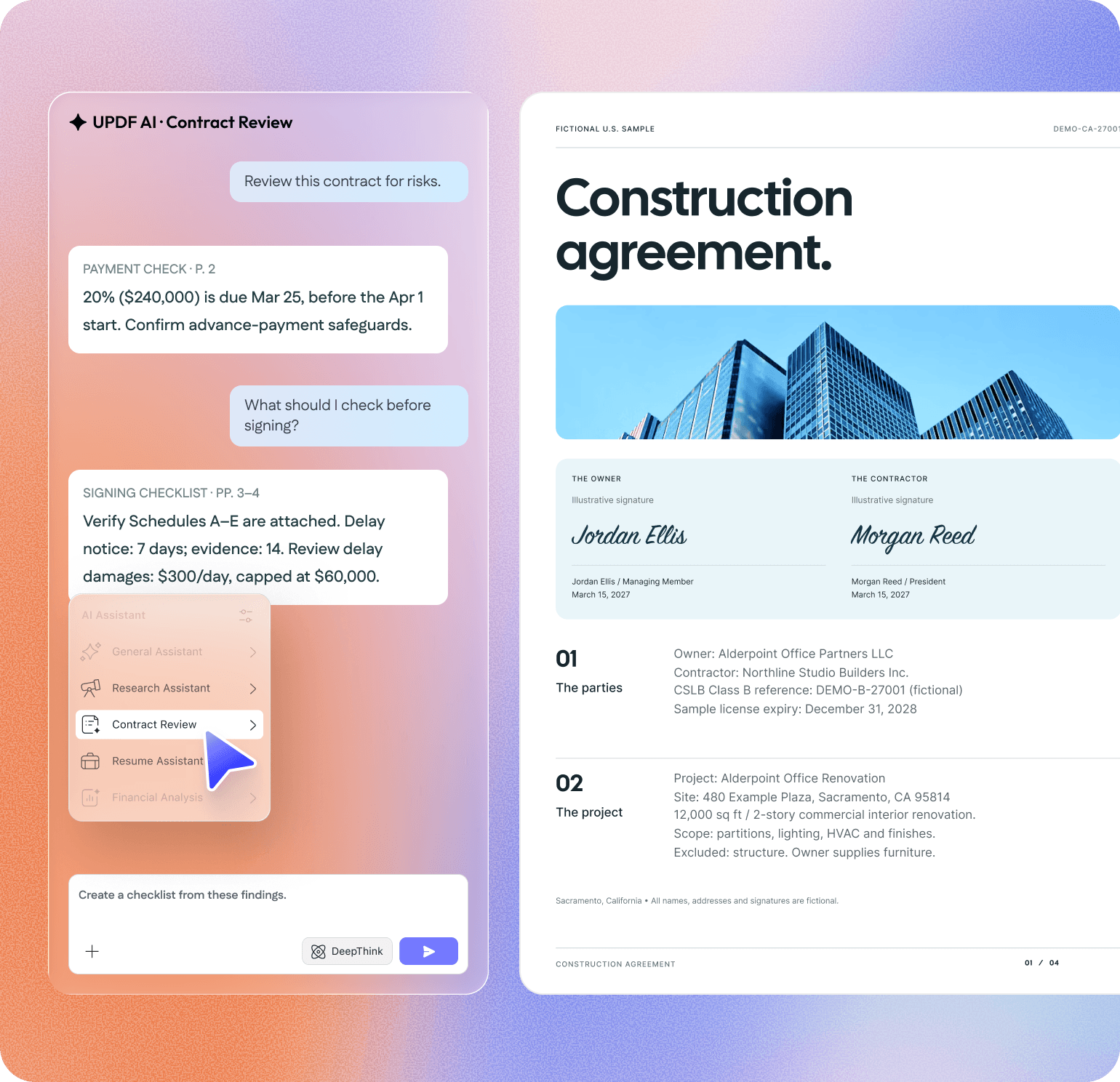
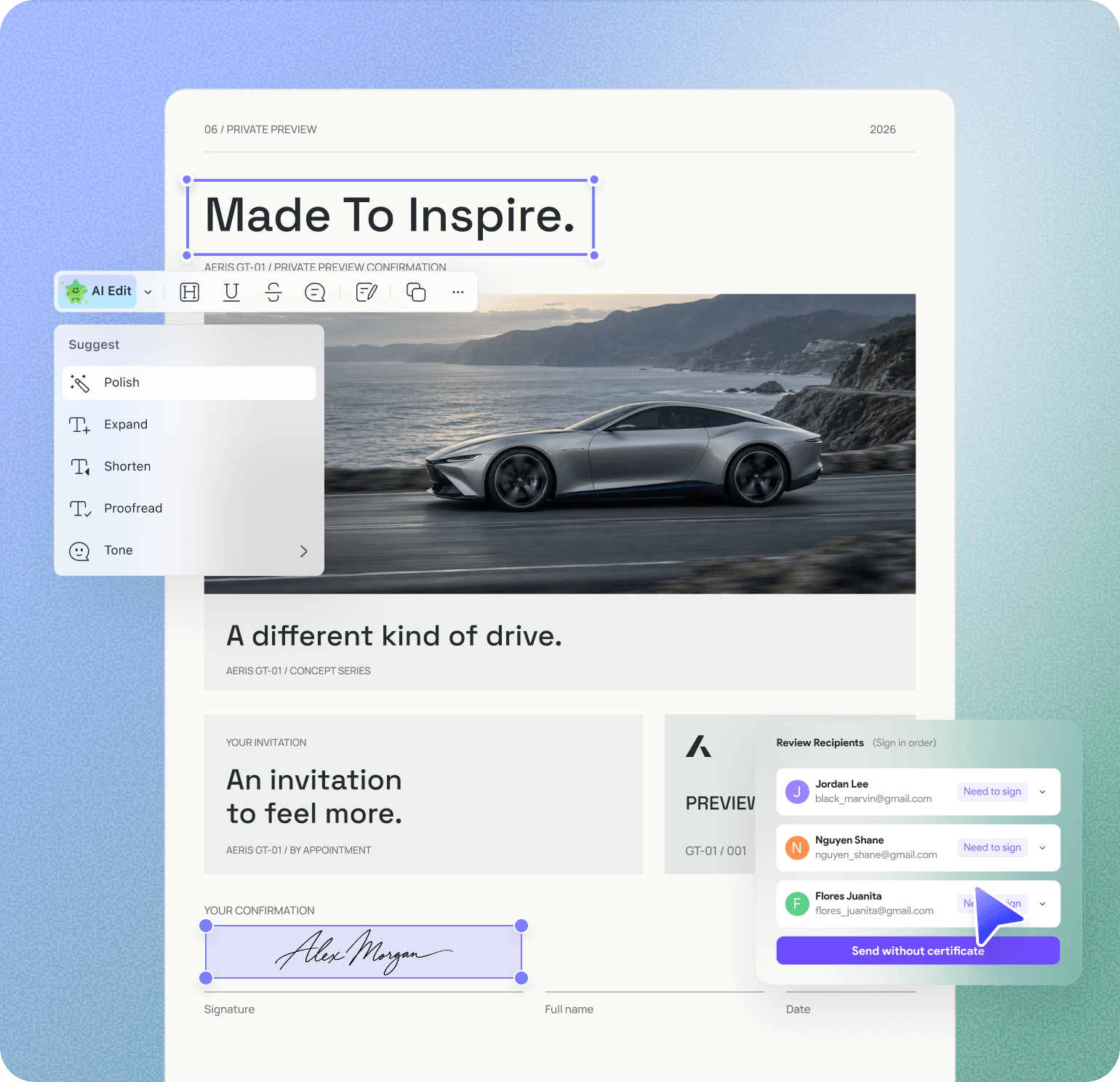
The cross-platform license is the reason UPDF stuck after the trial. One payment covers four devices... which means a Windows desktop in the office, a Mac laptop for travel, an iPad for reading, and an iPhone for quick mark-ups...AI Assistant and UPDF Sign also earned their place. I can chat against a collection of PDFs at once to find data points, and use AATL-certified digital signatures with an audit trail, so I stopped paying separately for a sign-only tool. The lifetime license is the option I went with. One payment now, no annual renewal, and future updates included.
Luca P., from G2