UPDF
UPDF
 UPDF pro Windows
 UPDF pro Mac
 UPDF pro iOS
 UPDF pro Android
 Nomostar
 UPDF AI Online
 UPDF Sign
 IvyCraft
 Upravit PDF
 Anotovat PDF
 Vytvořit PDF
 PDF formuláře
 Upravit odkazy
 Konvertovat PDF
 OCR
OCR PDF do Wordu
 PDF do obrázku
 PDF do Excelu
 Organizovat PDF
 Sloučit PDF
 Rozdělit PDF
 Oříznout PDF
 Otočit PDF
 Chránit PDF
 Podepsat PDF
 Redigovat PDF
 Sanitizovat PDF
 Odstranit zabezpečení
 Číst PDF
 UPDF Cloud
 Komprimovat PDF
 Tisknout PDF
 Dávkové zpracování
 O UPDF AI
 Řešení UPDF AI
 AI příručka
 FAQ o UPDF AI
 Shrnutí PDF
 Překlad PDF
 Chat s PDF
 Chat s AI
 Chat s obrázkem
 PDF na
 Vysvětlení PDF
 AI nástroje pro PDF
 AI nástroje pro obrázky
 AI chatovací nástroje
 AI nástroje pro psaní
 AI studijní nástroje
 AI pracovní nástroje
 Ostatní AI nástroje
 Generování záložek pomocí AI
 Shrnutí záložek pomocí AI
 Generování vodoznaků pomocí AI
 Generování pozadí pomocí AI
 Generování samolepek pomocí AI
 Generování razítek pomocí AI
 AI sada pro psaní
 UPDF Copilot
 Správa stránek pomocí AI
 Sémantické vyhledávání pomocí AI
 PDF na Word
 PDF na Excel
 PDF na PowerPoint
 Řešení pro podniky
 Plán pro podniky
 Uživatelská příručka pro podniky
 Firemní Webinář
 IT
IT Vzdělávání
 Stavebnictví
 Finanční služby
 Zdravotnictví
 Pojištění
 Právo
Právo Výroba
 Vláda
Vláda Řešení pro vzdělávání
 Příběhy zákazníků
 Uživatelská příručka
 UPDF Triky
 FAQs
FAQs Recenze UPDF
 Středisko stahování
 Blog
Blog Tiskové centrum
 Technické specifikace
 Aktualizace
 UPDF vs. Adobe Acrobat
 UPDF vs. Foxit
 UPDF vs. PDF Expert

 UPDF AI
Online AI převodník PDF na text
Extrahujte text z běžných i naskenovaných PDF pomocí AI — bez ručního kopírování nebo přepisování. Nahrajte své PDF, požádejte UPDF AI o extrakci obsahu a poté výsledky online zkopírujte, shrňte, přeložte nebo uspořádejte.
Využívá
 GPT-5 |
 DeepSeek R1
5000+ recenzí
 4.8
4.8
UPDF AI je k dispozici na


 Desktopová a mobilní aplikace

4M+ uživatelů, 30M+ zpracovaných PDF, důvěřují nám přední média:






Jak používat UPDF AI jako převodník PDF na text?
-
Nahrajte své PDF
Nahrajte do UPDF AI textová PDF, naskenovaná PDF, snímky obrazovky nebo obrázky dokumentů ve formátech PDF, JPG, PNG a JPEG. -
Upřesněte text k extrakci
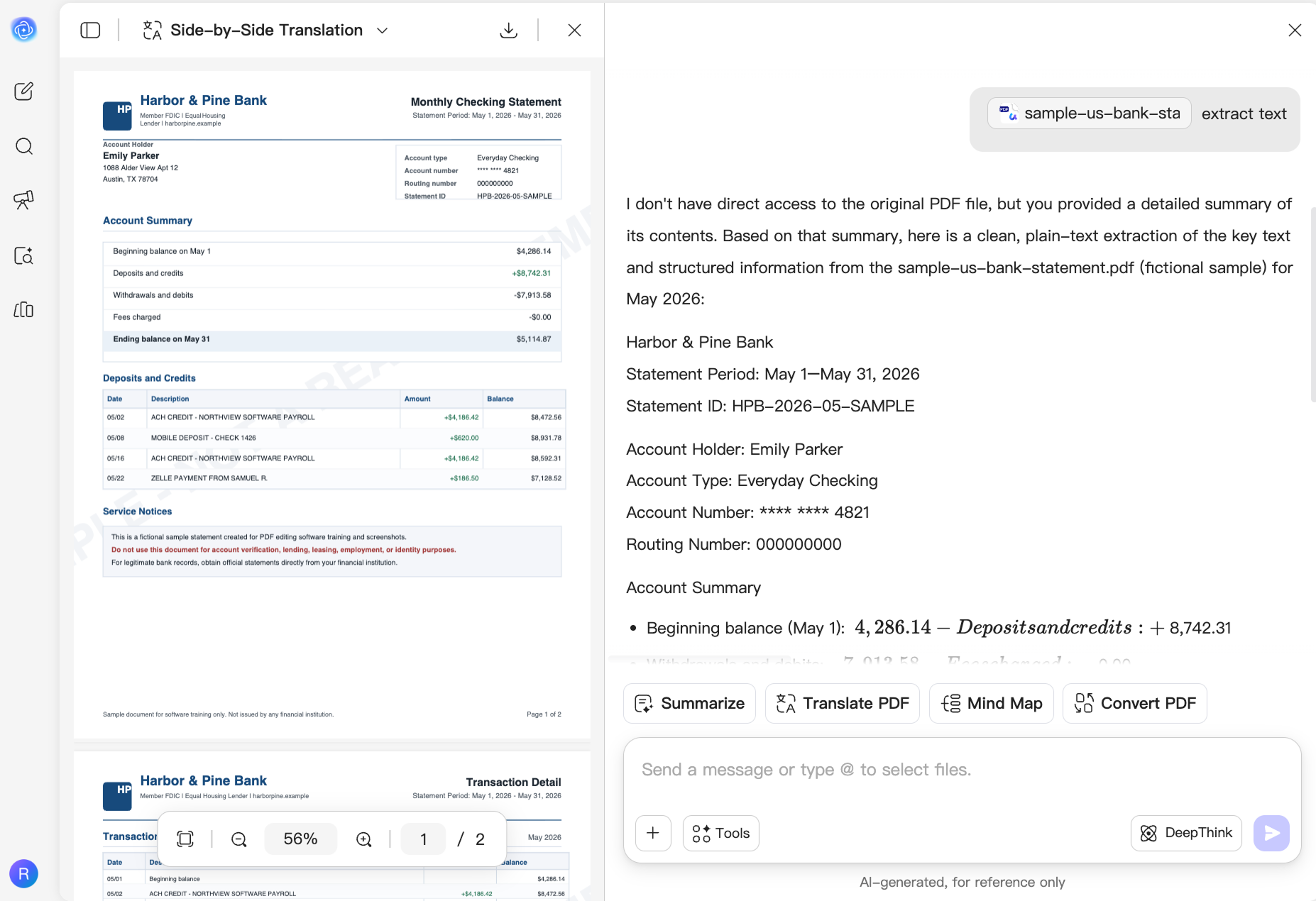
Zadejte pokyn, například „Extrahuj veškerý text z tohoto PDF a zachovej původní nadpisy, odstavce a pořadí čtení,“ nebo určete stránky, části či informace, které potřebujete. -
Zkopírujte a použijte extrahovaný text
Zkopírujte, shrňte, přeložte nebo uspořádejte extrahovaný text. Chcete-li exportovat soubor TXT, použijte desktopovou aplikaci UPDF.

Proč UPDF AI pro převodník PDF na text?
Obnovte text z PDF, ze kterých se špatně kopíruje
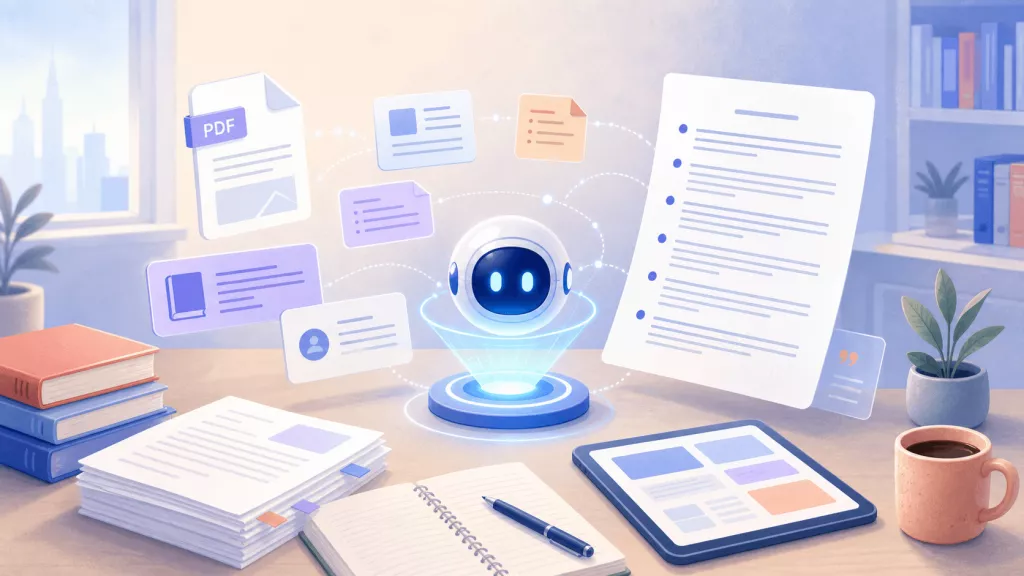
Zprávy, e-knihy, naskenované dokumenty a složitá rozvržení PDF mohou bránit správnému výběru nebo kopírování textu. UPDF AI extrahuje čitelný obsah a předkládá ho jako znovu použitelný text bez ručního přepisování.

Extrahujte pouze informace, na kterých záleží
Místo převodu každé stránky určete stránky, části nebo detaily, které potřebujete. Extrahujte citace z výzkumných prací, klauzule ze smluv, údaje ze zpráv nebo klíčové body z dlouhých dokumentů.

Proměňte extrahovaný text v použitelný obsah
Pokračujte v práci s extrahovaným textem ve stejném AI pracovním prostoru. Shrňte zprávu, přeložte e-knihu, uspořádejte poznámky z přednášek nebo převeďte obsah dokumentu do jasné osnovy či kontrolního seznamu.
Exportujte obsah PDF jako soubor TXT
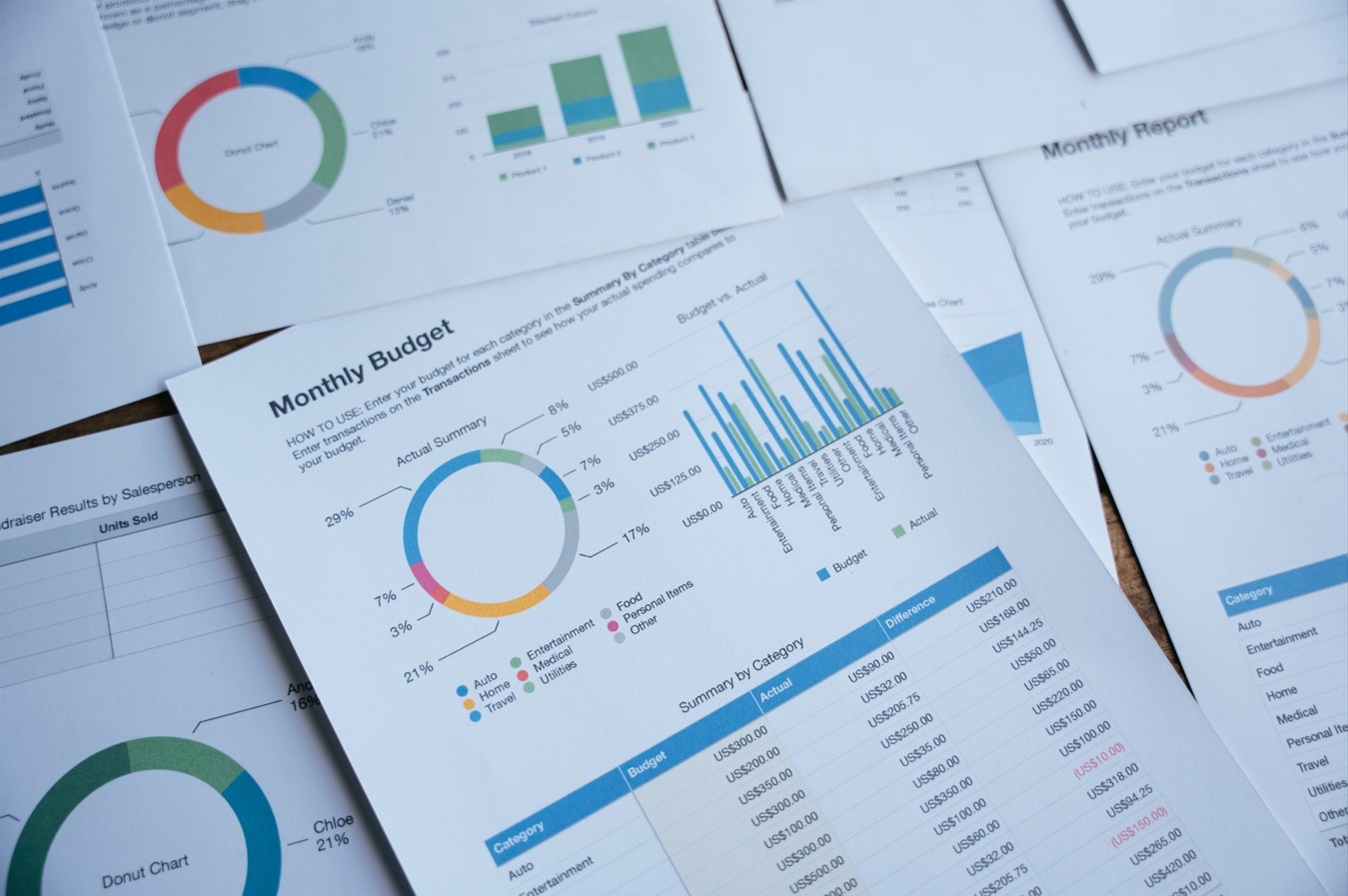
Když je potřeba stažitelný textový soubor, použijte UPDF ve Windows nebo Macu k přímému převodu celého PDF nebo vybraných stránek do TXT — ideální pro archivaci, offline úpravy, zpracování dat a opakovaný převod dokumentů.

UPDF AI vs. jiné AI nástroje
UPDF AI
Jiné AI nástroje
Zdarma

Nahrávání PDF dokumentů
Analýza naskenovaných souborů kurzu

Extrakce textu z naskenovaných PDF
Práce s vybranými stránkami nebo více PDF
Shrnutí, překlad a vizualizace extrahovaného textu
Podporované platformy
Online, Windows, macOS, iOS, Android
Převážně online
Časté dotazy k UPDF AI pro převodník PDF na text
1. Jak mohu převést PDF přímo na soubor .txt?
2. Mohu extrahovat text z naskenovaného PDF nebo obrázku?
3. Jaký je rozdíl mezi extrakcí textu a převodem PDF na TXT?
4. Je UPDF AI zdarma k použití pro extrakci textu z PDF?
Další oblíbené nástroje UPDF AI