UPDF
UPDF
 UPDF لـWindows
 UPDF لـMac
 UPDF لـiPhone/iPad
 UPDF لـAndroid
  Nomostar
 UPDF AI عبر الإنترنت
 UPDF Sign
 IvyCraft
 تحرير PDF
 تعليق على PDF
 إنشاء PDF
 نموذج PDF
 تحرير الروابط
 تحويل PDF
 OCR
OCR PDF إلى Word
 PDF إلى صورة
 PDF إلى Excel
 تنظيم PDF
 دمج PDF
 تقسيم PDF
 قص PDF
 تدوير PDF
 حماية PDF
 توقيع PDF
 تنقيح PDF
 تطهير PDF
 إزالة الأمان
 قراءة PDF
 UPDF Cloud
 ضغط PDF
 طباعة PDF
 معالجة الدُفعات
 حول UPDF AI
 حلول UPDF AI
 دليل مستخدم AI
 الأسئلة الشائعة حول UPDF AI
 تلخيص PDF
 ترجمة PDF
 الدردشة مع PDF
 الدردشة مع الصورة
 تحويل PDF إلى خريطة ذهنية
 الدردشة مع AI
 شرح PDF
 أدوات PDF بالـ AI
 أدوات صور AI
 أدوات دردشة AI
 أدوات كتابة AI
 أدوات دراسة AI
 أدوات عمل AI
 أدوات AI أخرى
 توليد الإشارات المرجعية AI
 تلخيص الإشارات المرجعية AI
 توليد العلامة المائية AI
 توليد الخلفيات AI
 توليد الملصقات AI
 توليد الأختام AI
 مجموعة الكتابة AI
 UPDF Copilot
 إدارة الصفحات AI
 البحث الدلالي AI
 PDF إلى Word
 PDF إلى Excel
 PDF إلى PowerPoint
 الحلول المؤسسية
 علامة المؤسسة
 الذكاء الاصطناعي للمؤسسات
 خطة المؤسسة
 دليل مستخدم المؤسسة
 ويبينار للشركات
 تكنولوجيا المعلومات
 التعليمية
 البناء
 الخدمات المالية
 الرعاية الصحية
 التأمين
 قانوني
 التصنيع
 الحكومة
 الباحثون وطلاب الدكتوراه
 رواد الأعمال المستقلون
 المحامون ومكاتب المحاماة
 العاملون في العقارات
 حلول التعليم
 قصص العملاء
 دليل المستخدم
 حيل UPDF
 الأسئلة الشائعة
 مراجعات UPDF
 مركز التنزيل
 مدونة
مدونة غرفة الأخبار
 المواصفات التقنية
 التحديثات
 UPDF مقابل Adobe Acrobat
 UPDF مقابل Foxit
 UPDF مقابل PDF Expert

 مساعد UPDF AI


 UPDF AI
 الدردشة مع PDF
 الدردشة مع الصور
 تحويل PDF إلى خريطة ذهنية
 الدردشة مع الذكاء الاصطناعي
 البحث عن الأبحاث العلمية (عبر الويب)
 البحث المتعمق (عبر الويب)
 10 وكلاء للذكاء الاصطناعي



 UPDF Sign
 IvyCraft
 Nomostar
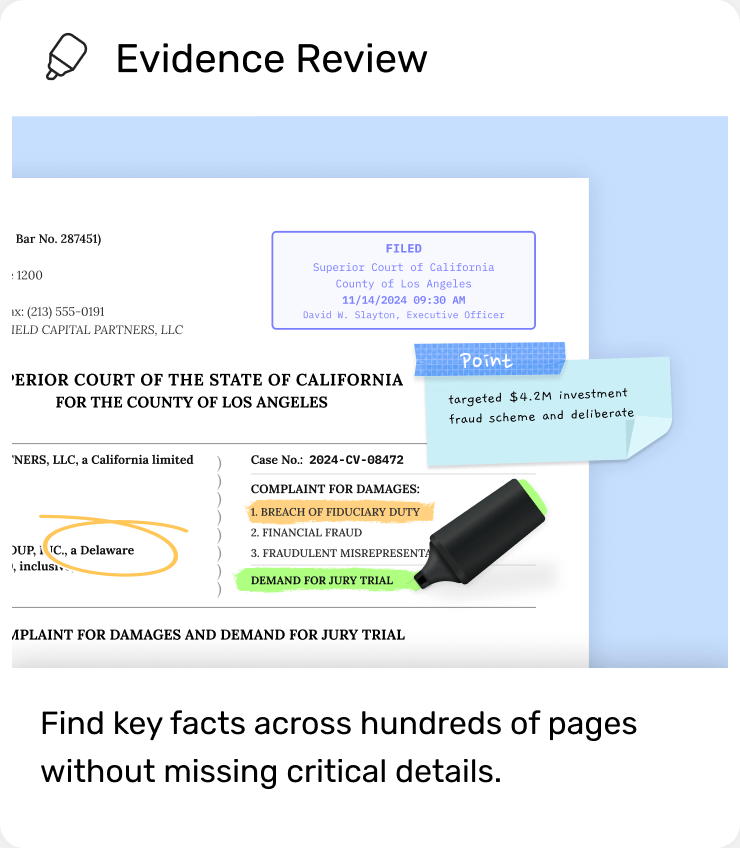
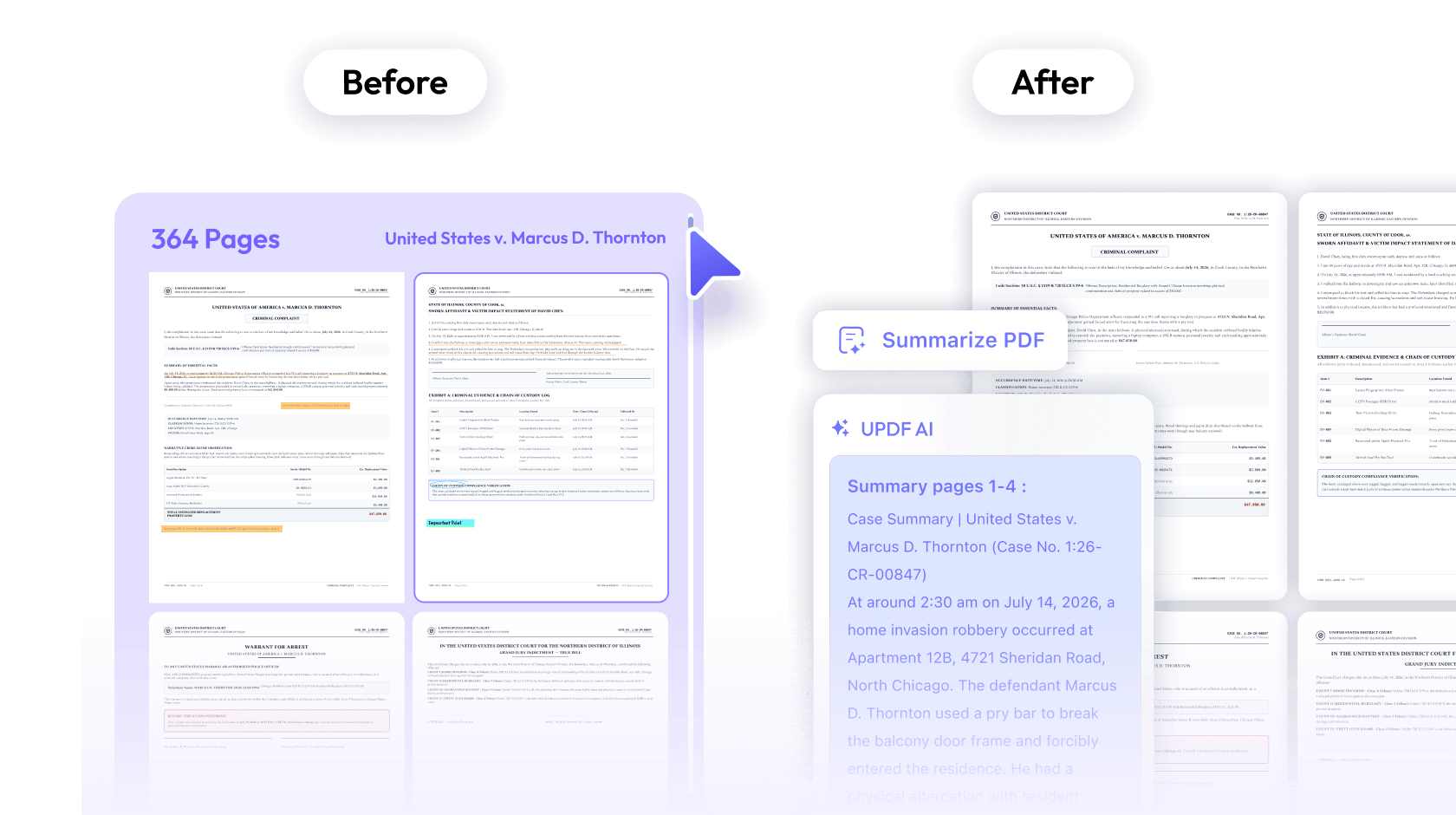
المراجعة ← اكتشف المعلومات المهمة
قلّل الوقت الذي تقضيه في البحث عن إفادة واحدة.
التحدي: قراءة أكثر من 1,000 صفحة من الإفادات وتقارير التحقيق، مع القلق من إغفال حقيقة مهمة للقضية.
مع UPDF: لخّص ملفات القضايا بالذكاء الاصطناعي ونظّم تسلسل الوقائع وأبرز الإفادات المهمة. راجع الملخص مقابل الأصل لتحديد المقاطع التي تحتاج إلى تدقيق.
 UPDF AI
 تمييز النصوص
 ملاحظات لاصقة
عرض الخطط
ابدأ مجانًا
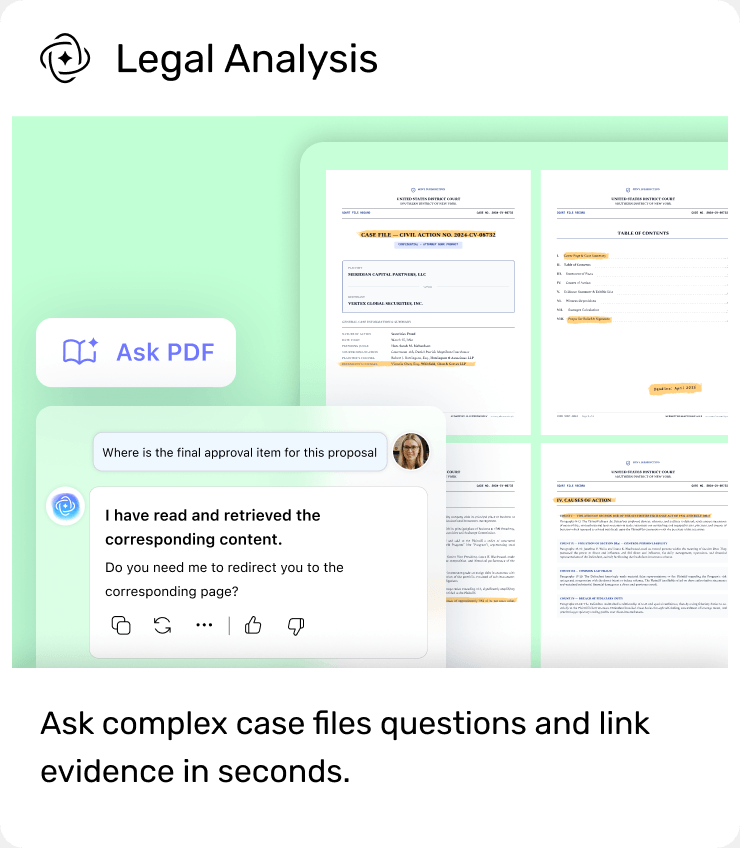
 اسأل عن PDF بالذكاء الاصطناعي
 مشروع دردشة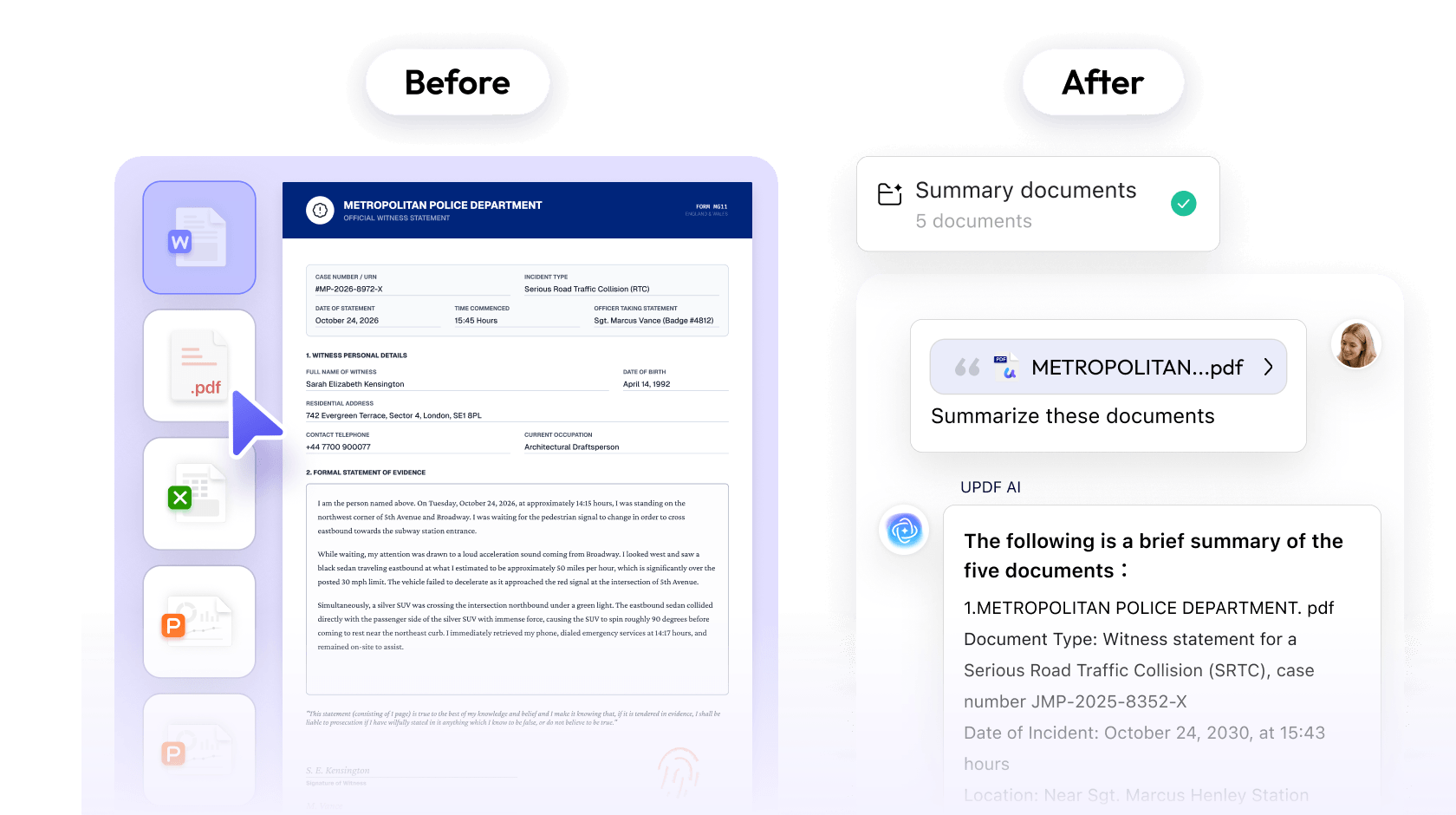
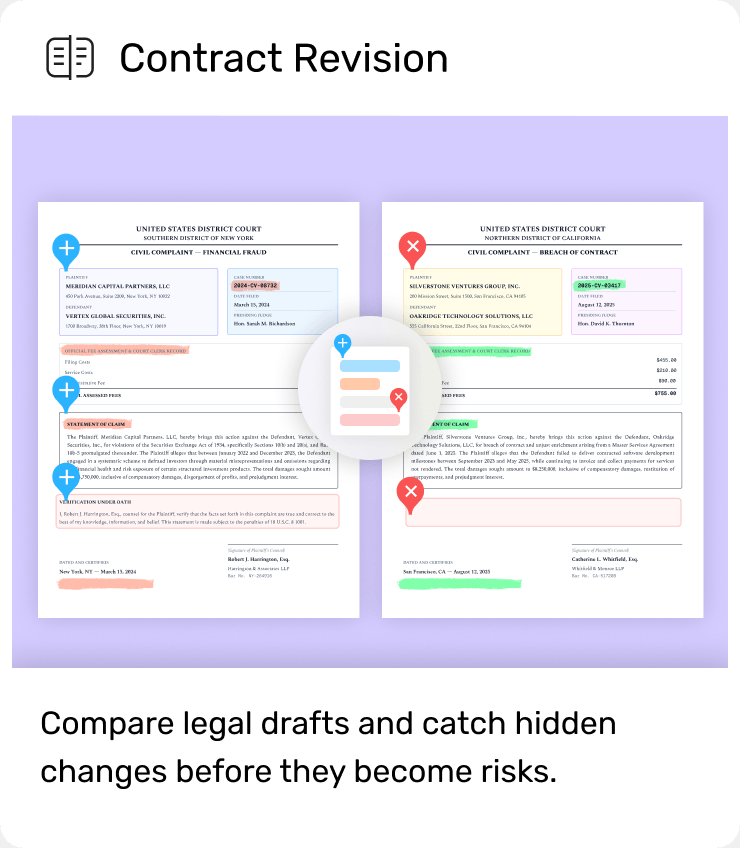
 مقارنة ملفات PDF
 تحرير PDF مباشرة
 شرح بالذكاء الاصطناعي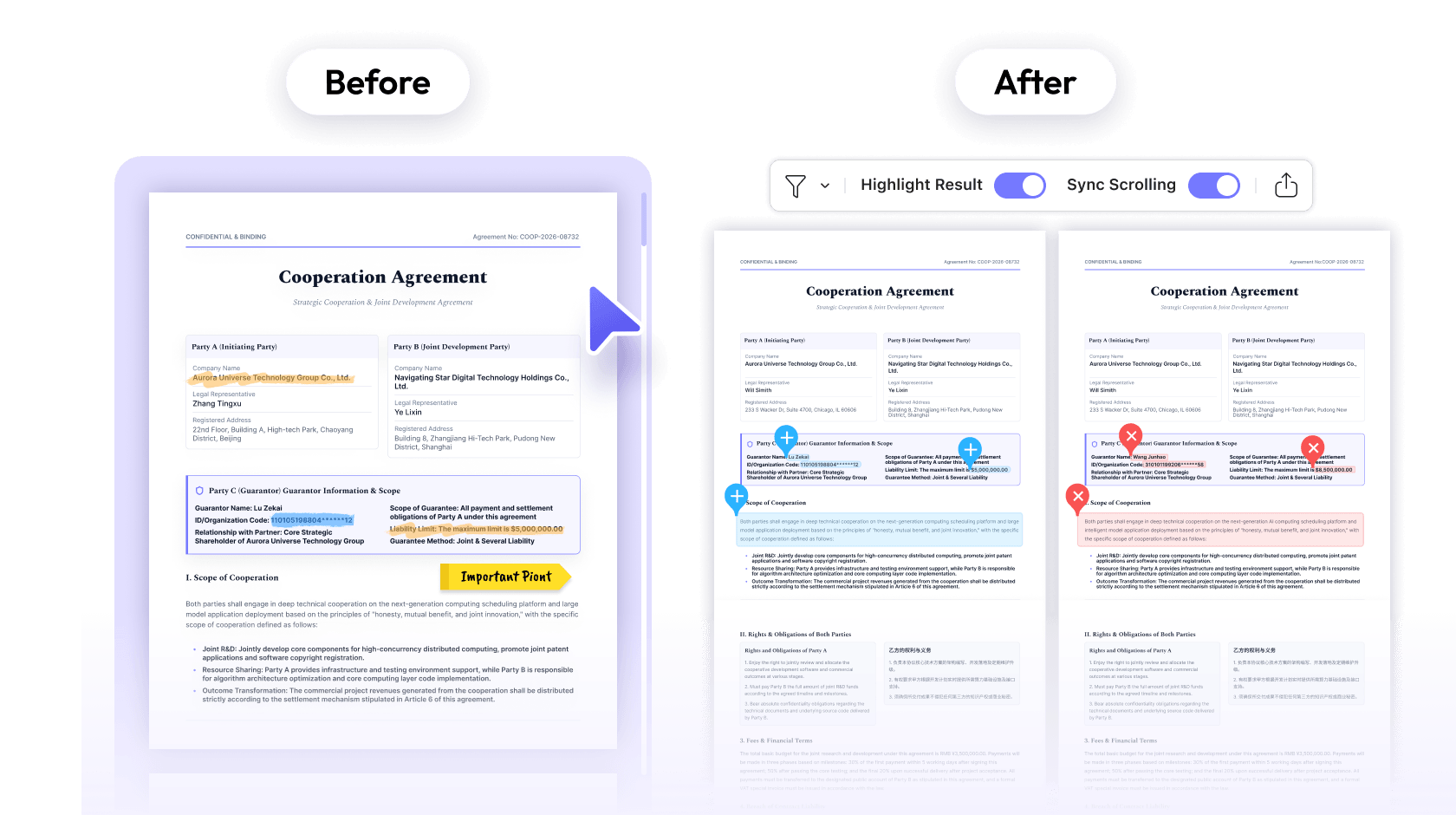
 دمج ملفات PDF
 ترقيم Bates
 حجب البيانات في PDF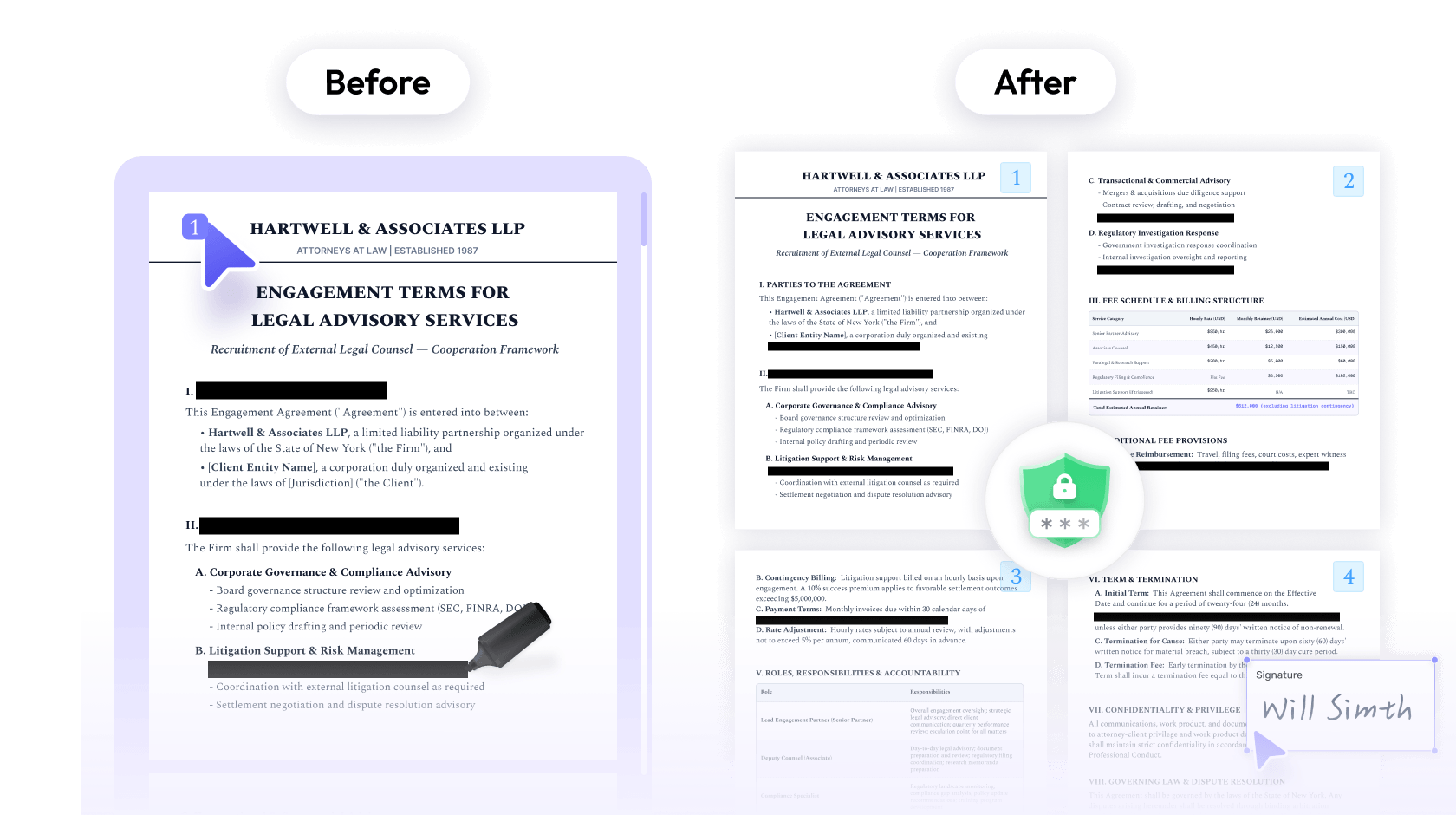
 UPDF
UPDF
 Nomostar
 IvyCraft
 UPDF Sign



 PDF Association