UPDF
UPDF
 Windows के लिए UPDF
 Mac के लिए UPDF
 iPhone/iPad के लिए UPDF
 Android के लिए UPDF
 Nomostar
 UPDF AI Online
 UPDF साइन
 IvyCraft
 PDF संपादित करें
 PDF पर टिप्पणी करें
 PDF बनाएं
 PDF फ़ॉर्म
 लिंक संपादित करें
 PDF रूपांतरित करें
 OCR
OCR PDF से Word
 PDF से छवि
 PDF से Excel
 PDF व्यवस्थित करें
 PDF मर्ज करें
 PDF विभाजित करें
 PDF क्रॉप करें
 PDF घुमाएँ
 PDF सुरक्षित करें
 PDF पर हस्ताक्षर करें
 PDF संशोधित करें
 PDF स्वच्छ करें
 सुरक्षा हटाएँ
 PDF पढ़ें
 UPDF क्लाउड
 PDF संपीड़ित करें
 PDF प्रिंट करें
 बैच प्रोसेस
 UPDF AI के बारे में
 UPDF AI समाधान
 एआई उपयोगकर्ता मार्गदर्शिका
 UPDF से जुड़े प्रश्न
 PDF का संक्षेपण करें
 PDF का अनुवाद करें
 PDF के साथ चैट करें
 AI के साथ चैट करें
 छवि के साथ चैट करें
 PDF को माइंड मैप में बदलें
 PDF की व्याख्या करें
 PDF AI Tools
 Image AI Tools
 AI Chat Tools
 AI Writing Tools
 AI Study Tools
 AI Working Tools
 Other AI Tools
 AI बुकमार्क जनरेशन
 AI बुकमार्क सारांश
 AI वॉटरमार्क जनरेशन
 AI बैकग्राउंड जनरेशन
 AI स्टिकर जनरेशन
 AI स्टैम्प जनरेशन
 AI राइटिंग सूट
 UPDF Copilot
 AI पेज प्रबंधन
 AI सिमेंटिक खोज
 PDF से Word
 PDF से Excel
 PDF से PowerPoint
 एंटरप्राइज समाधान
 एंटरप्राइज योजना
 एंटरप्राइज उपयोगकर्ता गाइड
 कंपनी वेबिनार
 बैंकिंग
 स्वास्थ्य सेवा
 बीमा
बीमा क़ानूनी
 विनिर्माण
 सरकार
सरकार शिक्षा समाधान
 ग्राहक कहानियां
 उपयोगकर्ता गाइड
 UPDF ट्रिक्स
 अक्सर पूछे जाने वाले प्रश्न
 UPDF समीक्षाएं
 डाउनलोड केंद्र
 ब्लॉग
ब्लॉग न्यूजरूम
 तकनीकी विनिर्देश
 अपडेट्स
 UPDF बनाम Adobe Acrobat
 UPDF बनाम Foxit
 UPDF बनाम PDF Expert

 UPDF AI
मुफ्त AI ब्रांड दिशानिर्देश जनरेटर
सोशल पोस्ट में ऑफ-ब्रांड रंगों या डेक्स में अलग-अलग फॉन्ट से परेशान हैं? UPDF AI एक ब्रांड नियम-पुस्तिका बनाता है जिसका पालन आपकी पूरी टीम कर सकती है। अपनी मौजूदा एसेट्स अपलोड करें और लोगो उपयोग, टाइपोग्राफी, रंग कोड और टोन ऑफ वॉइस को कवर करने वाली संरचित गाइड पाएं।
द्वारा संचालित
 GPT-5 |
 DeepSeek R1
5000+ समीक्षाएं
 4.8
4.8
UPDF AI उपलब्ध है


 डेस्कटॉप और मोबाइल ऐप

4M+ उपयोगकर्ता, 10M+ ब्रांड दिशानिर्देश जनरेट किए गए। प्रमुख मीडिया द्वारा विश्वसनीय:






ब्रांड दिशानिर्देश जनरेट करने के लिए UPDF AI का उपयोग कैसे करें
-
चरण 1: अपनी ब्रांड एसेट्स अपलोड करें
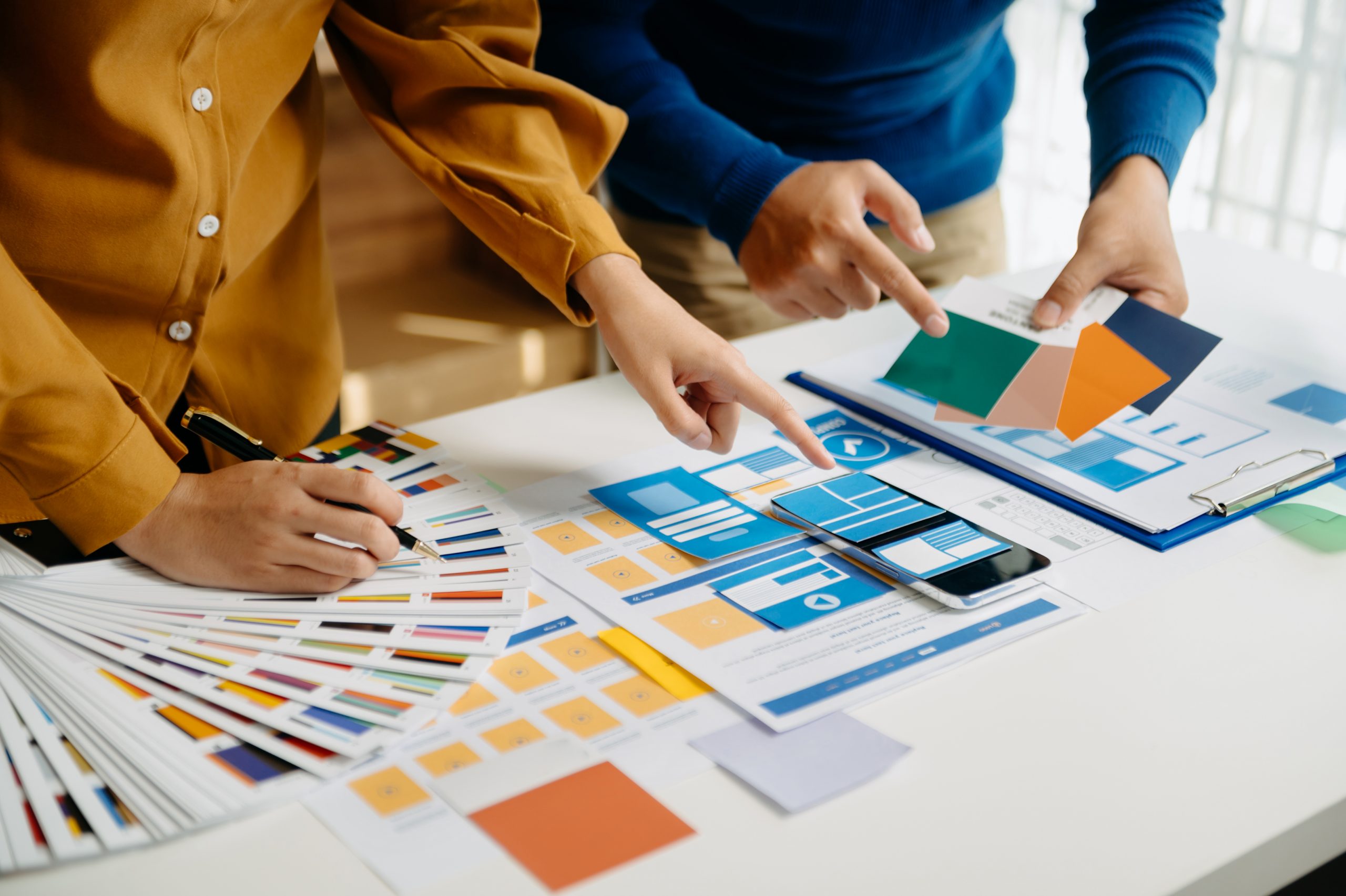
PDF या इमेज अपलोड करें, जैसे लोगो, डिजाइन दस्तावेज़, कलर स्वॉच और मूड बोर्ड, या अपनी ब्रांड दृष्टि और प्रेरणाएं पेस्ट करें। फिर UPDF AI तुरंत आपके मौजूदा विज़ुअल और वर्बल पैटर्न पढ़ता और निकालता है। -
चरण 2: अपना ब्रांड फ्रेमवर्क परिभाषित करें
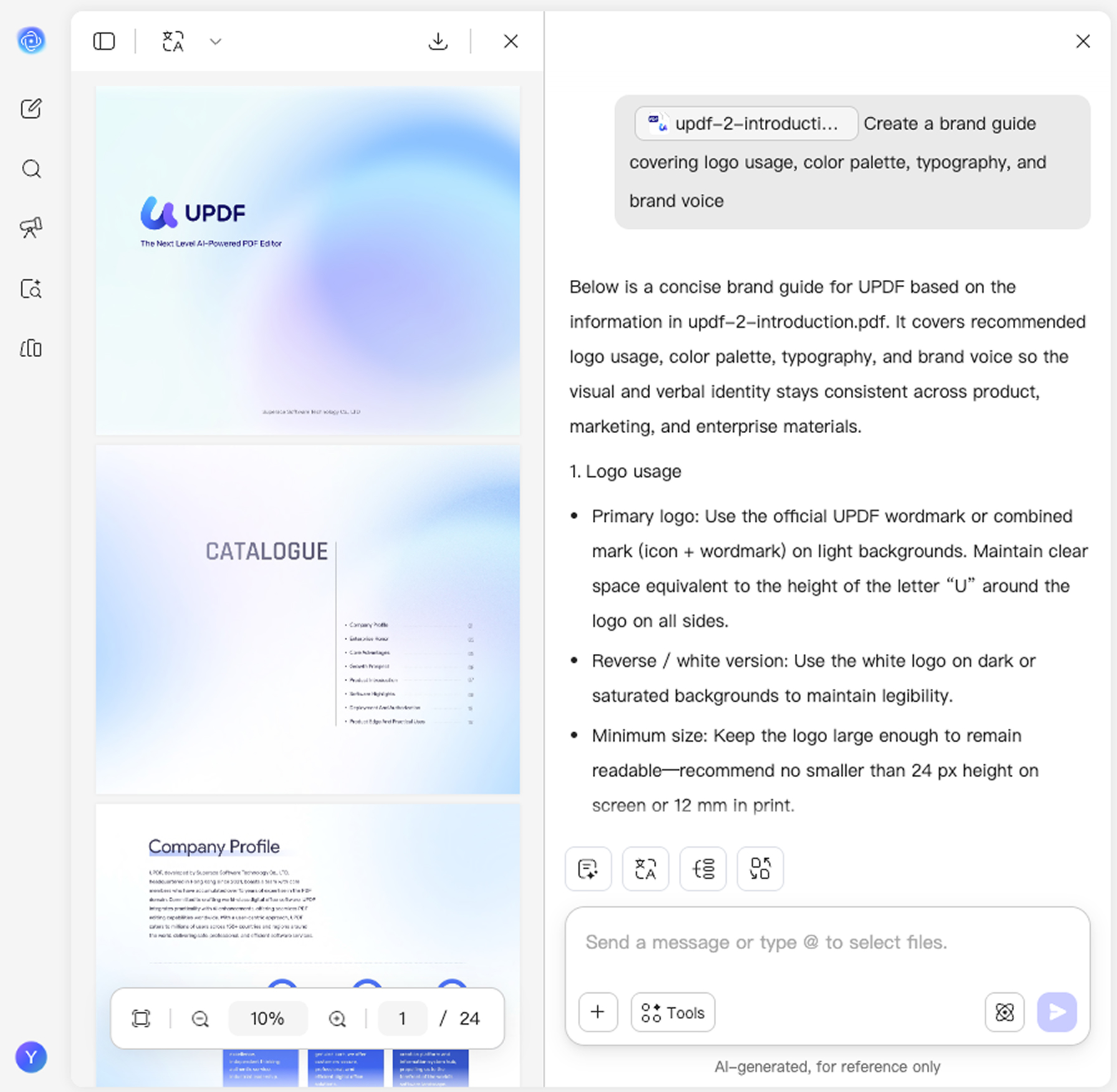
UPDF AI को बताएं कि आपको क्या चाहिए। उदाहरण: "लोगो उपयोग, रंग पैलेट, टाइपोग्राफी और ब्रांड वॉइस को कवर करने वाली ब्रांड गाइड बनाएं" — और UPDF AI आपके ब्रांड के अनुरूप एक संरचित मैनुअल बनाता है। -
चरण 3: समीक्षा करें, सुधारें और साझा करें
जनरेट किए गए ब्रांड दिशानिर्देश जांचें, निर्देश समायोजित करें और अधिक सटीक परिणामों के लिए उन्हें दोबारा जनरेट करें। संतुष्ट होने पर, दिशानिर्देश कॉपी करके डिजाइनरों, मार्केटरों और एजेंसियों के साथ साझा करें।

UPDF AI ब्रांड दिशानिर्देश जनरेटर क्यों चुनें
ऑल-इन-वन एसेट विश्लेषण
"आपका डिजाइनर चला गया और ब्रांड दिशानिर्देश भी साथ ले गया।"
UPDF AI आपके अपलोड किए गए लोगो, इमेज और दस्तावेज़ पढ़कर मौजूदा विज़ुअल और वर्बल पैटर्न निकालता है — ताकि हर दिशानिर्देश आपके वास्तविक ब्रांड को दर्शाए, सामान्य टेम्पलेट्स को नहीं।
संरचित ब्रांड मैनुअल
"नई भर्ती, पहला सप्ताह: 'माफ कीजिए, हम फिर से कौन सा नीला रंग इस्तेमाल करते हैं?'"
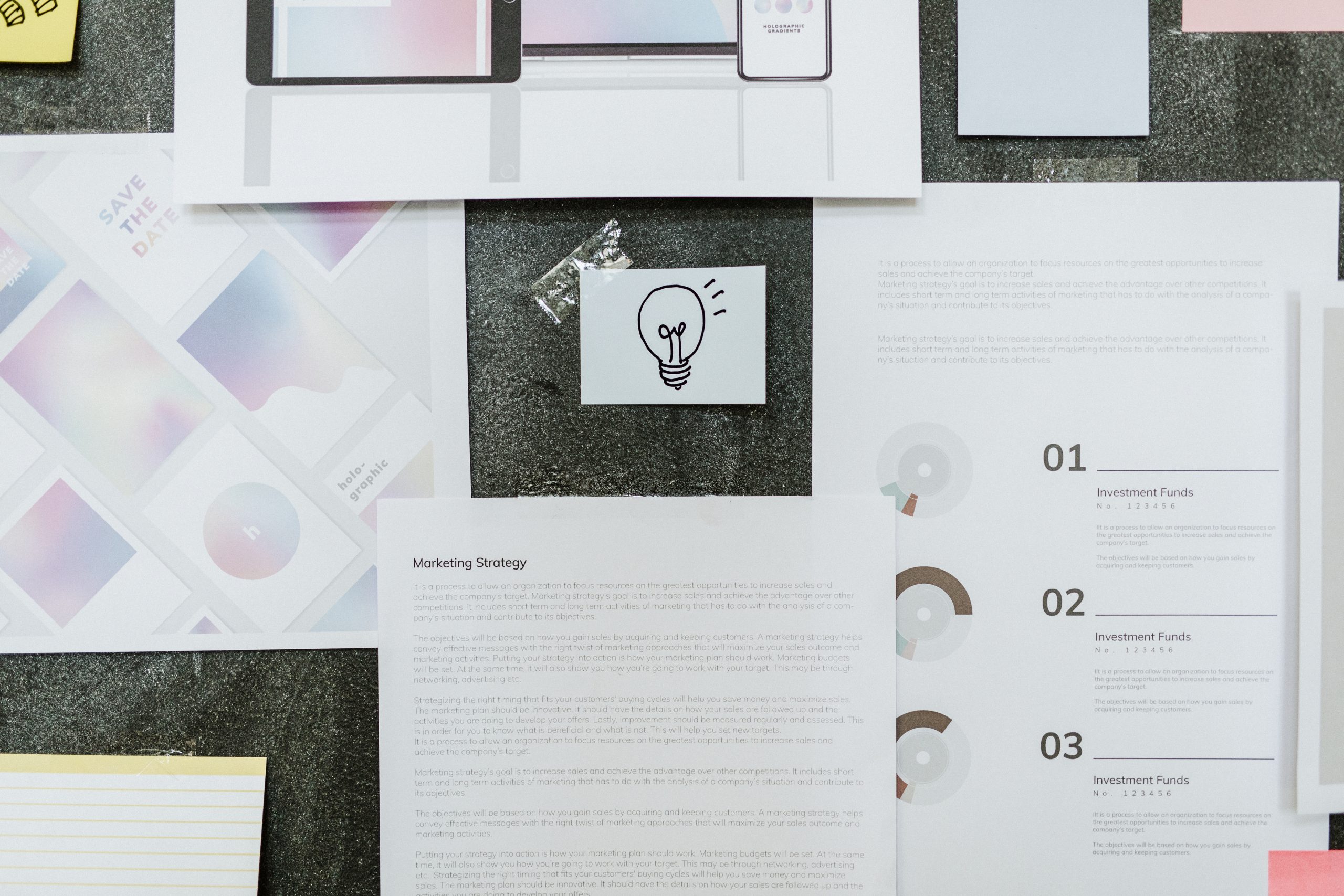
स्पष्ट अनुभागों के साथ पेशेवर ब्रांड दिशानिर्देश जनरेट करता है: विज़ुअल आइडेंटिटी, लोगो उपयोग नियम, रंग कोड, टाइपोग्राफी स्केल, टोन ऑफ वॉइस और क्या करें व क्या न करें — वितरण के लिए तैयार।
कई हितधारकों का संरेखण
"आपकी US टीम कॉर्पोरेट हो जाती है। APAC playful हो जाता है। EMEA minimal हो जाता है।"
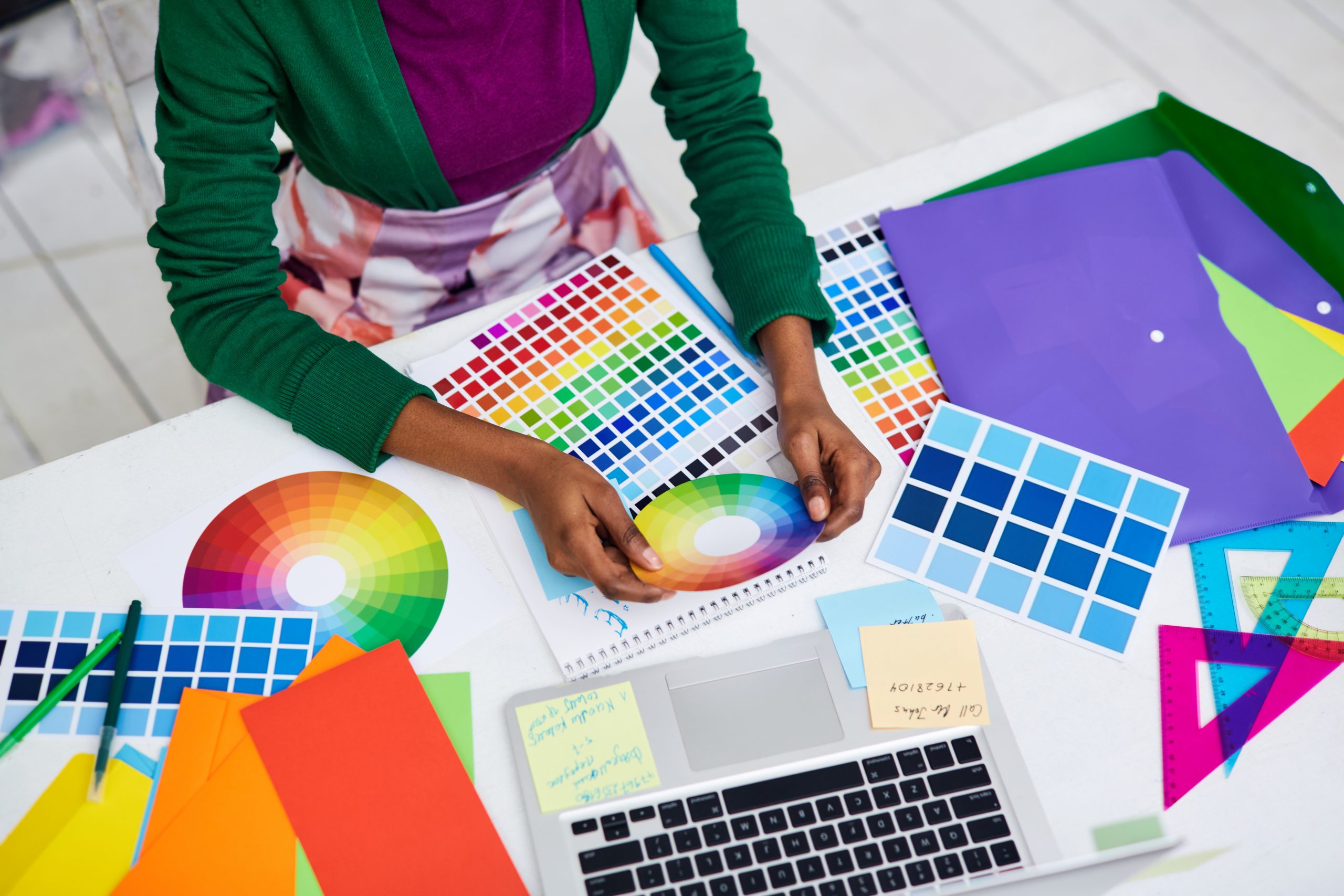
एक single source of truth बनाएं जो इन-हाउस डिजाइनरों, मार्केटरों, फ्रीलांसरों और बाहरी एजेंसियों को संरेखित रखे। अब ऑफ-ब्रांड रंगों या असंगत मैसेजिंग की जरूरत नहीं।

तेज ब्रांड परिष्करण
"आपका डिजाइनर चला गया और ब्रांड दिशानिर्देश भी साथ ले गया।"
UPDF AI आपके अपलोड किए गए लोगो, इमेज और दस्तावेज़ पढ़कर मौजूदा विज़ुअल और वर्बल पैटर्न निकालता है — ताकि हर दिशानिर्देश आपके वास्तविक ब्रांड को दर्शाए, सामान्य टेम्पलेट्स को नहीं।
ब्रांड स्थिरता
अपलोड की गई एसेट्स से लॉक की गई
अक्सर असंगत, सामान्य आउटपुट
विज़ुअल आइडेंटिटी एक्सट्रैक्शन
आपकी फाइलों से रंग, फॉन्ट और लोगो अपने आप पहचानता है
सीमित या मैन्युअल इनपुट
टोन ऑफ वॉइस नियम
स्पष्ट ब्रांड वॉइस नियम जनरेट करता है
अक्सर अनुपस्थित या अस्पष्ट
मल्टी-फाइल इनपुट
एक साथ कई फाइलें संभालता है
आमतौर पर एक बार में केवल एक फाइल
आउटपुट फॉर्मेट
उपयोग के लिए तैयार संरचित गाइड
अतिरिक्त संपादन की जरूरत
संशोधन गति
अपडेट और दोबारा जनरेट करना आसान
धीमा, मैन्युअल रीवर्क
डेटा गोपनीयता
सुरक्षित प्रोसेसिंग
अलग-अलग
मुफ्त आजमाएं
 , 100 प्रश्न

कोई शब्द सीमा नहीं
AI मॉडल विकल्प
ChatGPT-5 और DeepSeek R1
एक AI मॉडल तक सीमित
समर्थित प्लेटफॉर्म
Online, Windows, Mac, Android, iOS
Online
UPDF AI ब्रांड दिशानिर्देश जनरेटर का उपयोग करने के बारे में FAQs
Q1. क्या UPDF AI छोटे ब्रांडों या स्टार्टअप्स के लिए उपयुक्त है?
Q2. क्या यह ब्रांड वॉइस और मैसेजिंग नियम भी जनरेट कर सकता है?
Q3. मैं ब्रांड एसेट्स के रूप में कौन से फाइल फॉर्मेट अपलोड कर सकता हूं?
Q4. क्या मैं rebrand या pivot के बाद दिशानिर्देश अपडेट कर सकता हूं?
Q5. रोजगार अनुबंध जनरेट करने से पहले मुझे कौन से विवरण तैयार रखने होंगे?
अन्य लोकप्रिय UPDF AI उपकरण