UPDF
UPDF
 Windows के लिए UPDF
 Mac के लिए UPDF
 iPhone/iPad के लिए UPDF
 Android के लिए UPDF
 Nomostar
 UPDF AI Online
 UPDF साइन
 IvyCraft
 PDF संपादित करें
 PDF पर टिप्पणी करें
 PDF बनाएं
 PDF फ़ॉर्म
 लिंक संपादित करें
 PDF रूपांतरित करें
 OCR
OCR PDF से Word
 PDF से छवि
 PDF से Excel
 PDF व्यवस्थित करें
 PDF मर्ज करें
 PDF विभाजित करें
 PDF क्रॉप करें
 PDF घुमाएँ
 PDF सुरक्षित करें
 PDF पर हस्ताक्षर करें
 PDF संशोधित करें
 PDF स्वच्छ करें
 सुरक्षा हटाएँ
 PDF पढ़ें
 UPDF क्लाउड
 PDF संपीड़ित करें
 PDF प्रिंट करें
 बैच प्रोसेस
 UPDF AI के बारे में
 UPDF AI समाधान
 एआई उपयोगकर्ता मार्गदर्शिका
 UPDF से जुड़े प्रश्न
 PDF का संक्षेपण करें
 PDF का अनुवाद करें
 PDF के साथ चैट करें
 AI के साथ चैट करें
 छवि के साथ चैट करें
 PDF को माइंड मैप में बदलें
 PDF की व्याख्या करें
 PDF AI Tools
 Image AI Tools
 AI Chat Tools
 AI Writing Tools
 AI Study Tools
 AI Working Tools
 Other AI Tools
 AI बुकमार्क जनरेशन
 AI बुकमार्क सारांश
 AI वॉटरमार्क जनरेशन
 AI बैकग्राउंड जनरेशन
 AI स्टिकर जनरेशन
 AI स्टैम्प जनरेशन
 AI राइटिंग सूट
 UPDF Copilot
 AI पेज प्रबंधन
 AI सिमेंटिक खोज
 PDF से Word
 PDF से Excel
 PDF से PowerPoint
 एंटरप्राइज समाधान
 एंटरप्राइज योजना
 एंटरप्राइज उपयोगकर्ता गाइड
 कंपनी वेबिनार
 बैंकिंग
 स्वास्थ्य सेवा
 बीमा
बीमा क़ानूनी
 विनिर्माण
 सरकार
सरकार शिक्षा समाधान
 ग्राहक कहानियां
 उपयोगकर्ता गाइड
 UPDF ट्रिक्स
 अक्सर पूछे जाने वाले प्रश्न
 UPDF समीक्षाएं
 डाउनलोड केंद्र
 ब्लॉग
ब्लॉग न्यूजरूम
 तकनीकी विनिर्देश
 अपडेट्स
 UPDF बनाम Adobe Acrobat
 UPDF बनाम Foxit
 UPDF बनाम PDF Expert

 UPDF AI
UPDF AI से बैलेंस शीट का विश्लेषण करें
स्थिर PDF में बैलेंस शीट का विश्लेषण धीमा और त्रुटि-प्रवण होता है। UPDF AI घनी वित्तीय रिपोर्टों को तुरंत विजुअल माइंड मैप में बदल देता है, जिससे लिक्विडिटी, एसेट क्वालिटी और छिपे हुए फुटनोट जोखिम एक नजर में सामने आ जाते हैं।
द्वारा संचालित
 GPT-5 |
 DeepSeek R1
5000+ समीक्षाएं
 4.8
4.8
UPDF AI उपलब्ध है


 डेस्कटॉप और मोबाइल ऐप पर

4M+ उपयोगकर्ता, 23M+ बैलेंस शीट विश्लेषित, प्रमुख मीडिया द्वारा विश्वसनीय:






UPDF AI से बैलेंस शीट का विश्लेषण कैसे करें?
-
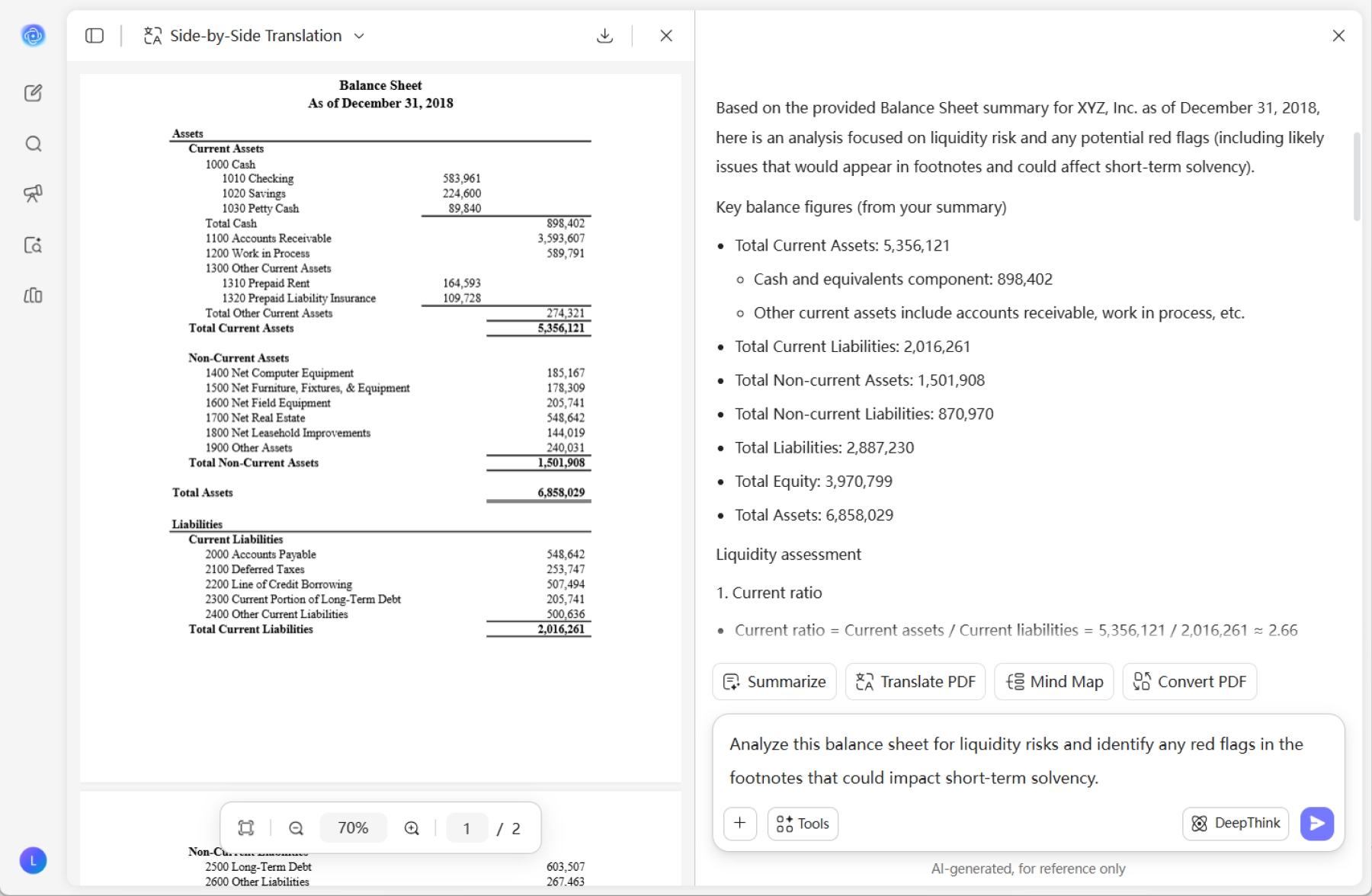
अपनी बैलेंस शीट को UPDF AI में ड्रैग और ड्रॉप करें। हमारा AI तुरंत बैलेंस शीट का ओवरव्यू जनरेट करता है, लिक्विडिटी रेशियो, एसेट क्वालिटी और सॉल्वेंसी जोखिमों का मूल्यांकन करता है, और महत्वपूर्ण रेड फ्लैग तथा संरचनात्मक सुधार के क्षेत्रों को सटीक रूप से पहचानता है।
-
आप विशिष्ट प्रॉम्प्ट दर्ज करके अपने विश्लेषण का फोकस निर्धारित कर सकते हैं। UPDF AI को साफ बताएं कि किन वित्तीय आयामों को प्राथमिकता देनी है, जैसे: “लिक्विडिटी जोखिमों के लिए इस बैलेंस शीट का विश्लेषण करें और फुटनोट में ऐसे किसी भी रेड फ्लैग की पहचान करें जो अल्पकालिक सॉल्वेंसी को प्रभावित कर सकता हो, या इस बैलेंस शीट को माइंड मैप में विश्लेषित करें।”
-
AI द्वारा जनरेट की गई इनसाइट्स को कॉपी करके या गहन विश्लेषण के लिए परिणामों को फिर से जनरेट करके अपने विश्लेषण को बेहतर बनाएं। संतुष्ट होने के बाद, अंतिम फॉर्मेटिंग के लिए सामग्री को वापस अपने दस्तावेज़ में सिंक करें।

बैलेंस शीट का विश्लेषण करने के लिए UPDF AI क्यों चुनें?
मैनुअल डेटा एंट्री की थकान हटाएं
क्रेडिट रिव्यू या सप्लायर असेसमेंट में समय केवल पढ़ने में नहीं, बल्कि गणना में भी लगता है। UPDF AI करंट एसेट्स और लायबिलिटीज जैसे मुख्य KPI तुरंत निकालकर और जरूरी रेशियो उसी समय गणना करके आपको "मैनुअल एंट्री ट्रैप" से बचाता है। अब Excel में नंबर कॉपी करने की जरूरत नहीं; सेकंडों में सटीक वित्तीय इनसाइट्स पाएं, वह भी बिना मानवीय गलती के।
बारीक विवरण में छिपे "रेड फ्लैग" उजागर करें
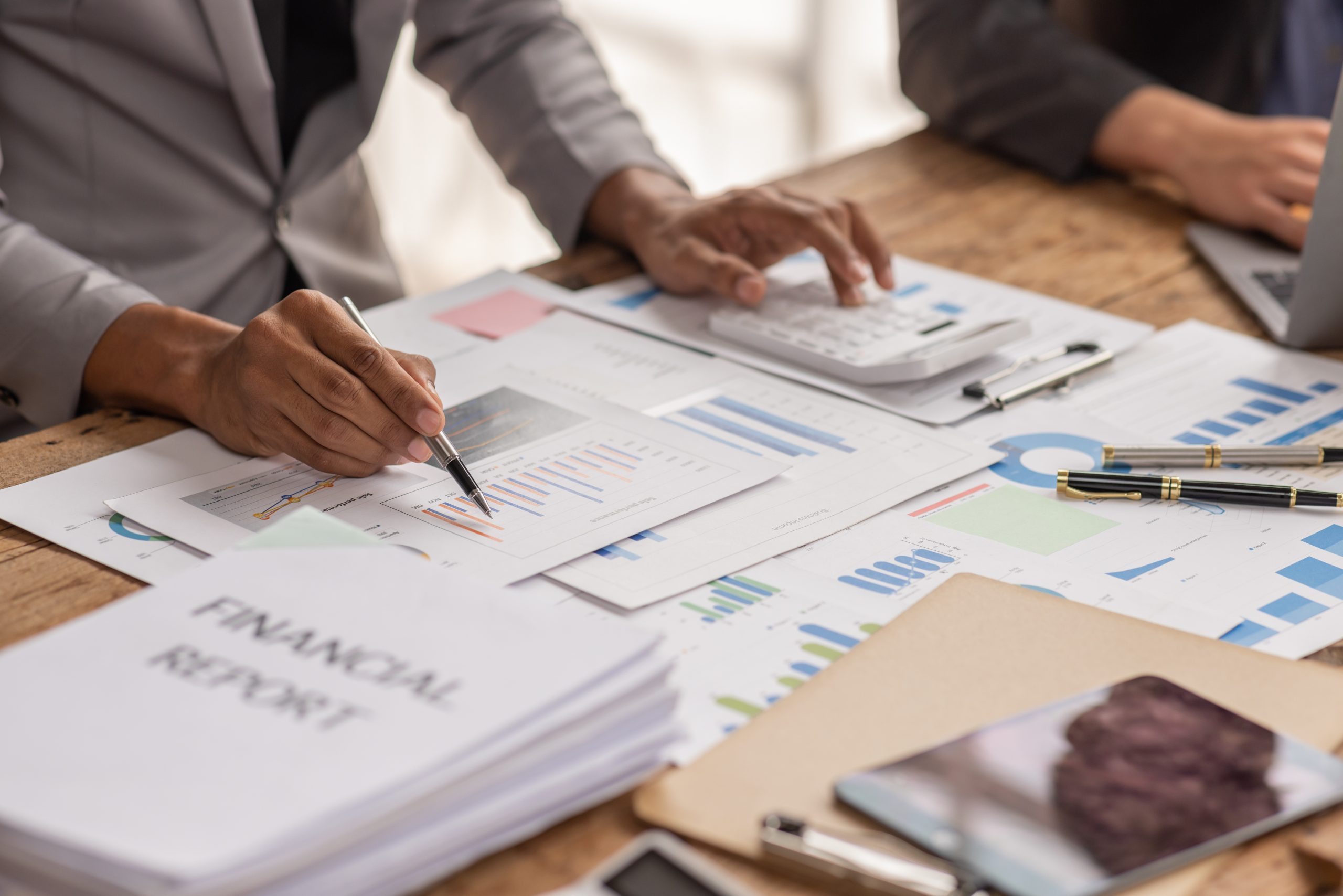
बैलेंस शीट के वास्तविक जोखिम अक्सर घने, कई पेजों वाले फुटनोट में छिपे होते हैं। मैनुअल स्कैनिंग लंबित मुकदमे या छिपे कर्ज की एक पंक्ति आसानी से छोड़ सकती है, जबकि UPDF AI ISO 27001 प्रमाणन वाले आपके डिजिटल फॉरेंसिक विशेषज्ञ और सुरक्षा गार्ड की तरह काम करता है। यह सप्लीमेंटरी नोट्स में जाकर अघोषित देनदारियों और एसेट इम्पेयरमेंट को चिह्नित करता है, जो कंपनी की सॉल्वेंसी को कमजोर कर सकते हैं।
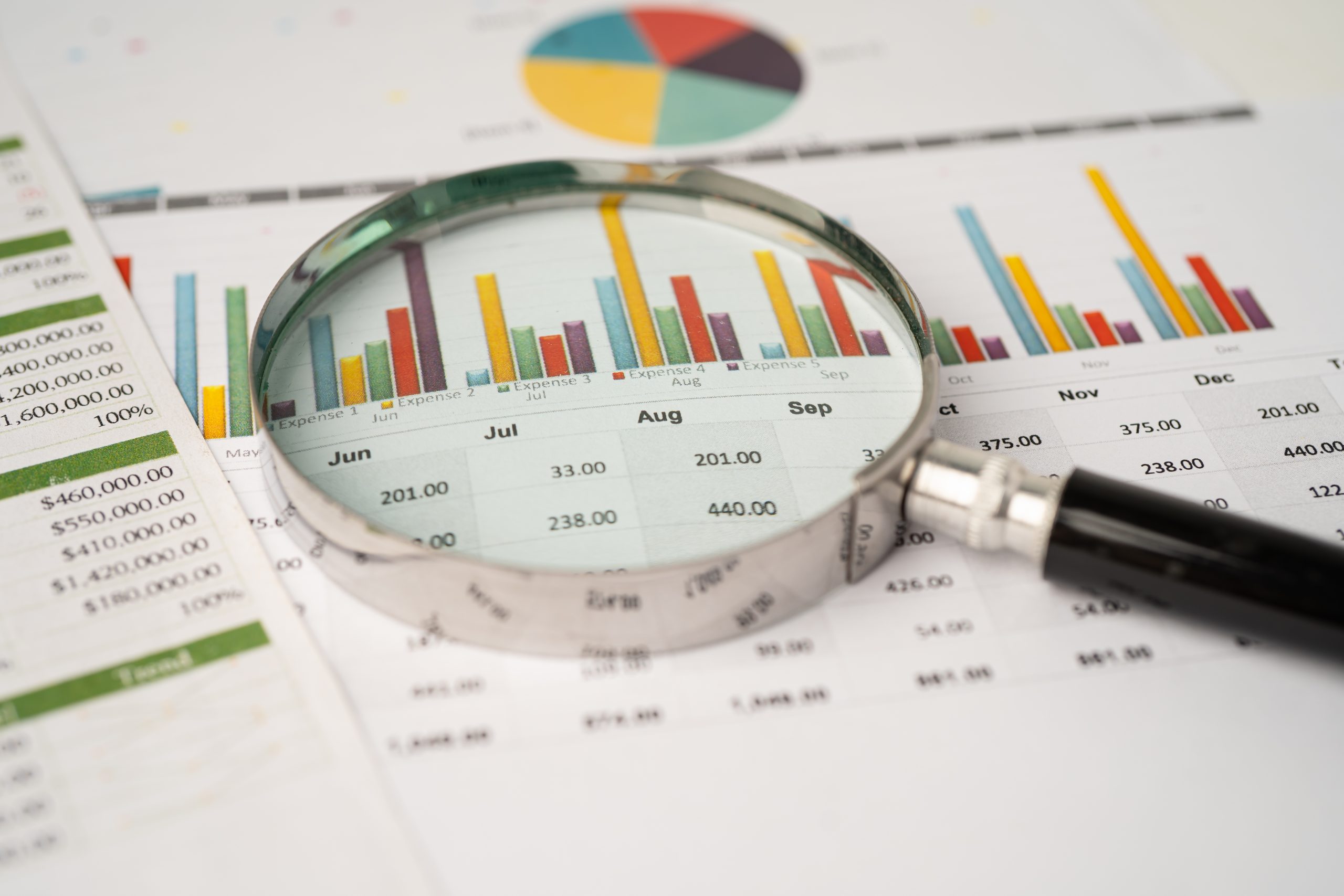
आंखों पर जोर डाले बिना ट्रेंड विश्लेषण में महारत पाएं
स्थिर आंकड़े केवल आधी कहानी बताते हैं। यह समझने के लिए कि कंपनी किस दिशा में जा रही है, आपको अवधियों की तुलना करनी होती है। UPDF के Document Compare मोड को AI इनसाइट्स के साथ जोड़कर आप विंडो बदलने से बच सकते हैं। AI अपने आप वर्ष-दर-वर्ष अंतर पहचानता है और कैश फ्लो या कर्ज स्तरों में बड़े उतार-चढ़ाव के कारण समझाता है।
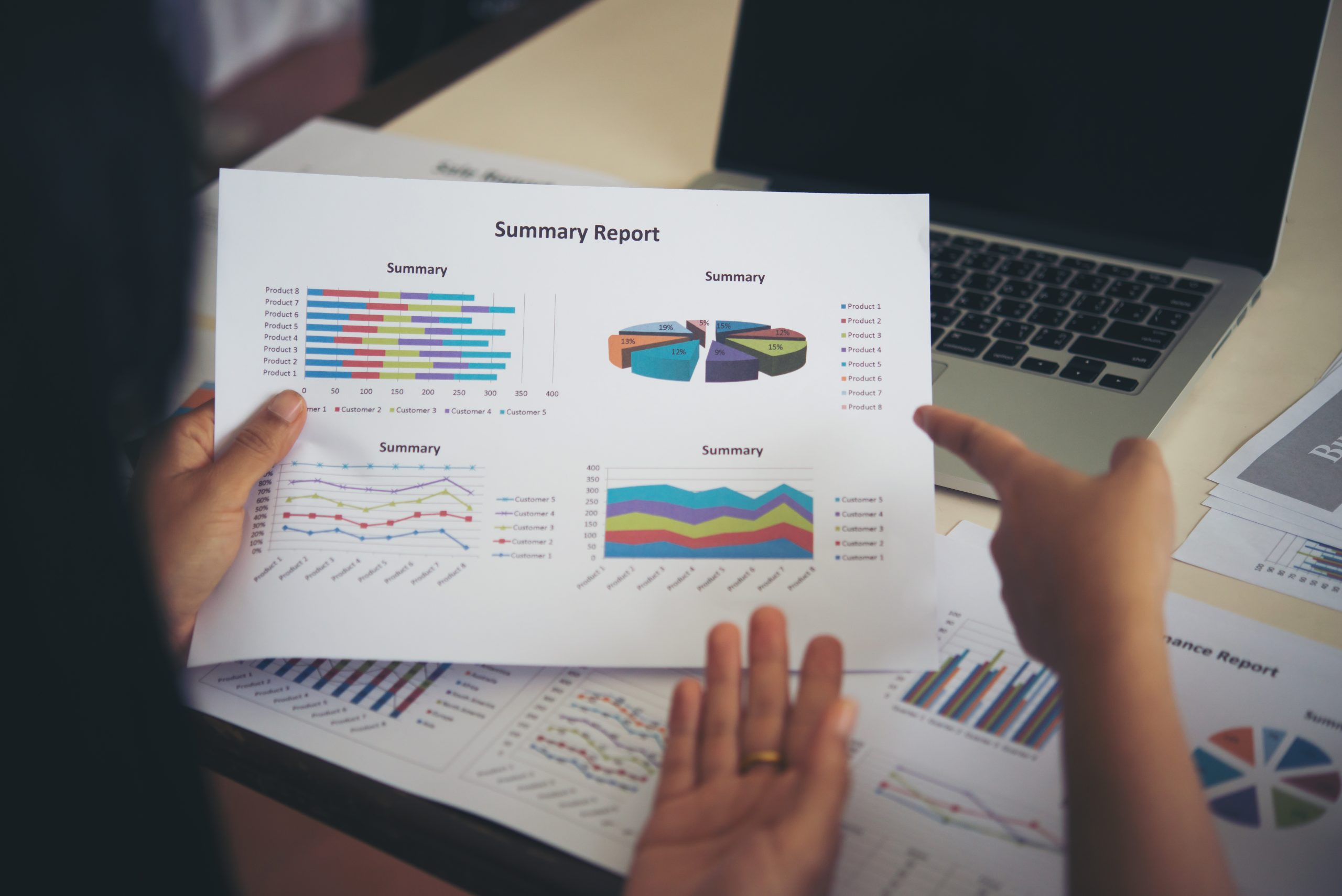
कागज़ और विश्लेषण के बीच की दूरी खत्म करें
वित्तीय रिपोर्टें अक्सर अव्यवस्थित स्कैन या खोज न की जा सकने वाली इमेज के रूप में आती हैं। UPDF AI औद्योगिक-ग्रेड OCR और द्विदिश कन्वर्जन से इस अंतर को पाटता है। किसी फिजिकल स्कैन को स्मार्ट PDF या माइंड मैप में बदलें, AI से विश्लेषण कराएं, और फिर अंतिम रिपोर्ट के लिए परिणामों को वापस Excel में एक्सपोर्ट करें। यह एक ही ऐप में पूरा एंड-टू-एंड वर्कफ़्लो है।

UPDF AI बनाम अन्य AI टूल्स
UPDF AI
अन्य AI टूल्स
मुफ्त
 (100 Q&A + 5 PDF अपलोड)
(5 से कम फाइल अपलोड)
समर्थित फाइल फॉर्मेट
(PDF, इमेज और टेक्स्ट)
 (केवल टेक्स्ट इनपुट)
बहुभाषी सपोर्ट
(100+)
(20 से अधिक नहीं)
डेटा-संचालित ड्राफ्टिंग
(फाइलों से इनसाइट्स निकालता है)
(केवल सामान्य सारांश)
AI मॉडल
ChatGPT-5 और DeepSeek R1
ChatGPT-5
मल्टीप्लेटफॉर्म उपलब्धता
ऑनलाइन, Windows, Mac, iOS, Android
Online
डेटा सुरक्षा
UPDF AI से बैलेंस शीट विश्लेषण के बारे में अक्सर पूछे जाने वाले प्रश्न
1. क्या UPDF AI फुटनोट में छिपे वित्तीय जोखिमों की पहचान कर सकता है?
2. UPDF AI का उपयोग करते समय क्या मेरा संवेदनशील डेटा सुरक्षित है?
3. क्या मैं Excel फॉर्मेट वाली बैलेंस शीट का विश्लेषण कर सकता हूं?
4. क्या UPDF AI स्कैन की गई बैलेंस शीट या इमेज-आधारित वित्तीय रिपोर्टों का विश्लेषण कर सकता है?
अन्य लोकप्रिय UPDF AI उपकरण